AV Integration: Projector Planning That Performs
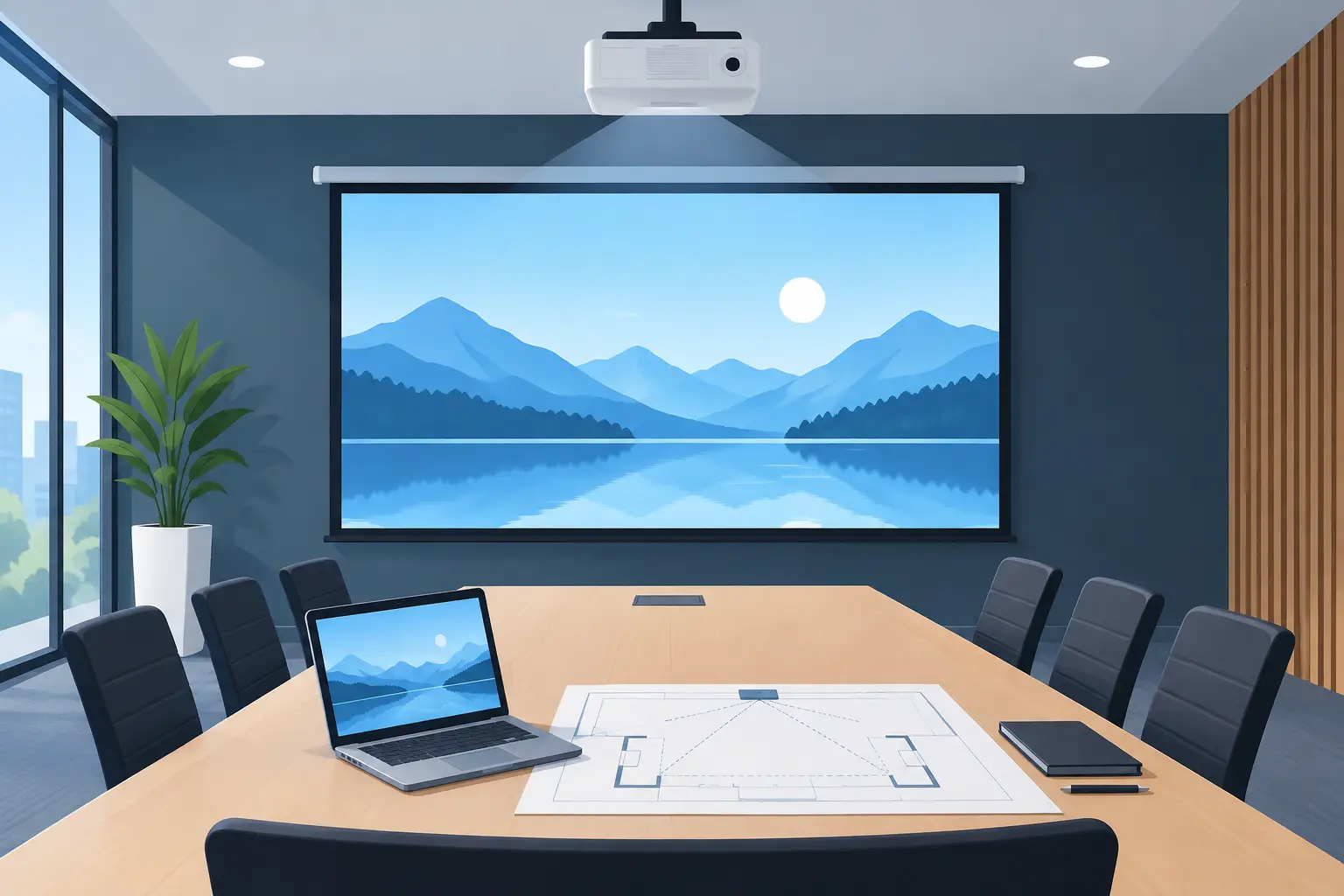
A conference room display that goes dark before a client presentation is rarely just a projector problem. It is an AV integration problem involving light output, signal paths, mounting geometry, ventilation, control systems, and the availability of service parts. For integrators and service providers, the goal is not simply to install equipment that works on day one. It is to build a display system that performs predictably, can be maintained efficiently, and remains economical throughout its operating life.
Projectors still have a clear role in corporate meeting spaces, classrooms, large venues, museums, houses of worship, and rental applications. Their value is strongest where image size, throw flexibility, or existing infrastructure favors projection. However, dependable results require component decisions that account for the actual room and the long-term support model.
AV Integration Starts With the Application
The correct projector specification begins with the installed environment, not with a brightness figure on a quotation. A 5,000-lumen projector may be suitable for a controlled classroom, while the same unit can appear weak in a boardroom with glass walls, high ambient light, and a large viewing surface. Screen size, viewing distance, room lighting, content type, and operating schedule all affect the required system performance.
For presentation rooms, readable text and stable color are often more important than maximum image size. For galleries and simulation environments, color reproduction, black level, and lens selection may have greater priority. Rental and event applications usually place more emphasis on fast setup, interchangeable optics, high brightness, and ready access to replacement lamps or filters.
Integrators should also confirm whether the installation is expected to operate for a few hours per day or for extended daily use. This decision affects maintenance intervals, lamp replacement planning, cooling requirements, and spare-part inventory. A lower initial equipment cost can become expensive if it creates repeated service calls or limits access to compatible replacement components.
Projector Optics Are a Core AV Integration Decision
A projector lens is not a minor accessory. It determines whether the projected image can be placed correctly, focused consistently, and maintained without compromising image quality. Throw ratio, zoom range, lens shift, and physical mounting constraints should be reviewed before the projector position is finalized.
Short-throw lenses can solve space restrictions and reduce the risk of presenters casting shadows. They can also be less forgiving of screen flatness and installation alignment. Long-throw lenses support rear projection or large venues, but may require higher output and careful control of ambient light. In either case, the lens must match the projector chassis and the required throw distance exactly.
For installations using 4K content or detailed data visualization, optical quality becomes even more visible. Light loss, edge focus, contrast, and color reproduction affect the user experience as much as the projector's native resolution. A lens that fits physically but does not maintain image quality across the full screen can undermine the entire system design.
ZORSIKA supplies projector lenses designed for high color reproduction, low light loss, 4K support, and practical installation across professional applications. For distributors and service teams, the key purchasing requirement remains clear model matching. Confirm the projector series, lens part number, throw range, and application before ordering.
Plan for Alignment and Physical Access
The installation drawing should account for more than the ideal lens centerline. Leave access for lens changes, focus adjustment, filter removal, lamp service, and cable inspection. Ceiling recesses and custom enclosures can create a clean appearance, but they often increase labor costs when a routine replacement is required.
Where lens shift is available, use it to correct placement within the manufacturer’s specified range rather than relying on heavy keystone correction. Digital correction can be useful when conditions require it, but extensive correction reduces active image area and can affect perceived sharpness. Mechanical alignment should remain the first choice.
Light Output Depends on More Than the Lamp Rating
Projector brightness changes over time. Lamp aging, dust accumulation, optical wear, operating mode, and room temperature all influence the image delivered to the screen. A system designed with no performance margin can look acceptable at commissioning and disappointing several months later.
For lamp-based projectors, replacement quality matters. A low-cost lamp with inconsistent arc stability or insufficient output may create brightness variation, poor color balance, early failures, or callbacks that remove any initial savings. Professional buyers should compare usable light output, expected operating life, burner construction, and warranty terms rather than purchasing only by the lowest unit price.
Replacement lamps are especially relevant in fleets where OEM lamps are expensive or difficult to source. A qualified alternative can support service continuity and protect margins, provided it is correctly matched to the projector model and installed according to the manufacturer’s procedure. ZORSIKA bulb burners are developed for broad market compatibility, with stated brightness above 95% of original lamps and service life above 90% of original lamps. These figures are meaningful only when the projector’s cooling system, lamp housing, and operating conditions are also in good order.
Do Not Ignore Power and Control Integration
A projector can have the correct lamp and lens yet still fail the user experience because of poor control design. Power sequencing, network control, input switching, and room automation should be tested as a complete workflow. Users should not need to search for remote controls, manually select inputs, or wait through repeated shutdown and startup cycles.
Some applications require projector status to be visible through the control platform or network management system. Monitoring lamp hours, temperature warnings, and error states helps service teams schedule maintenance before the room becomes unavailable. The level of monitoring depends on the project scope. A single training room may need only basic control, while a campus deployment benefits from centralized status reporting.
Ventilation Protects the Investment
Dust and smoke are common causes of reduced projector performance. They restrict airflow, increase internal temperature, contaminate optical components, and can shorten lamp life. This is particularly relevant in education facilities, event venues, industrial spaces, and installations near entrances or food service areas.
An air filter should be selected for its fit, airflow characteristics, and ability to capture contaminants without placing excessive load on the cooling system. Poorly fitting filters can allow dust to bypass the intended path. Filters that restrict ventilation can cause overheating and fan noise. Neither outcome supports reliable operation.
Maintenance schedules should reflect the room rather than relying only on a fixed calendar interval. A projector in a clean executive room may need less frequent filter inspection than a unit installed near a workshop, stage haze, or high-traffic corridor. Service records should document lamp hours, filter condition, image brightness observations, and any thermal warnings. This creates a practical basis for replacement planning across larger fleets.
Specify for Serviceability, Not Only Commissioning
The best AV integration projects consider what happens after handover. Procurement teams and resellers should ask whether compatible lenses, lamps, filters, and related accessories can be sourced with predictable lead times. They should also verify that technical personnel can identify parts by projector model and complete replacements without unnecessary disassembly.
Standardizing projector platforms can simplify fleet support, but it is not always possible. Many service providers support mixed installations across multiple brands, generations, and applications. In that situation, supplier breadth and accurate compatibility information become operational advantages. Maintaining a controlled stock of high-turn items can reduce downtime, especially for locations where a failed projector immediately affects instruction, communication, or revenue.
There is a trade-off between carrying inventory and ordering only when a failure occurs. Holding every possible part ties up capital, while having no critical spares can extend an outage. A practical approach is to stock lamps, filters, and frequently used accessories for the highest-volume models, then use a responsive specialist supplier for lower-volume requirements.
Commission the System Under Real Conditions
Commissioning should include more than confirming that an image appears on screen. Test every expected input, confirm the control sequence, evaluate focus across the image, check brightness with normal room lighting, and verify that ventilation operates correctly after extended use. If the projector supports multiple operating modes, document the selected mode and the reason for it.
The handover package should identify the installed projector model, lens model, lamp type, filter part number, mounting details, and recommended maintenance actions. This information gives future technicians a reliable starting point and reduces the risk of incorrect replacement purchases.
A well-planned projection system gives end users a clear image and simple operation. For the integrator, distributor, or service provider, its greater value is predictable maintenance, compatible replacement options, and fewer urgent calls when the equipment is needed most.