AV Maintenance That Reduces Projector Downtime
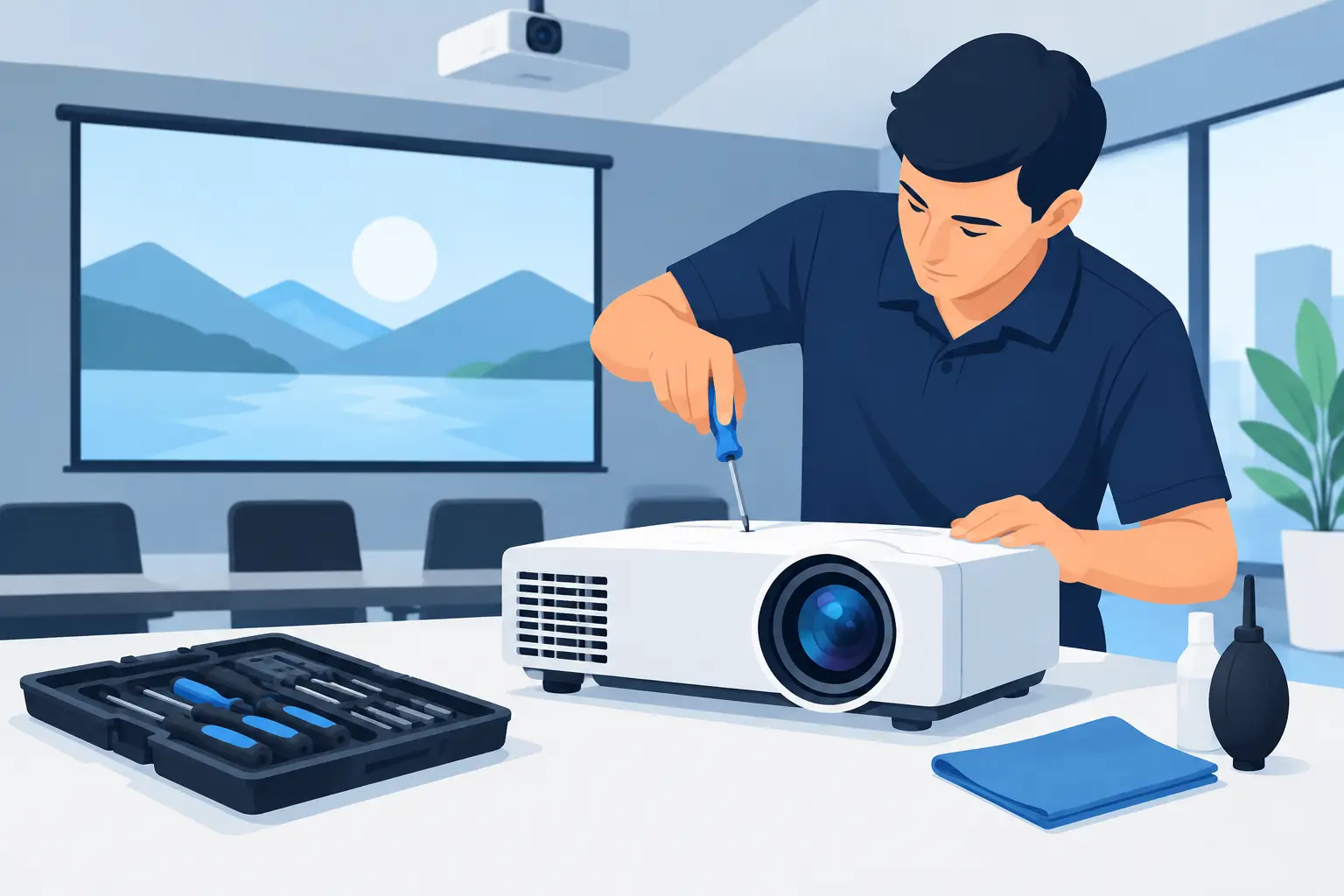
A projector rarely fails at a convenient time. For a school district, that may mean a dark classroom before the first bell. For an integrator, it can mean a service call during an event setup. For a reseller or repair center, it can mean an avoidable warranty claim and an unhappy customer. Effective AV maintenance is the operational discipline that prevents small performance issues from becoming equipment downtime.
For projector fleets, maintenance is not limited to replacing a lamp after it reaches its rated hours. Optical performance, thermal management, power stability, and correct part matching all affect the usable life of the installation. A practical maintenance plan protects the customer’s equipment investment while helping service providers control labor costs, stock the right accessories, and keep systems available.
AV Maintenance Starts With the Installed Environment
The projector itself is only part of the maintenance equation. Dust, smoke, heat, mounting position, and operating hours determine how often a unit needs attention. A conference room projector operating a few hours each week has different requirements from equipment in a classroom, museum, house of worship, retail space, or rental inventory.
High-dust environments require more frequent inspection because contaminated airflow raises internal temperatures. Heat shortens the life of lamps, filters, fans, LCD panels, DLP components, and power assemblies. Smoke residue presents a separate risk: it can accumulate on filters and optical surfaces, reducing brightness and color quality even when the projector continues to power on normally.
Service teams should classify installations by usage and environment rather than applying one maintenance interval to every model. A useful baseline is to inspect high-use or dusty installations quarterly, moderate-use commercial systems every six months, and low-use units at least annually. The manufacturer’s service guidance remains the starting point, but field conditions should determine whether the schedule needs to be tightened.
Protect Airflow Before It Becomes a Heat Problem
Air filters are among the lowest-cost maintenance items, yet they are often ignored until an overheating warning appears. A blocked filter restricts cooling airflow. The projector then operates at higher temperatures, fan noise may increase, and internal components are exposed to unnecessary stress.
During each inspection, technicians should examine the filter condition, intake and exhaust openings, and fan operation. Cleaning may be suitable for filters designed for reuse, but a damaged, heavily contaminated, or saturated filter should be replaced. Reinstalling a compromised filter simply transfers the risk back to the equipment.
Filter quality matters. A replacement must provide sufficient ventilation while capturing dust and airborne particles effectively. A filter that is too restrictive can reduce cooling performance; one with poor filtration can allow contamination into the projector. For buyers managing multiple brands and models, accurate model matching is just as important as the filter material itself.
Technicians should also check the installation space around the projector. Ceiling cavities, enclosed cabinets, and tight rear clearances can trap heat even when the filter is clean. Correcting airflow around the installed unit may prevent repeated thermal faults that would otherwise be misdiagnosed as a projector failure.
Manage Lamps and Light Sources by Performance, Not Only Hours
Lamp-based projectors need a documented replacement strategy. Rated lamp life is a reference point, not a guaranteed failure date. Brightness declines over time, and the rate of decline varies by projector mode, duty cycle, operating temperature, and power quality.
Waiting until a lamp fails can create avoidable disruption. In customer-facing installations, it is often more economical to replace a lamp when brightness no longer meets the application requirement or when the unit approaches the planned service threshold. This approach is especially relevant in classrooms, large meeting rooms, and display environments where dim images reduce usability before the projector reports a lamp fault.
Replacement quality should be evaluated carefully. The lowest-cost lamp may not provide stable brightness, expected service life, or reliable fit. Buyers should verify the lamp model, burner specification, housing compatibility where applicable, and warranty coverage. ZORSIKA supplies projector bulbs sourced through long-term cooperation with major bulb manufacturers and develops compatible burners for widely used projector models, supporting a practical alternative where OEM cost or availability creates a service problem.
For laser projectors, there is no conventional lamp replacement cycle, but maintenance is still required. Laser units depend on clean optical paths, proper cooling, firmware stability, and correct operating conditions. Their longer light-source life can reduce routine lamp inventory, but it does not eliminate inspection or cleaning requirements.
Inspect Image Quality and Optical Components
A projector can pass a basic power-on test while delivering an unacceptable image. Maintenance checks should include brightness, color balance, focus uniformity, image alignment, and visible contamination. A gradual drop in output may point to lamp aging, dirty optics, a contaminated filter, or an issue within the light engine.
Lens condition deserves attention in installations where projectors are moved, frequently adjusted, or exposed to dust. Inspect the front and rear optical surfaces for residue, scratches, and damage. Use approved cleaning methods and materials. Aggressive cleaning, incorrect solvents, or rough cloths can permanently damage coatings.
When replacing a projector lens, confirm more than the mechanical fit. Throw ratio, lens shift range, resolution support, light transmission, and the installed projector model all need verification. A compatible lens must preserve the image quality expected from the system. Poor matching can lead to edge softness, positioning limitations, or unnecessary light loss, creating a service issue even though the projector is functioning correctly.
Standardize Service Records and Parts Identification
The most efficient maintenance programs are repeatable. Each installed projector should have a service record containing the model, serial number, installation location, operating hours, lamp or light-source history, filter replacement history, known faults, and installed lens information. Photographs of model labels and installed part numbers can reduce errors when replacement parts are ordered remotely.
This record is valuable for distributors, integrators, and repair providers supporting mixed fleets. It prevents technicians from arriving with an incorrect lamp module or filter and helps procurement teams identify recurring product needs. It also reveals patterns, such as a specific location requiring unusually frequent filter changes or a group of projectors reaching planned lamp replacement thresholds at the same time.
Part identification should be specific. Brand and projector series alone are not sufficient because similar units can use different lamps, filters, remotes, lenses, or housings. Confirm the full projector model and the original accessory or part number whenever possible. If an alternative part is proposed, check compatibility data, physical dimensions, electrical requirements, and supplier warranty terms before installation.
Build Practical Spare Inventory for AV Maintenance
Carrying every part for every projector is expensive, but carrying no spares creates unnecessary downtime. The right inventory strategy depends on fleet size, equipment age, service-level commitments, and supplier lead times.
For high-priority installations, keep common replacement lamps, air filters, and frequently damaged accessories available locally. For larger fleets, use service records to identify fast-moving models and standardize inventory around them. Older projector models may require planned stocking because replacement availability can decline as the installed base ages.
Avoid buying parts solely on appearance or broad compatibility claims. A lamp housing that looks similar may have different electrical connections or alignment. A filter with the same dimensions may not deliver the required airflow. A lens may mount correctly but fail to support the required throw distance. A lower purchase price does not help if the part causes a repeat visit, early failure, or image-quality complaint.
Supplier support is part of the calculation. Buyers should look for clear model coverage, responsive compatibility confirmation, consistent production quality, and warranty terms that support commercial service work. These factors reduce the risk carried by the reseller or integrator after the replacement part is installed.
Know When Maintenance Should Become Repair or Replacement
Not every projector issue is a maintenance issue. Repeated overheating after airflow has been corrected, persistent color imbalance, unusual fan noise, intermittent shutdowns, or visible panel defects may require component-level repair. Continuing to replace filters or lamps without diagnosing the underlying fault increases cost and delays resolution.
Replacement may be the better commercial decision when repair cost approaches the value of a newer projector, when critical parts are no longer available, or when the existing unit cannot meet current resolution, brightness, or connectivity requirements. The decision should account for installation labor, lens reuse, mounting compatibility, and the disruption involved in changing equipment.
A disciplined service program makes that decision clearer. When maintenance history, operating hours, and parts consumption are documented, buyers can distinguish a one-time fault from an aging asset that is becoming expensive to support.
The most useful maintenance plan is the one technicians can execute consistently: inspect the environment, preserve airflow, monitor image performance, install accurately matched parts, and record every service action. That routine keeps projector systems available when customers need them and gives AV providers a stronger basis for managing cost, inventory, and service commitments.