Best Projector Cooling Accessories for AV Fleets
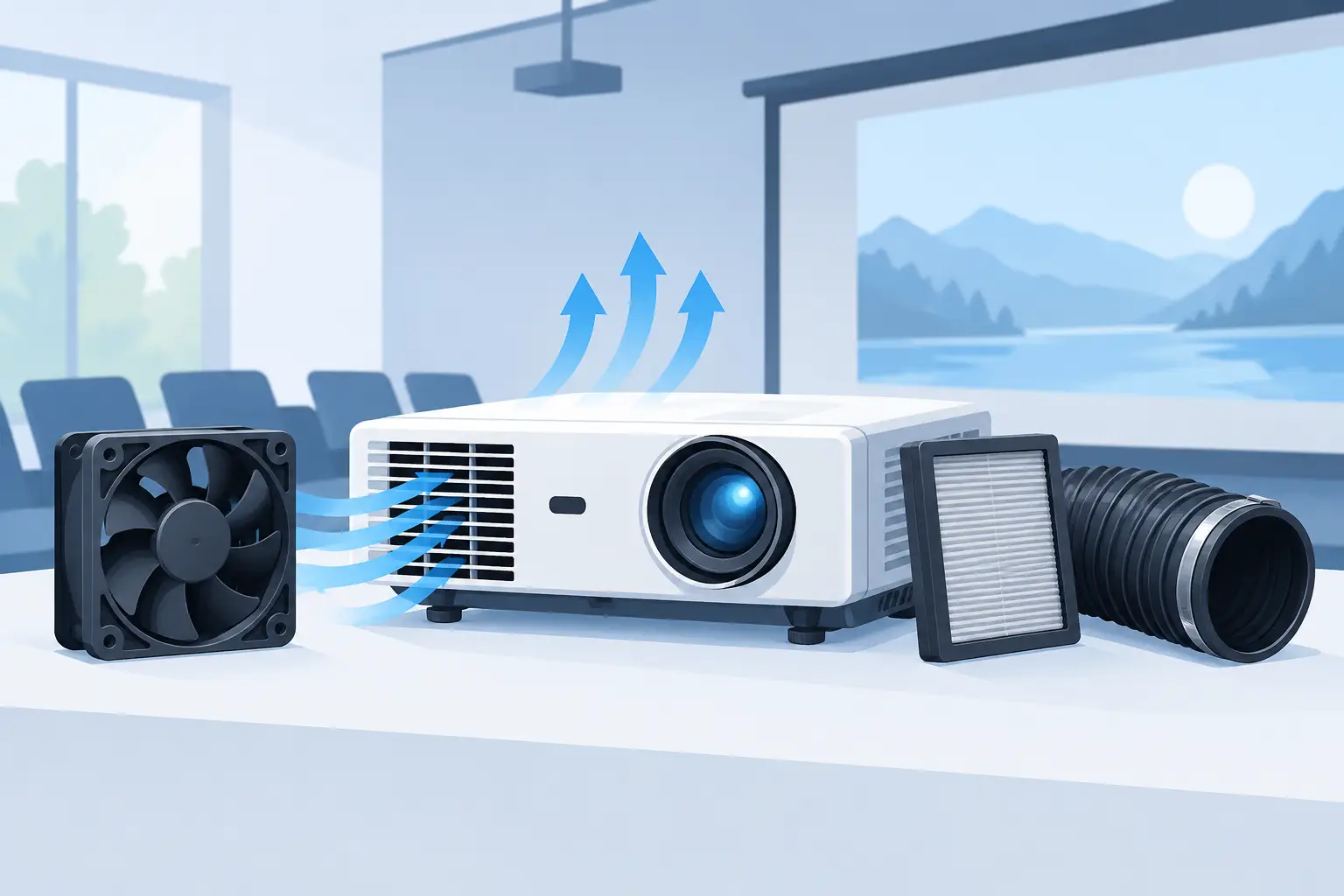
A projector that shuts down halfway through a meeting, class, or event rarely has a single cause. In many cases, restricted airflow has raised internal temperatures over time, accelerating wear on the lamp, light engine, power supply, and fan system. The best projector cooling accessories address that airflow chain directly instead of treating overheating as an isolated fault.
For distributors, repair providers, and AV integrators, the right accessory selection is also a service decision. A low-cost part that fits poorly, restricts ventilation, or triggers a fan error can create repeat labor, customer dissatisfaction, and avoidable equipment downtime. Cooling components must be matched to the projector model, operating environment, and maintenance plan.
How to Select the Best Projector Cooling Accessories
There is no universal cooling accessory that improves every projector. Standard classroom and conference-room projectors usually benefit most from correctly fitted replacement air filters and reliable internal fan assemblies. High-use exhibition, rental, industrial, and smoke-prone installations may also require managed ventilation, protective housings, or environmental controls.
Start with the equipment configuration. Lamp-based projectors generally produce more concentrated heat and are less tolerant of neglected filters than many laser models. However, laser projectors still depend on clean, stable airflow to protect their light source, optical block, and electronics. A laser rating does not eliminate the need for filter and fan maintenance.
Application conditions are equally important. A unit installed near a loading area, kitchen, fabrication space, warehouse door, or stage haze machine will accumulate contamination much faster than one in a climate-controlled office. Service intervals should reflect actual dust and smoke exposure rather than a generic calendar schedule.
Replacement Air Filters: The First Cooling Priority
For most service fleets, replacement air filters are the most practical and highest-volume cooling accessory. Their function is simple: allow sufficient air into the projector while capturing dust before it reaches the heat sinks, fan blades, lamp chamber, and optical components.
The trade-off is critical. A filter with material that is too open may allow dust to enter the projector. A filter that is too dense can reduce airflow and increase internal temperature. The correct replacement filter balances ventilation rate and particle capture for the specific projector design.
Buyers should verify the filter's physical dimensions, frame shape, mounting tabs, sealing edges, and material construction. An almost-correct filter can leave gaps around the intake, allowing unfiltered air to bypass the media. It can also deform inside the compartment and restrict airflow. Model-specific matching is more reliable than selecting by appearance alone.
In commercial service work, it is good practice to replace a visibly loaded filter rather than attempting to extend its life indefinitely through repeated cleaning. Some washable designs can be maintained according to the projector manufacturer's instructions, but disposable filter media loses effectiveness as debris becomes embedded. Cleaning may remove surface dust while leaving fine particles that continue to restrict air movement.
For fleets with frequent lamp replacements, filter replacement should be considered at the same service visit. A new lamp operating behind a blocked air filter may face unnecessary thermal stress from its first hours of operation.
Cooling Fans Must Match the Projector System
Internal cooling fans are not interchangeable simply because they share the same diameter. Projector fan assemblies are selected around electrical requirements, airflow direction, speed feedback, acoustic limits, static pressure, and the physical route of air through the chassis. A substitute fan that spins normally may still produce insufficient airflow where the projector needs it most.
When sourcing a replacement fan, verify the projector model and original fan part number whenever available. Technical teams should also compare voltage, connector type and pin count, wire arrangement, dimensions, mounting position, airflow direction, and tachometer signal. Many projectors monitor fan speed at startup. If the expected signal is absent or outside range, the projector may issue an error code or shut down as a protective measure.
Bearing quality matters for installed equipment. Fan noise, intermittent startup, vibration, and unstable speed are common signs of wear. In a ceiling-mounted projector, a failing fan can be overlooked until the unit begins to overheat. Replacing the correct assembly during a scheduled visit is usually less expensive than responding to an emergency shutdown.
Technicians should also inspect the surrounding air path when replacing a fan. Dust buildup on nearby heat sinks, ducts, grills, and lamp housings can limit the benefit of a new fan. The fan is only one part of the cooling system.
Ventilation Accessories for Demanding Environments
In difficult locations, external cooling solutions can be appropriate, but they should be applied carefully. A filtered enclosure, projector housing with powered ventilation, or properly designed exhaust path can help protect equipment installed in dusty, hot, or semi-outdoor areas. These solutions are especially relevant when the installation environment cannot be controlled at the source.
The enclosure must be sized for the projector's heat output and specified clearance requirements. It needs a defined intake and exhaust path, not just additional fans. Forced air without a planned exit route can recirculate hot air around the chassis. Likewise, placing a generic desk fan near a projector vent may disrupt the intended airflow pattern, introduce more dust, or provide little measurable cooling benefit.
External fans are best used as part of an enclosure or rack ventilation design, where airflow volume and direction can be controlled. They are not a substitute for a blocked internal filter or failed projector fan.
Temperature monitoring can also be useful for high-value installations. It helps service teams identify rooms or enclosures that exceed design conditions before repeated thermal events damage equipment. Monitoring is most effective when it supports a clear action plan, such as inspecting filters, confirming exhaust operation, or reducing ambient heat.
Accessories That Prevent Cooling Problems
Some accessories support cooling indirectly but still matter to service continuity. Correctly fitted filter covers, intake grills, and mounting hardware keep the designed air path intact. Missing covers or damaged seals can allow dust to bypass filtration. Replacement parts should restore the projector's original airflow arrangement rather than merely close an opening.
Protective dust covers are useful only after the projector has fully cooled and is out of service. Covering a warm projector can trap heat, while operating with a cover in place is unsafe. For portable units, a clean carrying case and protected storage reduce dust intake between deployments, but they do not replace maintenance of the internal filter system.
Avoid treating thermal paste, heat sinks, and internal thermal pads as routine accessories for general field replacement. These components can be essential in certain repairs, but they require model-specific disassembly knowledge and correct application. Improper service can damage boards, compromise thermal transfer, or create warranty issues.
Build a Cooling Maintenance Plan Around Usage
A practical procurement program separates standard service items from environment-specific items. Keep compatible air filters and commonly used fan assemblies available for the projector models that make up the largest share of the installed base. This reduces turnaround time and avoids purchasing decisions made under emergency conditions.
For each projector family, maintain accurate records for model number, filter part number, fan part number, installation environment, operating hours, and prior thermal faults. This information allows repair teams to identify recurring issues and helps purchasing teams consolidate demand without creating compatibility risk.
It is also useful to define inspection triggers. Rising fan noise, reduced brightness, repeated temperature warnings, unexpected shutdowns, and excessive dust around vents should lead to an airflow inspection. Waiting for a complete failure can turn a simple filter or fan replacement into a larger repair involving the lamp, power board, or optical system.
ZORSIKA supports professional buyers with projector air filters designed for good ventilation and protection against dust and smoke, along with replacement accessory sourcing for diverse projector fleets. For service organizations, the value is not only part availability but also consistent model matching and dependable replacement quality.
The best cooling accessory is the one that restores the projector's designed air path without adding compatibility risk. Specify by model, account for the installation environment, and replace wear items before heat becomes a service call.