Best Wireless Presentation Devices for Pro AV
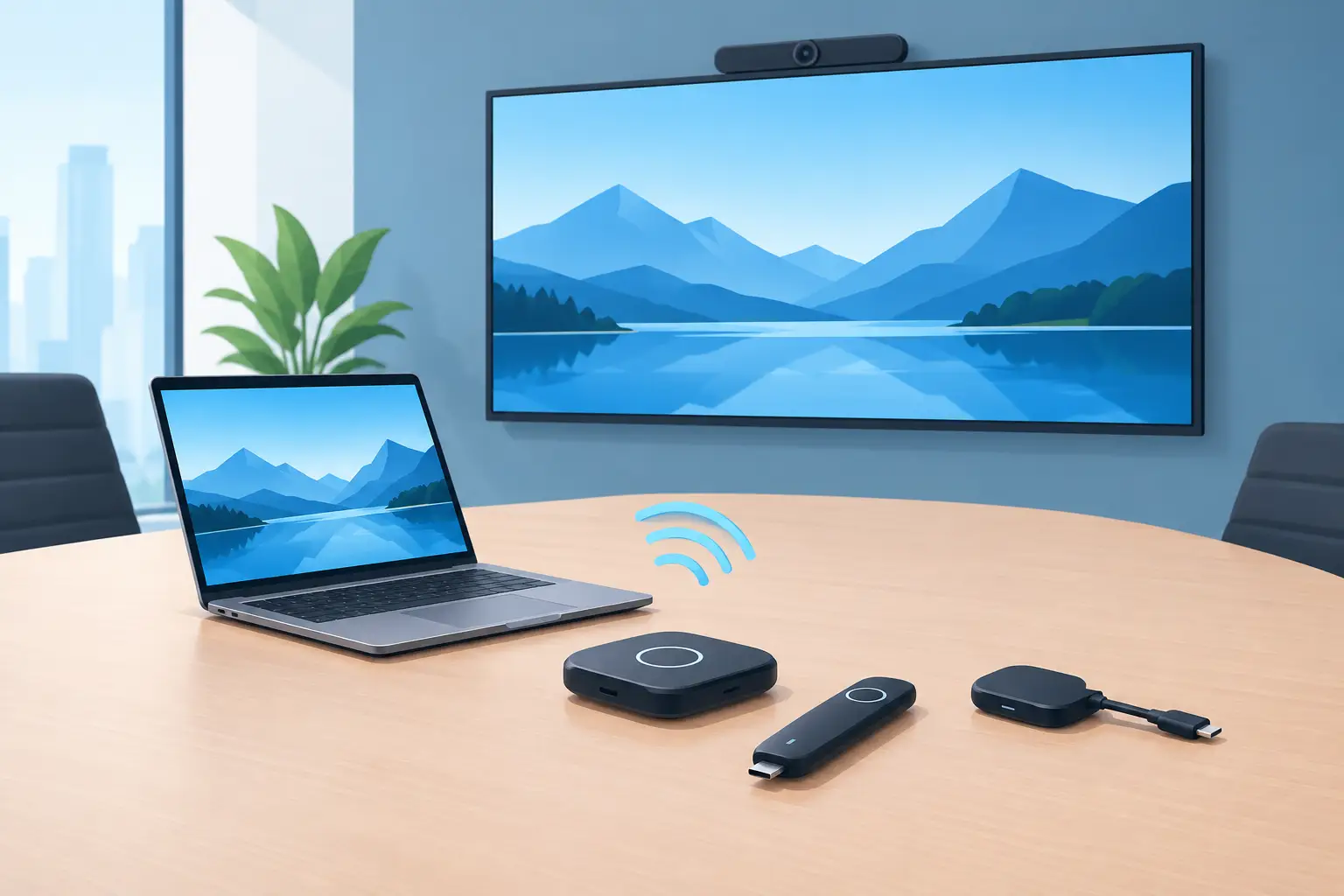
A wireless presentation device can remove a common friction point in commercial AV: the presenter arrives with a laptop, tablet, or phone that does not match the installed cable. For integrators, resellers, and service teams, the best wireless presentation devices are not simply the units with the longest feature list. They are the products that maintain stable connections, work with the installed display or projector, support the required number of users, and can be serviced without creating recurring site calls.
In corporate meeting rooms, classrooms, training centers, and exhibition spaces, wireless presentation equipment must be selected as part of the whole signal chain. Projector resolution, input capability, network design, room layout, and user behavior all affect the final result.
What Defines the Best Wireless Presentation Devices?
The right device depends on the application. A small huddle room may need a compact USB transmitter and receiver that starts sharing quickly. A large conference room may require multi-user display, touchscreen control, centralized management, and support for guest devices. In education, the priority may be screen sharing from mixed operating systems with minimal setup for instructors.
For professional buyers, five operating factors should carry more weight than consumer-style specifications:
- Connection reliability in environments with busy Wi-Fi activity
- Compatibility with Windows, macOS, iOS, Android, and common browser-based sharing methods
- Video output that matches the projector or display's native resolution and refresh requirements
- Secure guest access, user authorization, and network management options
- Long-term availability of transmitters, power supplies, mounting hardware, and replacement accessories
A device that works well in a demonstration but creates connection delays on a crowded corporate network is not a suitable commercial solution. Likewise, 4K support has limited value if the installed projector is 1080p or if the wireless system reduces image quality, introduces visible latency, or struggles with motion content.
Main Types of Wireless Presentation Systems
USB Transmitter-Based Systems
These systems use a dedicated button or dongle connected to a user's laptop. The user typically presses a button to begin sharing, while a receiver connects to the projector, display, or room switcher through HDMI.
This format is practical for meeting rooms where simple operation matters more than advanced network integration. It reduces the need for users to join a local Wi-Fi network or install software before presenting. It can also reduce support calls from visitors who need to present immediately.
The trade-off is hardware management. Transmitters can be misplaced, damaged, or taken to another room. Procurement teams should confirm whether replacement buttons are readily available and whether units can be paired to multiple receivers. A serviceable transmitter strategy is especially important for organizations managing many rooms.
App-Based and Network-Based Systems
Network-based devices allow users to share through an application, browser, AirPlay, Miracast, or other wireless display protocols. These systems can be flexible in organizations that have mature network policies and IT support.
They are often a good fit for campuses and enterprise facilities where centralized administration is required. Administrators may be able to set access policies, manage firmware, monitor devices, and control guest connectivity from one platform.
However, deployment requires more planning. Corporate firewalls, VLAN separation, multicast settings, and guest network restrictions can all affect performance. A product should be tested in the actual network environment before it is specified across multiple locations. For many installations, the strongest approach is to provide both a network-sharing option and a direct HDMI input as a fallback.
Wireless Collaboration Hubs
Collaboration hubs combine wireless sharing with features such as multi-view display, annotation, digital whiteboarding, room scheduling integration, or USB conferencing peripheral sharing. These devices are designed for active meeting spaces where several participants need to compare content at the same time.
They can add value in boardrooms, design review rooms, and training facilities. But they also add configuration requirements and may demand more user training. Buyers should avoid paying for collaboration functions that the customer will not use. A stable single-screen presentation system is often the better commercial choice for standard meeting rooms.
Wireless HDMI Extenders
Wireless HDMI extender kits transmit video from a source to a display without running a physical HDMI cable between them. They are useful where cable routing is difficult, temporary installations are required, or a display must be positioned in a location that is impractical for permanent wiring.
These products should not be confused with meeting-room presentation systems. They are generally designed for fixed source-to-display connections rather than frequent switching among many guest devices. Their practical value depends on transmission distance, line-of-sight conditions, interference levels, and the required video format.
Selecting for Projector-Based Installations
Projector installations need additional consideration because the projector is often mounted far from the presenter and may be part of an older AV system. The wireless receiver may connect directly to the projector, through an AV switcher, or through a control processor. Each method affects serviceability and signal troubleshooting.
First, confirm the projector input type and native resolution. A wireless device with HDMI output is common, but the installed projector may use legacy connections or an external scaler. Where 4K content is required, confirm the full signal path, including the receiver, switcher, cable, and projector lens capability. A 4K-rated wireless device cannot create a 4K result if another component limits the signal.
Second, assess latency. For slide presentations, moderate latency is usually acceptable. For live demonstrations, interactive training, gaming content, or video playback, delay becomes more noticeable. A low-latency device should be specified when the presenter needs to interact with content in real time.
Third, consider projector maintenance access. A receiver hidden above a ceiling-mounted projector can complicate firmware updates, power resets, and cable replacement. The equipment rack or an accessible mounting location is often a better place for the receiver, provided the signal path remains within supported limits.
Security and Network Planning Are Procurement Issues
Wireless sharing introduces a network and access-control decision, not just an AV decision. A system intended for executive rooms may need encrypted connections, meeting-specific access codes, and clear separation from the corporate network. A training room may prioritize convenient guest access instead.
There is no single security model that fits every site. Closed environments can use dedicated transmitters or controlled network access. Public-facing venues may need easy browser-based sharing, but this should be paired with room-level approval controls so that unauthorized content cannot appear on screen.
Procurement specifications should ask whether the device supports firmware updates, security patches, password policies, and management tools. Products with unclear update support can become a liability after installation, particularly in facilities with formal IT governance.
Serviceability and Replacement Planning
For distributors and AV service providers, the total cost of a wireless presentation device includes more than the original purchase price. The cost also includes replacement transmitters, failed power adapters, firmware troubleshooting, installation labor, and room downtime.
A practical purchasing program should standardize on a limited number of device families where possible. Standardization reduces training requirements, keeps spare parts manageable, and gives technicians a repeatable commissioning process. It also makes it easier to stock compatible HDMI cables, mounting components, remote controls, and projector accessories.
When presentation devices are installed with projectors, service teams should also inspect the projector's operating condition. Weak lamps, poor ventilation, dirty air filters, or an incorrectly installed lens can create image problems that users may incorrectly blame on the wireless system. ZORSIKA supports projector service partners with compatible lamps, lenses, and air filters designed to help maintain reliable image performance across diverse projector fleets.
Questions to Ask Before Specifying a Device
A buyer should establish the room's actual workflow before selecting a wireless platform. How many users need to share at once? Are guest presenters common? Is the installed display 1080p or 4K? Does the site have managed Wi-Fi and IT staff available for deployment? Will users need to share video with audio, or primarily present documents and slides?
It is also useful to ask what happens when wireless sharing fails. A room with an accessible HDMI input, a properly labeled cable, and a tested backup path can continue operating while the issue is resolved. In commercial AV, redundancy is often more valuable than adding another feature that users may never need.
The best choice is the device that fits the room, network, and support model without adding unnecessary complexity. Specify it alongside the projector and its maintenance requirements, keep critical replacement accessories available, and give users a reliable wired fallback. That approach protects uptime long after the first presentation.