Commercial Projector Parts Examples for Buyers
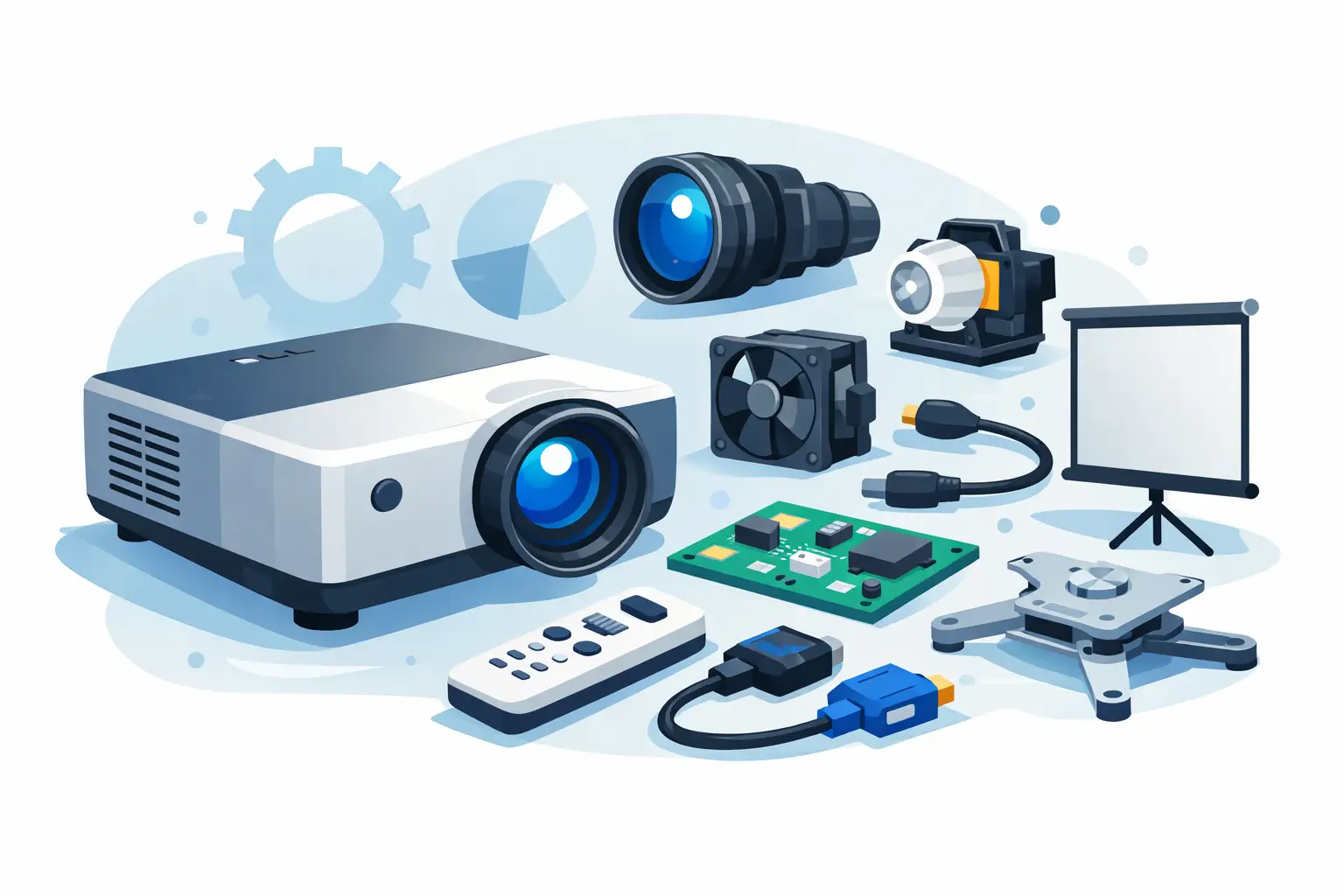
A projector may be listed as a single model, but a service order is rarely that simple. Commercial projector parts examples range from high-wear consumables, such as lamps and air filters, to model-specific optical and electronic assemblies. For distributors, repair centers, and AV integrators, identifying the correct category is the first step toward reducing compatibility errors, protecting project margins, and returning installed equipment to service quickly.
Commercial Projector Parts Examples by Function
The most practical way to organize replacement parts is by the job each part performs inside the projector. This makes it easier to determine whether a fault is related to light output, image quality, cooling, power, or signal processing.
Projector lamps and lamp modules
Projector lamps are among the most frequently replaced commercial projector parts. A complete lamp module usually includes the bare burner, reflector, housing, terminals, and electrical connections required for installation. A bare lamp is the burner only and is generally intended for technicians able to reuse the original housing correctly.
Common examples include UHP, P-VIP, NSH, and UHM lamp technologies used across major projector brands. Buyers should not select a lamp by wattage or appearance alone. The projector model, lamp code, connector design, reflector geometry, and housing position must all match. A visually similar module can still create poor focus, unstable ignition, low brightness, or safety concerns.
For commercial fleets, lamp selection is a balance between acquisition cost and operating reliability. OEM modules may be required by certain end users or warranty policies. Compatible replacement modules can be a practical alternative when they use quality burners, correct housings, and verified electrical specifications. ZORSIKA works with established bulb manufacturers including Philips, Osram, Ushio, and Phoenix, while also supplying compatible lamp solutions designed for broad market coverage.
Projection lenses
Interchangeable lenses are critical parts for installation projectors used in auditoriums, museums, houses of worship, classrooms, and large venues. Unlike a fixed lens, an interchangeable lens allows the installer to match the projector to the room's throw distance, screen size, mounting location, and desired image geometry.
Examples include short-throw lenses for restricted spaces, standard-throw lenses for common meeting-room installations, long-throw lenses for rear-of-room or booth mounting, and ultra-short-throw lenses for close-projection applications. Zoom lenses add flexibility when mounting distances vary, while fixed lenses can be appropriate where the installation position is known and tightly controlled.
Lens compatibility requires more than a matching bayonet mount. Buyers should verify the supported projector series, throw-ratio range, offset, zoom and focus capability, motor-control compatibility, and 4K performance requirement. A low-cost lens that does not maintain edge focus or color consistency can undermine the value of a high-brightness projector. In professional applications, low light loss, high color reproduction, and reliable mechanical fit are purchasing requirements, not optional features.
Air filters and filter assemblies
Air filters protect the projector's cooling path from dust, fibers, smoke residue, and other airborne contamination. They are inexpensive compared with optical engines or mainboards, yet poor filter maintenance is a common cause of overheating, fan alarms, reduced brightness, and premature component failure.
Commercial projector filter examples include removable foam filters, pleated filters, mesh screens, side-intake filter cartridges, and filter frames integrated into a larger cover assembly. Some projectors use separate filters for multiple air intakes, while others combine the filter and housing as one replacement unit.
A correct filter must fit the air channel without gaps or compression that restricts airflow. Material density also matters. A filter that captures too little dust leaves internal optics exposed; one that is too restrictive can increase operating temperature. For projectors operating in schools, exhibition halls, restaurants, industrial spaces, or smoking-permitted environments, maintenance intervals should be based on the actual air quality rather than a generic calendar schedule.
Fans, cooling components, and thermal parts
Cooling-system failures often present as shutdowns, excessive noise, temperature warnings, or intermittent operation. Replacement parts in this category include axial fans, blower fans, fan ducts, heatsinks, thermal pads, temperature sensors, and fan brackets.
Fans should be matched by dimensions, voltage, connector type, wire order, rated speed, and mounting orientation. Two fans with the same physical size may have different speed feedback signals or different airflow ratings. Installing the wrong fan can cause the projector to report a fault even if the fan spins normally.
Thermal parts deserve similar attention. A damaged heatsink clip, degraded thermal pad, or misplaced air duct can raise internal temperatures around the lamp driver, DMD board, LCD panels, or power supply. These items are often overlooked during repair because they are not always visible from the outside, but they directly affect long-term service stability.
Power boards, lamp drivers, and control boards
Electronic boards are higher-value commercial projector parts and require more careful diagnosis. Examples include AC power supply boards, DC-DC boards, ballast or lamp driver boards, mainboards, input boards, formatter boards, and control panels.
A lamp that will not ignite does not automatically mean the lamp is defective. The fault may be caused by a failed ballast, lamp-door switch, power board, cooling error, or accumulated lamp-hour protection logic. Likewise, a projector with no image may have an input-board issue, a mainboard fault, an optical-engine problem, or a configuration error.
Before ordering boards, technicians should record the full projector model, board part number, revision number, connector layout, and observed error condition. Board revisions can differ within the same projector family. When available, use the original board code as the primary matching reference rather than relying only on the projector model name.
Optical assemblies and image-path parts
Image defects often originate in the optical path. Depending on the projector technology, replacement parts may include color wheels, DMD boards, LCD panels, polarizers, prism blocks, light tunnels, integrator rods, mirrors, and complete optical engines.
Typical symptoms provide useful direction. A loud whine followed by a shutdown may point to a color wheel issue. Dead pixels, stuck pixels, or white dots can indicate DMD-related faults. Yellowing, discoloration, or uneven image areas may be associated with aging LCD panels, polarizers, or heat damage in the optical block.
These parts are often expensive and labor-intensive to replace. The repair decision should consider projector age, installed brightness requirements, labor time, and the availability of a replacement unit. For a high-value installation projector with a specialized lens, optical repair can be commercially sensible. For an older conference-room unit, replacement may offer a better total cost outcome.
How to Match Parts Without Creating Return Risk
Commercial buyers need a process that works across multiple brands and product generations. Start with the projector's complete model number and serial range if available. Then verify the original part number from the removed component, service documentation, or equipment label. Photographs of connectors, housings, lens mounts, and board revisions are useful when part numbers are incomplete.
For lamps, confirm whether the customer needs a full module or a bare burner. For lenses, verify throw ratio and supported projector platform. For filters, compare dimensions, frame design, and intake position. For electronic boards, confirm revision codes and whether firmware pairing or post-installation adjustment is required.
It also helps to separate parts into stocking tiers. Fast-moving lamps, filters, and common remote controls are suitable for local inventory. Specialized lenses, optical engines, and model-specific boards may be better sourced on demand. This approach limits capital tied up in slow-moving inventory while protecting response time for the parts that create the most service calls.
Choosing Between OEM, Compatible, and Reconditioned Parts
There is no single correct sourcing route. OEM parts may be preferred for equipment under manufacturer warranty, highly regulated installations, or customers with strict specified-part requirements. Compatible parts can support competitive repair pricing and better availability, provided the supplier offers consistent specifications, compatibility confirmation, and warranty support.
Reconditioned parts can be useful when new supply is discontinued, particularly for legacy boards and optical assemblies. However, buyers should establish clear acceptance standards for testing, cosmetic condition, remaining service life, and return handling. A low purchase price is not a benefit if repeat labor, site visits, and customer dissatisfaction erase the savings.
The strongest purchasing decision is based on the installed application. A projector used for a daily corporate presentation has different risk tolerance from a unit supporting live events, museum exhibits, or round-the-clock control-room displays.
When a part request arrives with limited information, slow the order down long enough to confirm the model, original code, and symptom. That small verification step is usually the most cost-effective part of the repair process.