How to Match Projector Bulbs Correctly
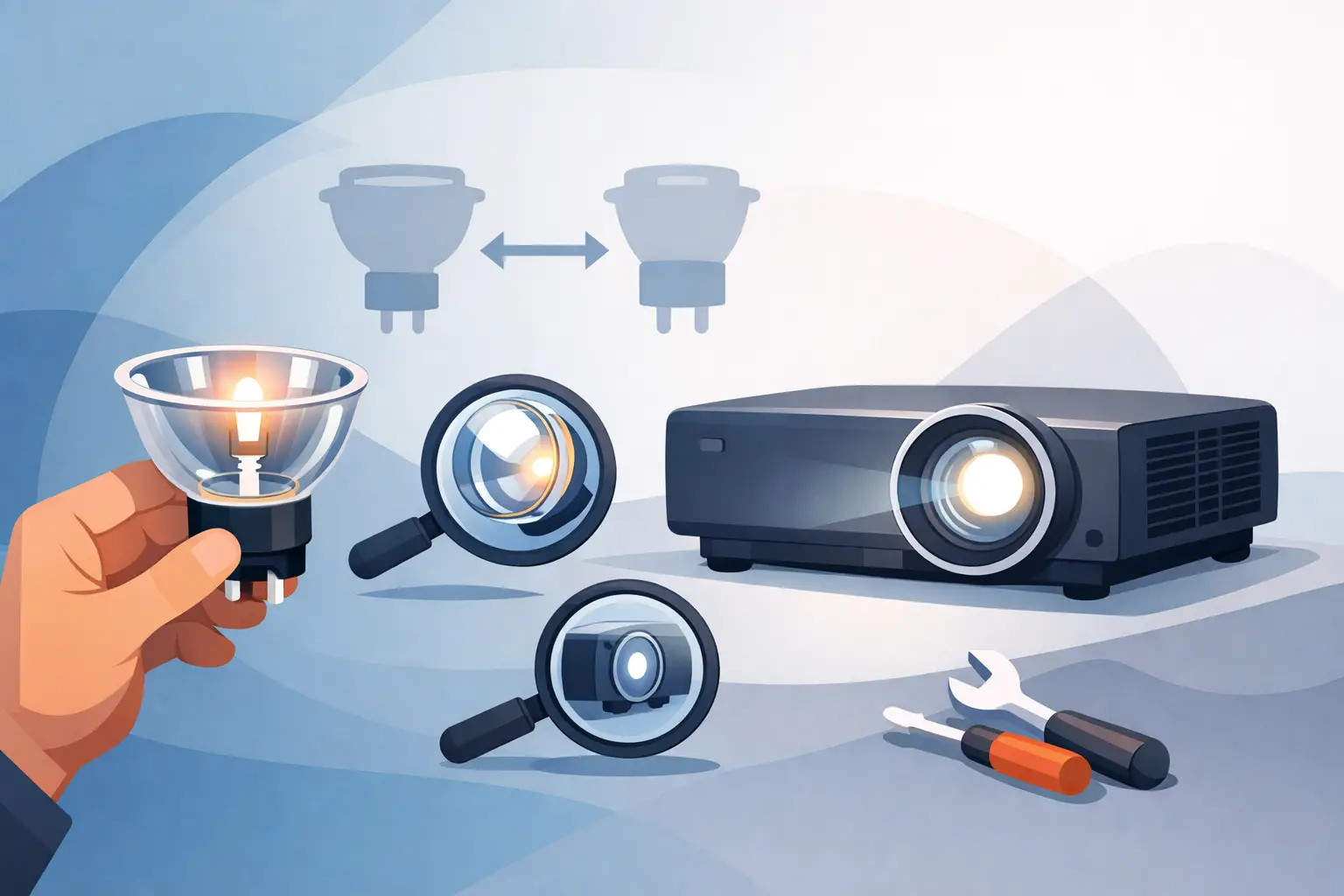
A projector comes into service for one reason - it has to work when the room is live. That is why knowing how to match projector bulbs correctly is not a minor purchasing task. For distributors, repair teams, and AV service providers, a mismatch creates repeat labor, return handling, unhappy end users, and avoidable downtime.
The practical issue is that "projector bulb" can mean different things in the supply chain. Some buyers refer to the bare burner only. Others mean a complete lamp with housing. If that distinction is not confirmed at the start, even an otherwise correct order can still be wrong for the technician who has to install it.
How to match projector bulbs without guesswork
The most reliable match starts with the projector model number, but it should never end there. Model-based matching is useful because it narrows the field quickly, yet many projector families have regional variants, lamp revisions, and housing differences over time. A buyer who relies on model name alone is still exposed to compatibility risk.
A better process is to verify four points together: projector brand and full model, original lamp part number, whether the requirement is a bare bulb or complete lamp, and the bulb manufacturer or equivalent specification. When these four points align, the probability of an incorrect shipment drops sharply.
For service businesses handling mixed fleets, this matters even more. Education, corporate, and rental environments often run multiple brands across several installation cycles. Two projectors may appear similar on the shelf but use different lamp assemblies, different connectors, or different wattage ratings. Treating projector lamps as interchangeable commodities usually leads to preventable failures.
Start with the full projector identification
Always collect the exact projector model as shown on the product label, not just the series name from a client email or old invoice. Small suffixes often indicate important differences. Regional versions, wireless variants, and brightness upgrades can all affect the lamp used.
If possible, confirm the serial label and the existing lamp label together. This is especially helpful when the installed equipment has already gone through one or more non-OEM replacements. In those cases, the lamp currently inside the unit may not be the original reference, so you need to separate what is installed from what the projector was designed to use.
Confirm the lamp code, not just the projector model
The lamp code is one of the strongest identifiers in the matching process. OEM and aftermarket catalogs often map the same projector model to a defined lamp part number, and that part number is much harder to misread than a general description such as "lamp for Epson" or "replacement bulb for NEC."
If your team receives both the projector model and lamp code, prioritize the lamp code for final confirmation. When they conflict, stop and review before ordering. That conflict can indicate a prior substitution, a data entry error, or a listing problem.
Bare bulb or complete lamp assembly
This is where many purchasing errors happen. A bare bulb is the burner only. A complete lamp assembly includes the bulb fitted into housing, usually with the required frame and connector arrangement for direct replacement.
For repair centers with trained technicians, bare bulbs can be the right choice when cost control matters and labor is available. They can also support high-volume refurbishment workflows. But they require careful reassembly, correct seating, and handling discipline. If the housing is heat-damaged, warped, or electrically compromised, replacing only the burner may not solve the problem.
For distributors, integrators, and field service teams, a complete lamp assembly is often the lower-risk option. Installation is faster, fit is easier to verify, and the chance of handling damage during transfer is reduced. The trade-off is unit cost. In commercial service environments, though, lower labor time and fewer call-backs often justify that cost difference.
Match the housing as carefully as the bulb
Even if the burner specification is correct, the housing must still match the projector. Screw locations, connector style, frame geometry, and thermal fit all matter. A lamp that is electrically compatible but mechanically incorrect can create installation delays or cooling problems.
This is why photos, part labels, and housing references remain useful during bulk procurement. They add one more layer of confirmation, especially for older models where catalog data may be inconsistent across regions or suppliers.
Check the core electrical and performance specifications
Knowing how to match projector bulbs also means checking whether the replacement follows the original operating specification closely enough for stable performance. Wattage is the first point to verify. A mismatch here can affect brightness, heat load, ballast compatibility, and lamp life.
Arc characteristics and bulb type also matter. Philips, Osram, Ushio, and Phoenix each have established lamp formats used across the industry, and matching at that level helps maintain predictable output and reliability. In many commercial buying situations, the goal is not simply to find a lamp that turns on. The goal is to find a lamp that performs close to the original standard while controlling replacement cost and supply continuity.
That is why experienced buyers distinguish between generic substitutions and engineered alternatives. A strong alternative lamp should have stable brightness, controlled light loss, consistent life performance, and dependable manufacturing tolerance. Spec matching is not just about avoiding failure. It is about protecting service reputation.
Original bulb inside compatible housing, or full alternative lamp?
There is no single answer for every channel. It depends on your service model, warranty expectations, and budget targets.
An original bulb fitted into compatible housing is often preferred when buyers want strong performance alignment with OEM lamp behavior while improving availability or controlling cost versus complete OEM assemblies. This route can be effective for professional service providers that need reliable output with practical sourcing.
A well-manufactured compatible bulb or complete alternative lamp can also be the right choice, particularly for large fleets and price-sensitive replacement cycles. The key issue is supplier quality control. Stated compatibility is not enough. Buyers should look for evidence of stable sourcing, manufacturing consistency, and warranty support. A lower upfront price means little if failure rates create repeat truck rolls and support claims.
Verify usage conditions before finalizing the match
A lamp that is technically correct may still be the wrong commercial choice if the projector operates in demanding conditions. Conference room units with moderate hours have different replacement priorities than projectors in dusty schools, exhibition sites, houses of worship, or rental staging inventories.
High-hour applications may justify choosing the most reliable lamp configuration available, even if the acquisition cost is higher. Environments with frequent power cycling or poor ventilation can shorten lamp life and increase thermal stress. In those cases, buyers should also review the air filter condition and cooling path, because lamp failures are not always caused by the lamp itself.
This is also where supplier support matters. A technical, dependable supplier should be able to confirm compatibility, identify suitable alternatives, and help buyers reduce repeat failure patterns across multiple projector brands.
Common matching mistakes in projector lamp purchasing
The most common mistake is ordering by brand family instead of exact model and lamp code. The second is confusing a bare bulb with a complete lamp assembly. The third is assuming that any listing labeled "compatible" has the same fit, output, and life performance.
Another frequent problem is ignoring older repairs. A projector may arrive with a non-original housing, missing label, or modified internal part. If your team only copies what is currently inside the unit, you may end up repeating a previous mismatch. When data is unclear, cross-check against the projector's intended lamp reference rather than the installed part alone.
Finally, buyers sometimes focus only on price and overlook warranty terms, defect handling, and batch consistency. For professional channels, these are not secondary details. They directly affect margin and service continuity.
A practical process for repeatable matching
For trade buyers managing volume, the best method is to standardize intake. Ask for the full projector model, lamp code, required format, and a photo of the existing lamp label and housing when available. Then compare that information against a verified compatibility database or supplier confirmation process.
If the application is sensitive - such as education rollout, corporate meeting rooms, or event inventory - document the approved replacement type for future reorders. This reduces repeat research and keeps multi-site fleets on the same standard. ZORSIKA supports this kind of practical matching approach by combining broad brand coverage with product-specific confirmation for buyers who need dependable replacement planning.
The best lamp match is not just the one that fits the projector. It is the one that fits the service model, the budget, and the reliability target behind the installation.