How to Reduce Projector Downtime in AV Fleets
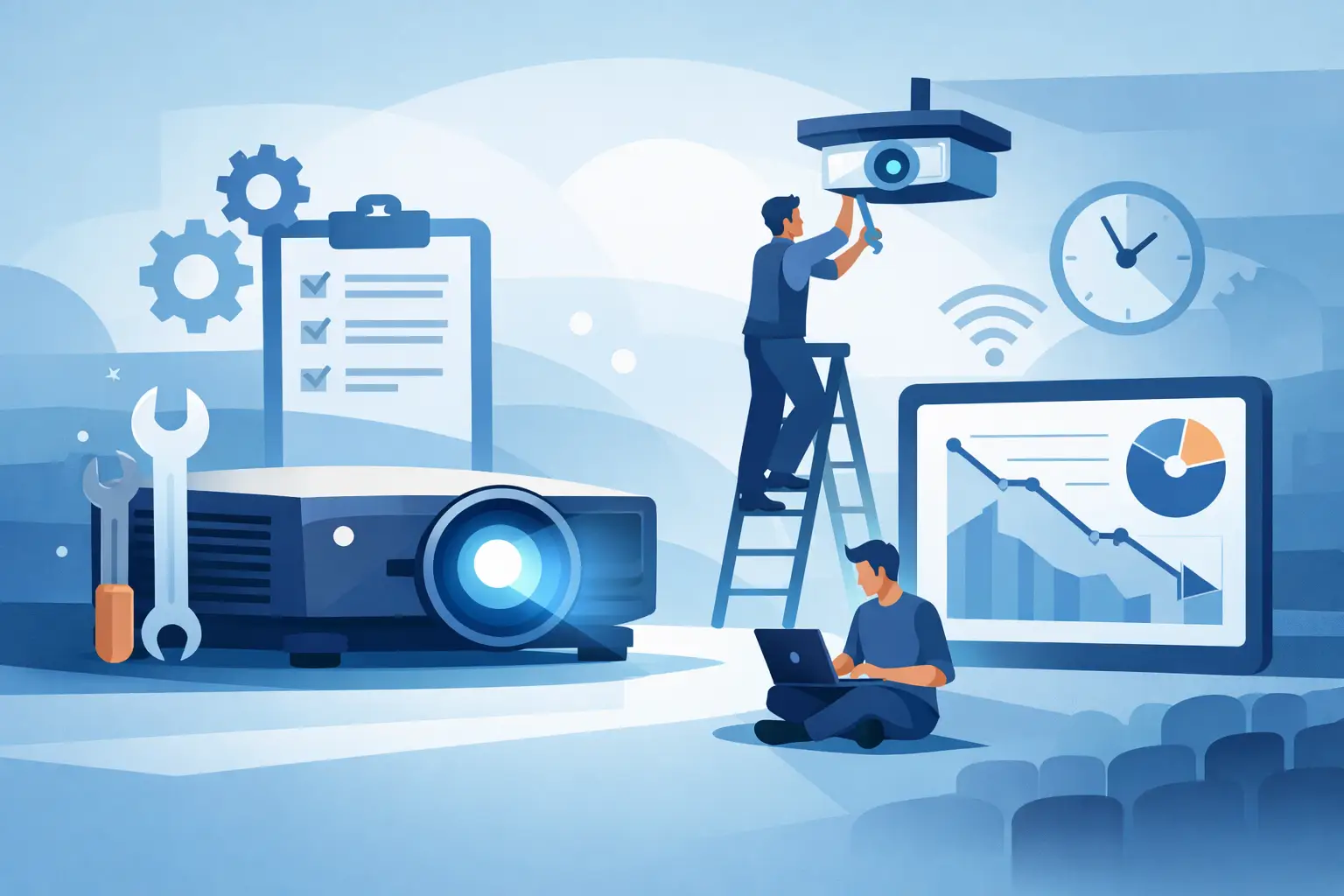
A projector failure rarely affects one device alone. In a classroom, conference room, museum, worship venue, or event installation, it can interrupt a scheduled presentation, delay a service call, and create avoidable replacement costs. Knowing how to reduce projector downtime starts with treating lamps, filters, lenses, and service inventory as operational assets rather than last-minute purchases.
For distributors, AV integrators, and repair providers, the objective is not simply to make a failed projector work again. It is to shorten mean time to repair, prevent repeat failures, and maintain dependable coverage across different projector brands and models.
How to Reduce Projector Downtime Before a Failure
The most effective downtime strategy begins before the projector shows a warning message. Projectors usually provide evidence of declining condition through rising operating temperature, reduced brightness, intermittent shutdowns, fan noise, image discoloration, or lamp-hour alerts. A preventive maintenance schedule turns those early signs into planned service work.
Start by grouping installed units by application, operating hours, environment, model, and criticality. A projector used six hours a day in a dusty training room needs a different maintenance cycle than a unit used twice a week in a climate-controlled boardroom. High-use units in event, exhibition, education, and rental applications should receive closer monitoring because the cost of an unexpected outage is higher.
Track lamp hours against the manufacturer’s rated life, but do not treat the rating as a guaranteed replacement point. Actual lamp life depends on operating mode, ventilation, startup cycles, power quality, and ambient temperature. For critical installations, scheduling replacement before the end of expected lamp life is often less expensive than responding to a dark screen during a live session.
Airflow is equally important. A blocked or poorly fitted air filter allows heat and dust to accumulate inside the projector. That can accelerate lamp wear, burden cooling fans, contaminate optical components, and trigger thermal shutdowns. Filters should be inspected on a defined schedule and replaced when loading, smoke exposure, or operating conditions reduce airflow. Cleaning a filter may be appropriate for some systems, but it is not always a substitute for installing a correctly specified replacement.
Build a Maintenance Standard Around the Real Environment
A standard checklist helps service teams work consistently across a mixed fleet. The checklist should cover lamp-hour readings, filter condition, air intake and exhaust paths, fan operation, error codes, image brightness, color balance, focus, and lens security. It should also document the exact model number and currently installed replacement part.
Environmental issues often explain recurring failures. Ceiling-mounted projectors near HVAC returns can collect dust quickly. Retail, food service, workshop, and transportation environments may expose equipment to smoke, grease, fibers, or airborne contaminants. Temporary event sites can introduce unstable power, frequent transport, and insufficient clearance around ventilation openings.
Correcting the surrounding condition may produce a better result than repeatedly replacing the same component. For example, a projector that repeatedly overheats after filter service may need improved enclosure ventilation or a change in mounting location. A lamp that fails prematurely may indicate excessive heat, frequent power cycling, or a power supply problem rather than a defective lamp alone.
Keep Compatible Parts Available When They Are Needed
Parts availability is one of the largest controllable factors in projector downtime. Waiting for a compatible lamp, filter, or lens after a failure can extend a simple repair into days or weeks. Professional service organizations should maintain a targeted stock plan based on installed base data, not a general assortment of parts that may never move.
Prioritize stock for high-volume models, units in mission-critical rooms, and components with longer replenishment lead times. Keep model-to-part records current, including lamp module numbers, bare lamp specifications where applicable, filter dimensions, lens type, and any required reset procedure. A clear cross-reference reduces the risk of dispatching the wrong part or sending a technician back for a second visit.
A practical stock plan should account for these variables:
- Installed quantity of each projector model and its daily operating hours
- Failure history and expected replacement intervals for lamps and filters
- Site criticality, including presentation rooms, control rooms, and revenue-generating venues
- Supplier lead time, warranty process, and availability of compatible alternatives
- Whether a temporary replacement projector is available at the site or service depot
There is a trade-off. Holding too much inventory ties up working capital, while holding too little transfers the cost to emergency freight, delayed jobs, and dissatisfied end users. The right level is usually a small, data-driven safety stock for the models that matter most.
Verify Quality and Compatibility Before Installation
A low purchase price does not reduce downtime if the replacement component produces an image issue, fails early, or does not fit correctly. Compatibility should be verified at the model and part-number level before shipment and again before installation. This is especially important for lamp modules, where housing design, connector position, burner specifications, and electrical requirements can differ across similar-looking models.
For replacement projector bulbs, evaluate brightness performance, expected operating life, burner quality, fitment, and warranty support. A lamp with poor arc stability or insufficient brightness may create a callback even if the projector powers on. For commercial customers, the cost of the second service visit is often greater than the price difference between an unverified part and a dependable replacement.
The same principle applies to filters and lenses. A filter must provide adequate ventilation while capturing the dust that threatens internal components. A poorly designed filter can restrict airflow; an underspecified filter can allow contamination into the optical path. Replacement lenses should match the required throw ratio, mounting design, and image-performance requirements. In 4K and high-contrast installations, optical quality, color reproduction, and light transmission directly affect the client’s acceptance of the repair.
ZORSIKA supports this requirement with projector accessories designed for broad model coverage, including replacement bulbs, air filters, and lenses supported by practical compatibility matching and warranty-focused supply.
Standardize the Service Response
When a projector stops working, technicians need a repeatable diagnostic process. Replacing a lamp immediately may be appropriate when the lamp has reached end of life and the fault indicators are clear. However, a disciplined check prevents unnecessary parts use and identifies conditions that could damage the replacement.
First, confirm the projector’s status indicators and error codes. Then inspect power input, ventilation, filter condition, fan operation, lamp-hour history, and the physical condition of the lamp module and housing. Check for signs of overheating, damaged connectors, loose lens assemblies, or contamination. After the repair, run the unit long enough to confirm stable operation under normal load rather than testing only at startup.
Service records should capture the failure symptom, diagnosis, replaced part, operating hours, environmental observations, and post-repair test result. This creates useful failure data over time. If one model shows repeated thermal faults in a specific location, the service team can address the root cause. If a lamp batch produces abnormal early failures, purchasing can isolate the issue quickly and use warranty channels effectively.
Use Spare Projectors Strategically
For high-impact rooms, a spare projector can be the fastest way to protect uptime. This does not mean every customer needs a duplicate unit for every installed projector. The decision depends on how quickly a service team can respond, whether the room can operate without projection, and how easily the installed unit can be replaced.
A shared spare pool works well when several sites use compatible projector models. Keep the spare configured, tested, and stored with the correct remote, mounting hardware, power cable, and common adapters. If network settings, control programming, or lens settings are required, document them in advance. A spare that arrives without the correct configuration may still create a long outage.
Make Downtime a Purchasing Metric
Procurement decisions should consider more than unit price. Assess supplier consistency, part matching accuracy, warranty terms, technical responsiveness, packaging quality, and replenishment capability. These factors determine whether a replacement part solves the immediate problem and whether it supports a dependable service operation over time.
The strongest maintenance programs combine planned inspection, clean airflow, verified compatible parts, useful inventory data, and a defined response process. When those controls are in place, projector support becomes less reactive, service margins are easier to protect, and customers experience fewer interruptions where projection is expected to perform.