Projector Air Flow Problems: Causes and Fixes
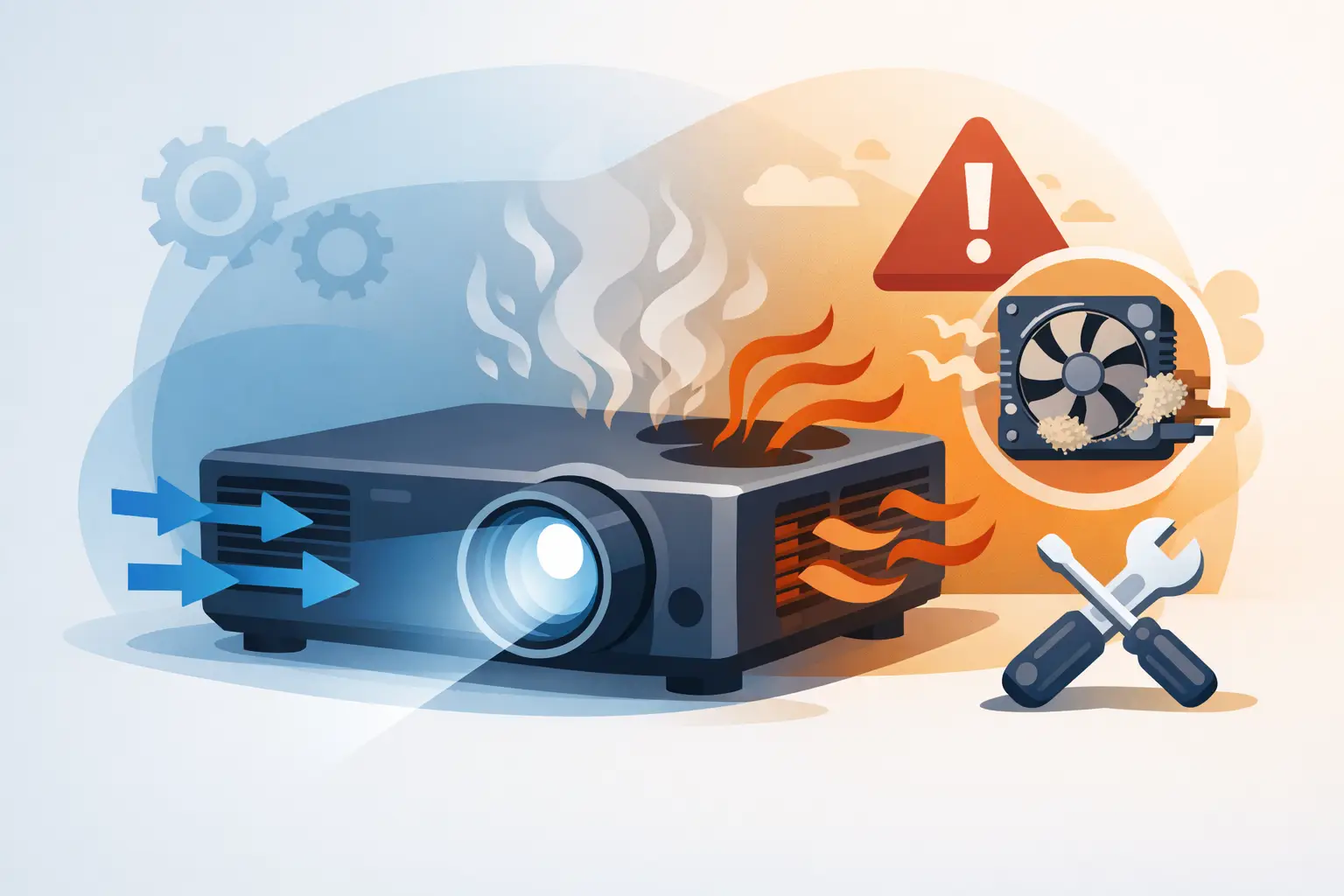
A projector that powers down halfway through a meeting or throws a temperature warning during an event is rarely suffering from a random failure. In many cases, projector air flow problems are already restricting heat removal inside the chassis. For service teams and AV partners managing installed fleets, identifying the cause quickly protects uptime, avoids repeat callouts, and prevents unnecessary lamp or engine replacement.
Commercial projectors generate substantial heat around the lamp, light engine, power supply, and optical components. Their cooling system depends on a controlled path: cool air enters through designated intake points, passes through filters and internal channels, and is exhausted by fans. A restriction at any point changes the operating temperature of the entire unit.
Why Projector Air Flow Problems Require Fast Action
Poor ventilation does more than trigger an occasional warning message. Prolonged heat exposure can reduce lamp output and service life, increase fan noise, discolor polarizers or LCD panels, and place extra stress on power components. In laser projectors, thermal management remains equally important because the light source and optical assembly still require stable cooling.
The operational cost is often higher than the price of a replacement filter. A projector installed above a conference room ceiling, in a classroom enclosure, or inside a retail display may require scheduled access, labor, and disruption to reach. Preventive air-flow service is therefore a practical way to reduce downtime and protect service margins.
Not every temperature alarm means the same thing. A dirty filter is common, but it is not the only cause. Technicians should assess the full air path before ordering parts or assuming a fan has failed.
The Main Causes of Restricted Air Flow
Clogged or Incorrect Air Filters
Air filters collect dust, fibers, smoke residue, and airborne particles before they enter the projector. Over time, the filter media becomes restrictive. This is especially common in schools, event venues, warehouses, food-service areas, and spaces with frequent door traffic.
A filter can also create problems when its fit is poor. An undersized replacement may leave gaps that allow dust to bypass the media and contaminate the light engine. A filter that is too dense or improperly formed can reduce the ventilation rate even when it appears clean. The correct filter must match the projector model, filter-frame design, and intended airflow direction.
For commercial buyers, low purchase price alone is not a reliable selection standard. Filter efficiency must be balanced with adequate airflow. ZORSIKA projector air filters are developed to provide effective protection from dust and smoke while maintaining the ventilation rate needed for normal projector operation.
Dust Inside the Cooling Path
Replacing the external filter does not automatically restore airflow if dust has accumulated behind it. Fine particles can settle on fan blades, heat sinks, lamp housings, internal vents, and circuit boards. This buildup narrows the cooling path and reduces the ability of heat-exchange surfaces to release heat.
The issue is more likely when a projector has operated for long periods with a damaged filter, no filter, or an incorrectly installed filter. Compressed air can help remove loose dust during bench service, but it must be used carefully. Excessive pressure can drive contamination deeper into the optical block or damage delicate assemblies. For high-value units, controlled internal cleaning by trained personnel is the safer option.
Fan Wear, Failure, or Speed Errors
Projector fans are wear components. Bearing noise, intermittent startup, reduced RPM, and complete failure can all lead to overheating. A fan may still spin while moving insufficient air, so a brief visual inspection is not always enough.
Many projectors monitor fan speed through internal sensors. If the actual speed falls outside the expected range, the unit may display a fan error or enter protective shutdown. However, some units only report a general temperature condition. Service teams should listen for changes in fan noise, inspect for wobble or debris, and use manufacturer diagnostic functions where available.
When replacing a fan, match the voltage, connector, mounting orientation, dimensions, and airflow specification. A mechanically similar fan is not necessarily a compatible fan. Incorrect replacement parts can cause sensor errors, reverse the intended airflow path, or fail under continuous-duty conditions.
Blocked Intake or Exhaust Openings
Installation conditions are a frequent source of projector air flow problems. Projectors are sometimes placed too close to walls, mounted in shallow ceiling cavities, installed in sealed cabinets, or covered by decorative housings that limit exhaust clearance. Paper, fabric, cable bundles, and signage can also block vents over time.
The projector may appear functional during a short test but overheat after sustained operation. This is why airflow checks should be performed under realistic load conditions, particularly for high-brightness units used in lecture halls, simulation rooms, houses of worship, exhibitions, and digital signage applications.
The required clearance depends on the projector model and exhaust layout. Some units pull air from the side and exhaust from the front, while others use rear or top exhaust paths. The installation manual remains the reference point, but a simple field check is valuable: verify that intake air is not being drawn from a hot enclosed space and that exhaust air can disperse without recirculating into the intake.
Ambient Temperature and Environmental Load
A clean projector can still run hot in a demanding environment. High room temperature, direct sunlight near the chassis, smoke, construction dust, and long daily operating hours all raise thermal load. Rack-mounted or enclosed installations are particularly vulnerable because several devices may discharge heat into the same limited space.
In these cases, replacing a filter alone will not solve the root cause. The solution may require cabinet ventilation, external extraction fans, a revised mounting position, improved room cooling, or a shorter maintenance interval. The right approach depends on the duty cycle and the installation environment.
A Practical Diagnostic Sequence
A consistent inspection process helps service providers avoid replacing lamps, fans, or main boards prematurely. Start by recording the projector model, serial information, lamp or light-source hours, error code, installation location, and symptoms. Note whether the issue occurs immediately at startup or only after extended use.
Next, inspect the exterior intake and exhaust areas. Remove the filter and look for dust loading, deformation, moisture, smoke residue, or an incorrect part number. Check that the filter cover is fully seated. Then verify physical clearance around all vents and inspect the mount, enclosure, or cabinet for heat buildup.
If the external path is clear, examine fan behavior during operation. Listen for unusual noise and confirm that all fans start when expected. A projector may use several fans with different roles, including lamp cooling, power-supply cooling, and optical-engine cooling. One failed fan can affect the entire thermal system.
For units with repeated warnings after filter replacement, internal contamination or a degraded fan becomes more likely. Bench inspection should include heat sinks, fan blades, internal ducting, and sensor connections. If the projector logs temperature data, compare readings before and after cleaning or component replacement to confirm that the repair addressed the fault.
Maintenance Intervals Should Match the Site
A fixed maintenance schedule for every customer site is convenient, but it is not always effective. A projector in a clean executive conference room may need far less frequent filter service than an identical model in a vocational school, lobby entrance, production area, or event venue.
Service providers can set more reliable intervals by considering operating hours, local dust exposure, smoking or cooking contaminants, enclosure design, and the cost of accessing the projector. Projects with difficult ceiling access often justify more proactive maintenance because an emergency visit is expensive.
Maintain records of filter changes, cleaning dates, temperature warnings, and fan replacements. This history helps identify sites where filter replacement frequency should increase and supports more accurate parts planning across a customer fleet.
Selecting Replacement Filters for Service Continuity
For distributors and repair operations, filter sourcing should focus on compatibility and repeatability. Confirm the exact projector model and, where applicable, the original filter part number. Similar-looking filters can differ in frame depth, latch position, sealing edge, and media density.
A dependable replacement filter should install without modification, seat correctly in the housing, and permit the airflow expected by the projector design. It should also be consistently available across recurring service cycles. Keeping model-matched filters in stock for common installed bases reduces turnaround time and helps prevent customers from operating equipment without proper filtration.
Avoid recommending filter cleaning when the media is damaged, heavily loaded with fine dust, contaminated by smoke or grease, or no longer retains its shape. Some washable filters can be serviced according to the projector manufacturer's instructions, but many disposable designs should be replaced rather than reused.
When Air Flow Is Restored but Overheating Continues
If filters, vents, and fans appear normal, expand the diagnosis. A failing temperature sensor, damaged control board, aging lamp assembly, restricted internal duct, or high ambient temperature may be responsible. In some cases, an aftermarket enclosure or third-party mount has altered the projector's designed ventilation path.
Do not reset warnings repeatedly without locating the cause. Protective shutdowns exist to prevent heat damage, and bypassing the underlying problem can turn a routine maintenance visit into a major repair. The most effective field practice is to treat air management as a system: filter condition, fan performance, internal cleanliness, installation clearance, and room environment all work together.
A clean, correctly matched filter and an unobstructed cooling path are small service details with a direct effect on projector reliability. For professional AV teams, making them part of routine inspection is one of the most practical ways to keep installed systems operating when customers need them most.