Projector Dust Filter Maintenance Tips
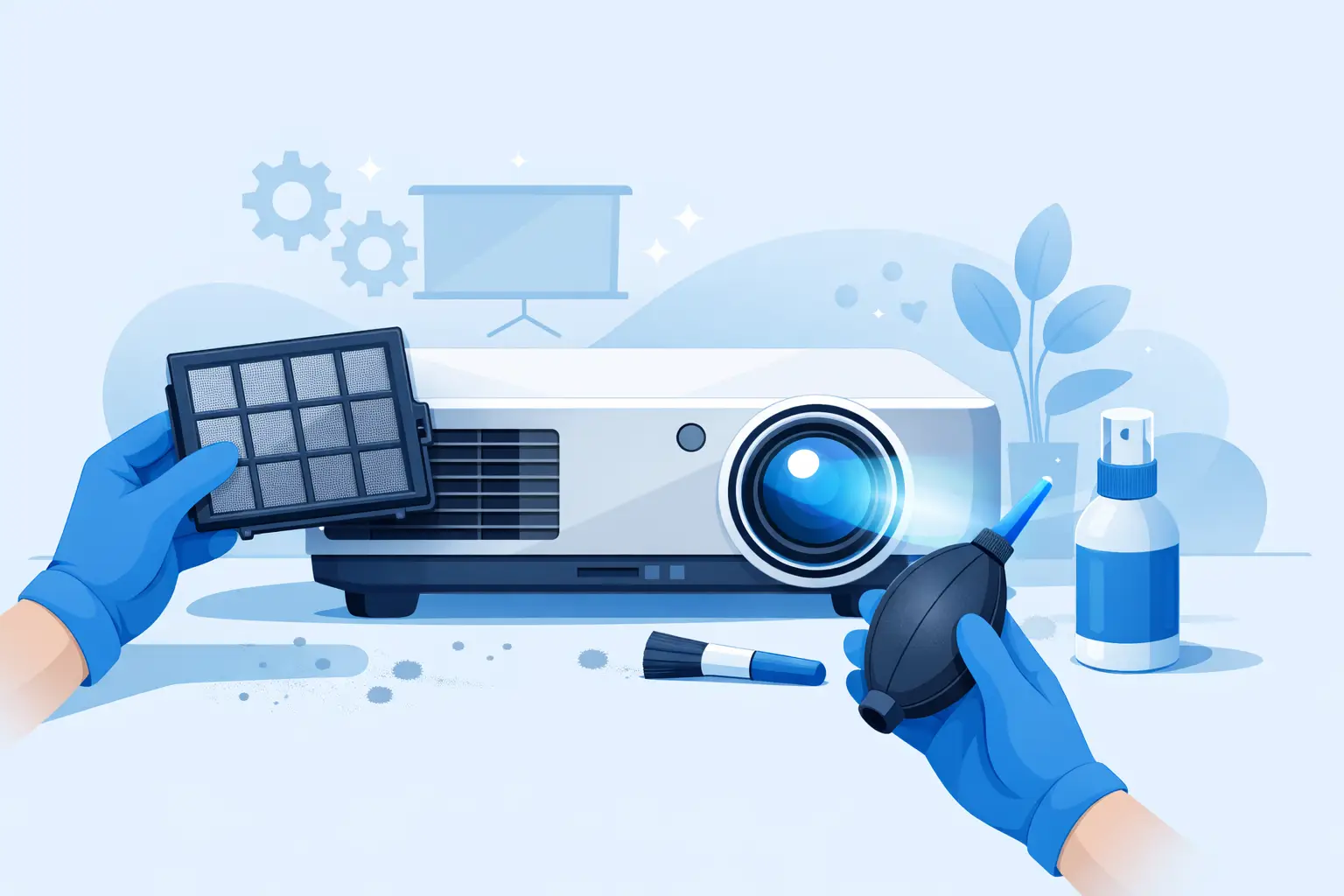
A projector that runs hotter than expected, ramps fan noise, or shows repeated temperature warnings often has a simple root cause - restricted airflow. In commercial AV environments, projector dust filter maintenance is not a minor housekeeping task. It directly affects thermal stability, lamp performance, image consistency, and service intervals across installed fleets.
For distributors, repair shops, and integrators supporting multiple projector brands, filter upkeep also has a cost dimension. A neglected filter can accelerate wear on lamps, internal fans, and optical components. That means more emergency calls, more unplanned downtime, and more pressure to source replacement parts quickly. In contrast, a consistent maintenance routine protects equipment life and helps service teams stay ahead of failures instead of reacting to them.
Why projector dust filter maintenance matters
Most projectors depend on controlled airflow to move heat away from the lamp, light engine, power section, and other internal assemblies. The air filter is the first barrier against dust, smoke residue, and suspended debris. As the filter loads up, airflow drops. Internal temperatures rise, and the cooling system has to work harder to compensate.
That thermal stress shows up in several ways. Lamp brightness may decline faster than expected. Fan assemblies may run at higher speed for longer periods. Optical areas can become more vulnerable to dust contamination if the projector is pulling air through unintended gaps. In severe cases, the unit may shut down to protect itself.
The practical issue for professional buyers is that filter neglect rarely remains an isolated problem. One clogged filter can trigger a chain of service costs that exceeds the price of routine replacement many times over. For fleets deployed in classrooms, meeting spaces, houses of worship, retail displays, or rental inventory, preventive maintenance is the more efficient commercial decision.
Service intervals depend on the environment
There is no single cleaning schedule that fits every installation. Manufacturer guidance is the starting point, but real-world operating conditions matter just as much. A projector in a clean conference room may run much longer between filter checks than a unit installed near construction dust, stage haze, textile fibers, kitchen residue, or high foot traffic.
In practice, service providers should base intervals on three variables: operating hours, site conditions, and equipment criticality. A projector running all day in education or digital signage use will load the filter faster than a unit used only for weekly presentations. Likewise, a mission-critical installation usually justifies a more conservative inspection schedule because downtime is more expensive than a preventive visit.
A practical approach is to inspect filters during any lamp replacement, quarterly preventive maintenance, or scheduled site support visit. For harsher environments, monthly review may be appropriate. For cleaner sites, a longer interval may be acceptable, but only if performance data supports it.
Signs a filter needs attention sooner
Service timing should not rely only on a calendar. If fan noise rises, thermal warnings appear, brightness seems unstable, or the projector exterior shows visible dust accumulation around intake areas, the filter should be checked immediately. On some models, reduced airflow can also be inferred from higher internal temperature readings in the service menu.
It is also worth paying attention to location changes. A projector moved from a boardroom to an event venue, or from standard office use to a school gym, may need a very different maintenance cycle.
Cleaning versus replacing the filter
Not every projector filter is intended for repeated cleaning. Some are washable or reusable for a limited number of cycles. Others are designed as replaceable consumables. The correct action depends on the filter material, frame design, and the projector model's airflow requirements.
Trying to stretch service life beyond the intended use case creates risk. A reusable filter that has lost structure will not seal or perform correctly even if it looks clean. A disposable filter that is vacuumed aggressively may tear, deform, or allow bypass leakage around the media. In both cases, the apparent cost savings can lead to poorer cooling performance.
For commercial service teams, the better standard is simple: follow the model-specific requirement and evaluate the physical condition of the filter, not just surface appearance. If the media is hardened, warped, oil-stained, smoke-loaded, or no longer returns to shape, replacement is the correct choice.
Best practices for projector dust filter maintenance
The maintenance process itself should be controlled. Before service, power the projector down fully and allow adequate cooling time. Removing a filter from a hot unit can expose the technician to heat and may disturb dust into internal areas.
Once the filter compartment is open, inspect both the filter and the surrounding intake path. Dirt packed around the housing edge or vent grille can reduce the benefit of replacing the filter alone. If the manufacturer permits cleaning, use low-force methods. Excessive compressed air pressure can push contaminants deeper into the chassis. In many cases, gentle vacuum removal from the correct side or careful washing and full drying of a reusable filter is more appropriate.
Reinstallation is just as important as cleaning. A filter that is misaligned, incompletely seated, or installed backward can restrict airflow or create bypass paths. On fleet maintenance contracts, this is one of the most common preventable errors because the task appears simple and is rushed.
After service, reset any filter timer if the projector requires it, then confirm normal fan behavior and temperature stability during operation. A reset without actual service is poor practice, but actual service without a reset can create confusion later for both the end user and the technician.
Common mistakes in the field
The biggest mistakes are over-cleaning, under-inspecting, and using non-matching replacement parts. Over-cleaning damages filter media. Under-inspecting ignores the intake housing, nearby vents, and environmental dust sources. Non-matching filters may fit physically but fail on airflow rate, thickness, frame tolerance, or sealing performance.
For buyers managing inventory across many brands and models, compatibility discipline matters. A low-cost substitute that does not maintain proper ventilation can increase warranty claims, repeat service calls, and customer dissatisfaction. This is where supplier consistency becomes part of maintenance quality, not just procurement convenience.
The sourcing side of maintenance planning
Projector dust filter maintenance is easier to standardize when replacement filters are treated as planned stock, not emergency items. Service providers supporting mixed fleets should map the installed base by brand and model, then align minimum stock levels with expected maintenance cycles and regional demand.
This is particularly relevant for resellers and repair businesses that need to keep turnaround times tight. When filters are unavailable, units often continue operating past service thresholds, increasing the chance of overheating and secondary failures. That avoidable delay can turn a low-cost preventive part into a larger repair event.
A reliable accessory supplier should offer more than basic availability. Buyers need stable compatibility coverage, consistent manufacturing quality, and responsive support when confirming model matching. For projector air filters, ventilation performance is not an abstract spec. It is tied directly to whether the projector can maintain normal operating conditions in the field.
ZORSIKA develops projector air filters with attention to ventilation efficiency and dust protection, which is exactly the balance professional buyers need when supporting uptime across varied installations. For trade customers, that matters because filter replacement is only effective when the part performs correctly after installation, not simply when it fits the housing.
Build maintenance into the service workflow
The most effective teams do not treat filter service as an afterthought. They make it part of every preventive maintenance checklist, every lamp replacement workflow, and every intake inspection on units entering the bench for unrelated repairs. That process discipline improves reliability across the fleet and reduces the number of heat-related failures that arrive later as urgent jobs.
It also creates better customer communication. When end users understand that filter condition affects lamp life, brightness retention, and system stability, they are more willing to approve scheduled maintenance and replacement parts. That is a simpler conversation than explaining why a projector shut down during active use.
For professional AV operations, clean airflow is a basic requirement, not a minor detail. If the goal is fewer callbacks, longer service life, and better protection for installed equipment, projector dust filter maintenance deserves the same attention as lamps, optics, and compatibility checks. A well-managed filter program is not glamorous, but it consistently protects margin, uptime, and service credibility.
The practical advantage is clear: when filters are inspected on schedule, replaced with the right parts, and supported by dependable sourcing, projector fleets stay cooler, cleaner, and easier to support.