Projector Fan Review: What Service Teams Should Check
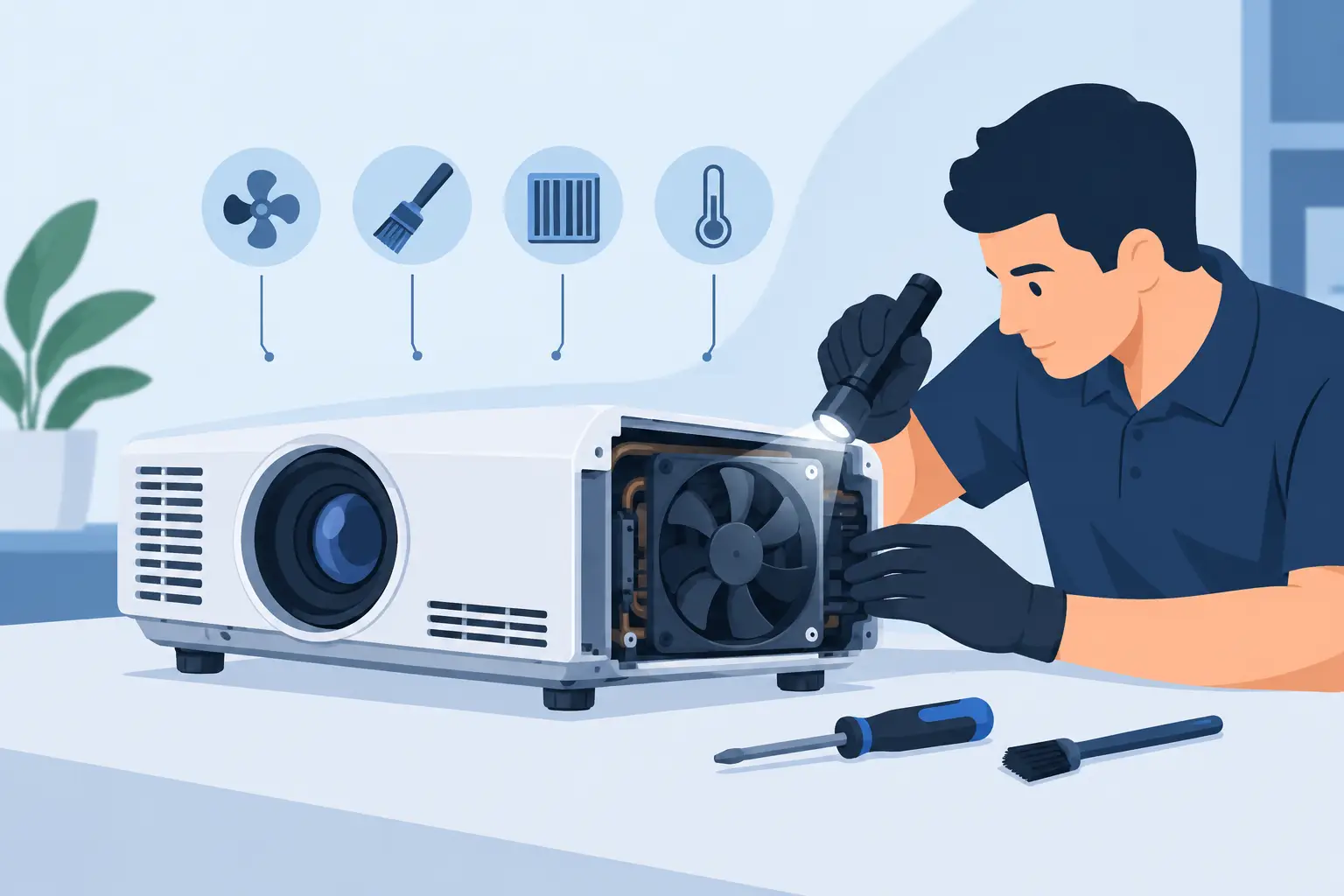
A projector fan review should not begin with a noise comparison or a lowest-price quote. For commercial AV service teams, a replacement fan is a thermal-control component that directly affects lamp life, optical performance, shutdown risk, and the reliability of the repaired projector. A fan that fits the housing but delivers the wrong airflow or speed signal can create a repeat service call within days.
Projectors use tightly managed cooling paths. Air is pulled through filters, across the lamp or laser light source, through power and imaging sections, and out through designated exhaust channels. Each fan has a defined role in that path. Reviewing a replacement fan properly means confirming that it can perform that role under the projector's operating conditions, not simply confirming that it spins.
What a Projector Fan Review Should Measure
For a repair business, distributor, or integrator, the useful question is whether a fan is an acceptable replacement for a specific original part. That assessment requires more than a general statement that the fan is compatible with a projector brand.
Start with the original fan label and service documentation where available. Record the manufacturer part number, voltage, current rating, wire count, connector type, frame dimensions, mounting-hole pattern, airflow direction, and rated speed. A matching projector model is helpful, but it should not replace component-level verification. One projector series may use different fans for the lamp chamber, power supply, intake, exhaust, and DMD or LCD cooling sections.
A practical review also checks physical condition and installation details. Frame depth matters as much as width and height. A few millimeters of additional depth can interfere with a duct, cover, cable route, or internal shield. Wire length and connector keying should be checked before installation, since forced connectors and improvised extensions introduce avoidable field risk.
Electrical Compatibility Comes Before Airflow Claims
Most projector cooling fans are DC brushless units, commonly rated at 5V, 12V, or 24V. Installing the wrong voltage fan may result in no startup, low speed, immediate failure, or damage to the projector control circuit. The voltage printed on the fan label must match the original specification.
Wire count is equally important. A two-wire fan normally provides power and ground. A three-wire design generally adds a tachometer output so the projector can monitor rotation. Four-wire fans may include PWM control in addition to speed feedback. If a projector expects a tach signal and receives none, it may generate a fan error even if the replacement fan is moving air.
Current draw deserves attention, particularly when sourcing substitutes rather than exact replacements. A substantially higher-current fan can overload a driver circuit. A much lower-current fan may be a sign of reduced motor capacity or lower airflow, although current alone is not a performance rating. Review it together with voltage, speed, airflow, and bearing construction.
Connector matching should be exact whenever possible. Pin order can vary between manufacturers even when the housing appears identical. Confirm the pinout with the original unit or equipment documentation before connecting a replacement fan. Color coding is useful but should not be treated as proof.
Tachometer and Startup Behavior
Projectors often perform a fan check during startup. A fan may start briefly, then stop if the control board does not recognize an expected pulse signal. Conversely, an unstable tachometer signal can trigger intermittent fault codes that are difficult to diagnose after the unit leaves the bench.
During testing, allow the projector to reach normal thermal load rather than checking only the first minute of operation. Confirm stable fan operation through startup, lamp ignition or laser activation, source playback, and cooldown. Where service software or error logs are available, verify that no fan-related fault is recorded.
Airflow Must Match the Cooling Position
Airflow is commonly expressed in CFM, while static pressure indicates a fan's ability to move air against restriction. Both matter inside a projector. A high-CFM fan is not automatically suitable if it cannot maintain flow through a dense filter, narrow duct, lamp housing, or heat sink.
The fan location determines the balance required. Intake and exhaust fans may prioritize volume, while fans serving lamp modules, optical engines, or compact heat sinks may need higher static pressure. Replacing a pressure-oriented fan with a low-resistance chassis fan can reduce cooling even when its catalog airflow figure looks acceptable.
Airflow direction should be confirmed from the arrows molded into the fan frame. Do not rely on blade appearance. Reversing a fan can disrupt the intended pressure balance, pull dust into sensitive areas, or recirculate hot exhaust air. This is especially relevant in projectors with multiple internal fans where each fan supports a separate cooling zone.
For installed fleets in schools, conference rooms, museums, and event environments, conditions also affect the review. A unit operating in a clean boardroom has different thermal demands from one exposed to stage haze, construction dust, or extended daily runtimes. In difficult environments, a well-matched air filter and a fan with stable long-term performance are more valuable than a low initial purchase price.
Noise Is a Diagnostic Factor, Not Just a Comfort Issue
Fan noise matters in classrooms, meeting rooms, and theaters, but the sound itself can also reveal mechanical problems. Rattling, clicking, pulsing, scraping, or excessive vibration may indicate bearing wear, blade imbalance, housing contact, or poor mounting alignment.
Compare noise under operating load, not only when the projector is cold. Fan speed may increase after the lamp chamber or power supply reaches temperature. A replacement fan that remains quiet at idle but becomes unstable at higher speed is not suitable for dependable service use.
Noise specifications in dBA can provide a reference, but test results are more meaningful when the fan is installed. Internal ducts, plastic covers, restricted vents, and the projector chassis can amplify certain frequencies. If the original fan uses rubber isolators, retain or replace them. Metal-to-plastic contact can create vibration noise that is incorrectly blamed on the fan motor.
Bearing Type and Expected Service Life
Sleeve-bearing fans are often economical and can perform acceptably in controlled, lower-temperature applications. Their service life can decline faster when mounted in certain orientations, exposed to heat, or operated continuously. Ball-bearing designs generally offer stronger durability for demanding runtimes and higher temperatures, though quality still varies by manufacturer.
A professional review should consider duty cycle. A projector used two hours per day in a meeting room does not place the same demand on a fan as a unit used for six-hour classes, digital signage, live events, or simulation systems. Selecting a fan based only on fit can produce inconsistent outcomes across the same customer fleet.
Inspect the replacement fan for blade molding quality, frame rigidity, label accuracy, cable strain relief, connector retention, and bearing smoothness. Spin testing by hand is not a complete test, but obvious roughness, rubbing, or side play should reject the part before installation. Batch traceability and warranty support are also practical indicators for buyers managing recurring repairs.
A Receiving Process That Reduces Repeat Repairs
For organizations purchasing fans in volume, incoming inspection should be standardized. Check part labels against the purchase order, verify frame dimensions and connectors, and perform sample electrical and rotation tests before stock is released. Photographing labels and packaging can help maintain traceability when a field issue is reported later.
A controlled bench test should confirm correct startup, rotation direction, speed feedback where required, and stable operation after a heat cycle. The projector should then be reassembled with all ducts, shields, and filters installed. Testing an open chassis can hide restrictions or airflow problems that appear only after final assembly.
Maintain records by projector model, original fan reference, replacement part reference, installation position, and observed results. Over time, this produces a useful compatibility database for technicians and purchasing teams. It also makes it easier to identify whether a failure pattern is tied to a fan batch, blocked filters, degraded lamp performance, or an unrelated control-board issue.
Choosing a Supplier for Replacement Fans
A supplier should be able to support identification by projector model and, where possible, by original fan part number. Clear product specifications, consistent part matching, responsive technical communication, and warranty handling matter more to commercial buyers than generic descriptions such as “universal projector fan.”
Availability is another operational requirement. A service provider supporting multiple projector brands needs a sourcing partner that can cover common configurations without creating excessive inventory risk. ZORSIKA supports projector accessory buyers with practical model matching and replacement-part sourcing intended to reduce downtime across diverse installed equipment.
Price should be evaluated against the total service cost. A low-cost fan that causes overheating, error codes, or a second truck roll is not a cost-effective replacement. The strongest purchasing decision balances verified compatibility, thermal performance, expected operating life, supply consistency, and support after delivery.
The best result from a projector fan review is not a favorable product description. It is a repaired projector that completes a full thermal cycle quietly, reports no fan faults, and returns to service without creating the next maintenance ticket.