Projector Filter Replacement Frequency Guide
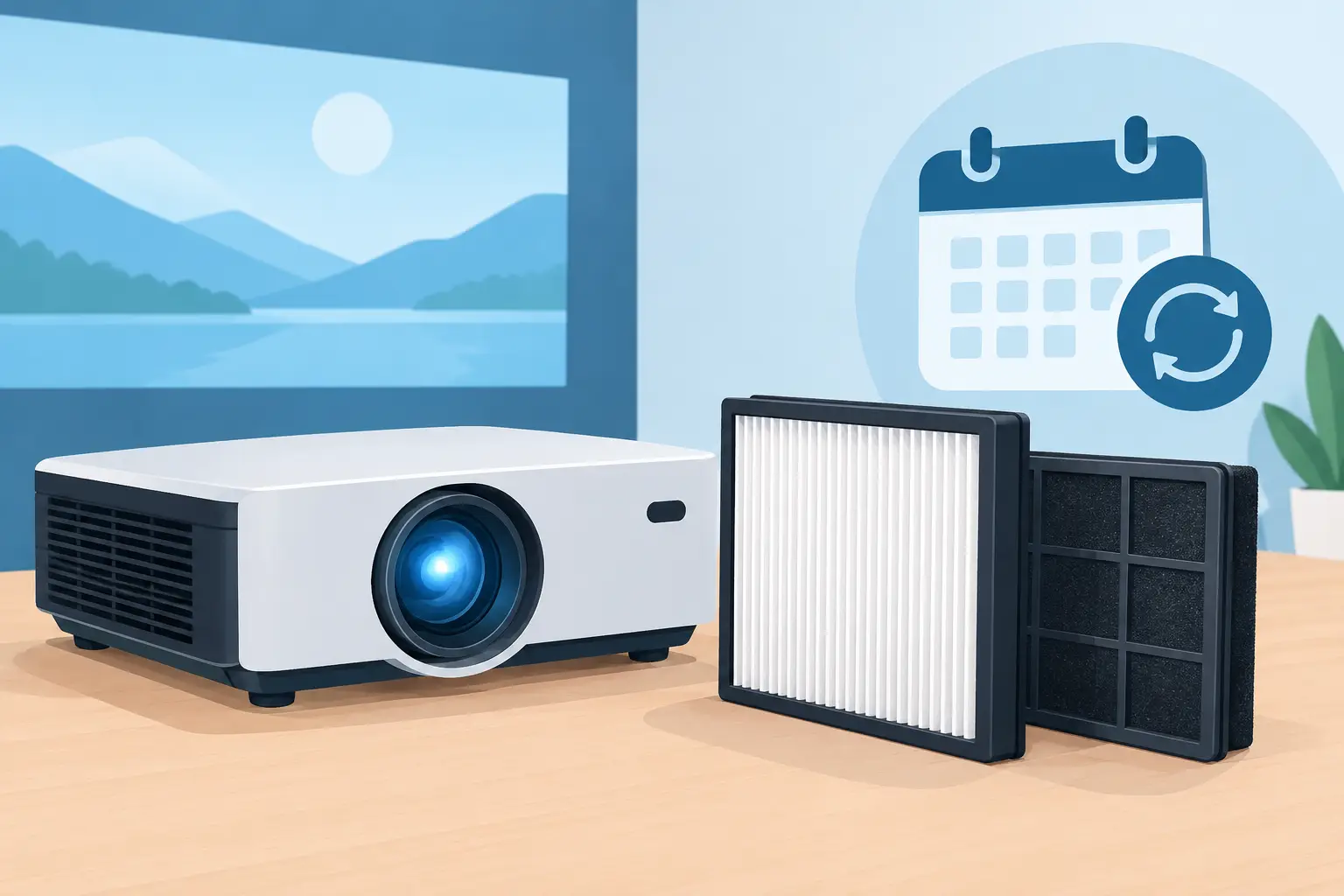
A projector installed above a classroom ceiling or inside an exhibit enclosure can accumulate enough dust to restrict airflow long before users notice a visible image problem. The correct filter replacement frequency is therefore a service-control decision, not a minor housekeeping task. For distributors, integrators, and repair teams, a defined filter program helps prevent thermal faults, premature lamp wear, brightness loss, and unplanned site visits.
Projector filters are often replaced only after an overheating warning appears. That approach is costly. By that point, dust may already have collected on internal cooling paths, fans, optical components, and lamp housing surfaces. A replacement schedule based on operating hours and installation conditions gives service providers a more predictable way to protect projector fleets.
What Determines Filter Replacement Frequency?
There is no single replacement interval that fits every projector. Manufacturer guidance is a useful starting point, but the actual environment determines how quickly a filter becomes restrictive. A projector running in a clean, climate-controlled meeting room may operate for far longer between filter services than the same model installed in a school cafeteria, production floor, house of worship, or retail area near an exterior entrance.
Operating hours matter first. A projector used six hours each weekday accumulates approximately 1,500 hours per year. A unit used for digital signage, simulation, security monitoring, or a continuously active exhibition can reach that level in only two months. Maintenance intervals must be based on real runtime, not simply on calendar dates.
Air quality is equally significant. Fine dust is especially problematic because it can pass through openings and build a dense layer in filter media. Smoke, cooking residue, textile fibers, construction debris, and airborne oil create different contamination patterns. Some materials can cause filter media to clog quickly, while sticky residues can hold dust in place and make cleaning ineffective.
Installation design also changes the service requirement. Ceiling-mounted projectors may draw in more rising dust and warm air. Units in recessed mounts, cabinets, or tight AV enclosures can recirculate contaminated air if ventilation is poorly planned. In these applications, filter maintenance must be coordinated with inspection of intake clearances, exhaust paths, enclosure fans, and room HVAC conditions.
Practical Projector Filter Replacement Frequency Ranges
For most commercial fleets, service teams should establish an initial replacement range, then adjust it after reviewing removed filters and projector warning history. The following ranges are practical planning benchmarks rather than universal rules:
- Clean offices, conference rooms, and controlled classrooms: inspect at 500 to 1,000 operating hours and commonly replace at 1,000 to 2,000 hours.
- Typical schools, training rooms, houses of worship, and retail sites: inspect at 300 to 500 hours and commonly replace at 500 to 1,000 hours.
- High-dust locations, workshops, warehouses, food-service areas, and event venues: inspect every 100 to 300 hours and replace whenever restriction or visible loading is found.
- Enclosed, high-runtime, or 24/7 applications: set inspection intervals using actual site experience, often beginning at 250 hours until contamination rates are understood.
These ranges should not override a projector manufacturer’s stated requirements. Some models use washable filters, filter cartridges, or filter-free cooling designs. Others display a maintenance message based on a timer rather than a direct measurement of airflow. Resetting that message without inspecting the filter can hide a developing cooling problem. Conversely, replacing a filter solely because a timer expires may be unnecessary if the environment is exceptionally clean. The service record should show both the operating-hour reading and the condition of the removed filter.
Why Waiting for a Warning Is a Poor Strategy
Projectors are designed around a defined airflow path. Intake air passes through the filter, cooling critical components before leaving through the exhaust. As dust builds up, resistance increases and the cooling system has to work harder. Fan speed may rise, noise may increase, and internal temperatures can remain elevated even when the projector continues to operate.
Excess heat can shorten the useful life of lamps and other heat-sensitive components. It may also contribute to thermal shutdowns during meetings, classes, or live events, where downtime has an immediate operational cost. In severe cases, dust reaches optical assemblies and causes visible contamination or uneven image performance that cannot be corrected by replacing the external filter alone.
A lamp replacement provides a good opportunity to inspect the filter, but lamp life and filter life are not the same. A projector may need several filter changes during one lamp cycle in a demanding location. Treating the two parts as a single maintenance event can leave the projector exposed to restricted airflow for too long.
Build a Service Schedule Around Site Conditions
A dependable maintenance program begins with asset-level information. Record projector model, serial number, installation location, mounting type, expected operating hours, last filter service date, and observed environmental conditions. This is particularly useful for service companies supporting multiple brands and large education or corporate fleets.
At the first scheduled inspection, technicians should check the filter surface and frame for discoloration, packed dust, tears, deformation, and signs that air has bypassed the media. They should also inspect intake grills, exhaust openings, and accessible fan areas. A clean-looking outer surface does not always mean the filter is flowing properly, especially where fine dust or smoke residue is present.
Use the first few service cycles to classify each site. A clean boardroom may remain on an annual program. A cafeteria-side classroom may need service each semester. A projector near a construction area may require a temporary short interval until work is complete. This approach avoids two common cost problems: over-replacing filters in clean locations and under-servicing equipment in difficult environments.
For contract maintenance, replacement intervals should be written into the service scope with a condition-based adjustment clause. This protects both the provider and the customer. The customer receives a clear baseline budget, while the service team can document why a high-contamination site needs more frequent attention.
Cleaning Versus Replacing the Filter
Whether a filter can be cleaned depends on its material and the projector manufacturer’s instructions. Reusable foam or mesh filters may be cleaned carefully when they are intact and designed for reuse. Disposable media filters should generally be replaced rather than vacuumed aggressively, washed, or blown out with compressed air. Improper cleaning can stretch fibers, damage the filter seal, force contamination deeper into the media, or create gaps that allow dust into the projector.
Even washable filters have a limited service life. Repeated cleaning can weaken the material and reduce its ability to capture fine particles. If the filter is warped, brittle, stained with oily residue, torn, or unable to sit securely in its holder, replacement is the correct action.
For service providers, a new compatible filter is often the more efficient field solution. It reduces labor time, avoids uncertainty about cleaning quality, and lets the technician complete the maintenance visit without waiting for a washed filter to dry. The removed filter can then be retained briefly for customer review when site contamination needs to be documented.
Compatibility Is Part of the Maintenance Decision
A filter must match the projector’s intended air path, dimensions, seating design, and retention method. A filter that appears similar but fits loosely can permit unfiltered air to bypass the media. An overly dense or incorrectly sized filter can restrict airflow from the start. Both conditions create risk, even if the projector powers on normally after installation.
Buyers managing diverse fleets should source by exact projector model or verified replacement part number, not by approximate dimensions alone. Confirm whether the model uses a front-access, side-access, bottom-access, or internal filter assembly, as this affects field labor and inventory planning. Keeping commonly used filters available for high-volume models reduces turnaround time for repair businesses and regional service teams.
ZORSIKA develops projector air filters with ventilation performance and dust protection in mind, supporting professional buyers that need practical alternatives for ongoing fleet maintenance. As with any replacement accessory, correct model matching and a documented installation check remain essential.
Signs That the Interval Needs to Be Shorter
Review the schedule when service records show recurring temperature warnings, rising fan noise, repeated lamp failures, or filters that are heavily loaded before their planned replacement date. Customer reports of intermittent shutdowns during long presentations should also trigger an airflow inspection rather than an immediate assumption of lamp or power-board failure.
Site changes deserve the same attention. Renovation work, a new ventilation layout, increased occupancy, nearby food preparation, or a move from occasional use to daily use can quickly invalidate an earlier maintenance interval. A filter program should respond to the operating environment, not remain fixed because it was convenient to set once.
For technicians and procurement teams, the most useful target is not the longest possible interval. It is a repeatable interval that keeps airflow stable, parts inventory predictable, and projector downtime out of the customer’s schedule. A clean, correctly matched filter is a low-cost service item that protects much more expensive components.