Projector Lens Replacement for Epson Projectors
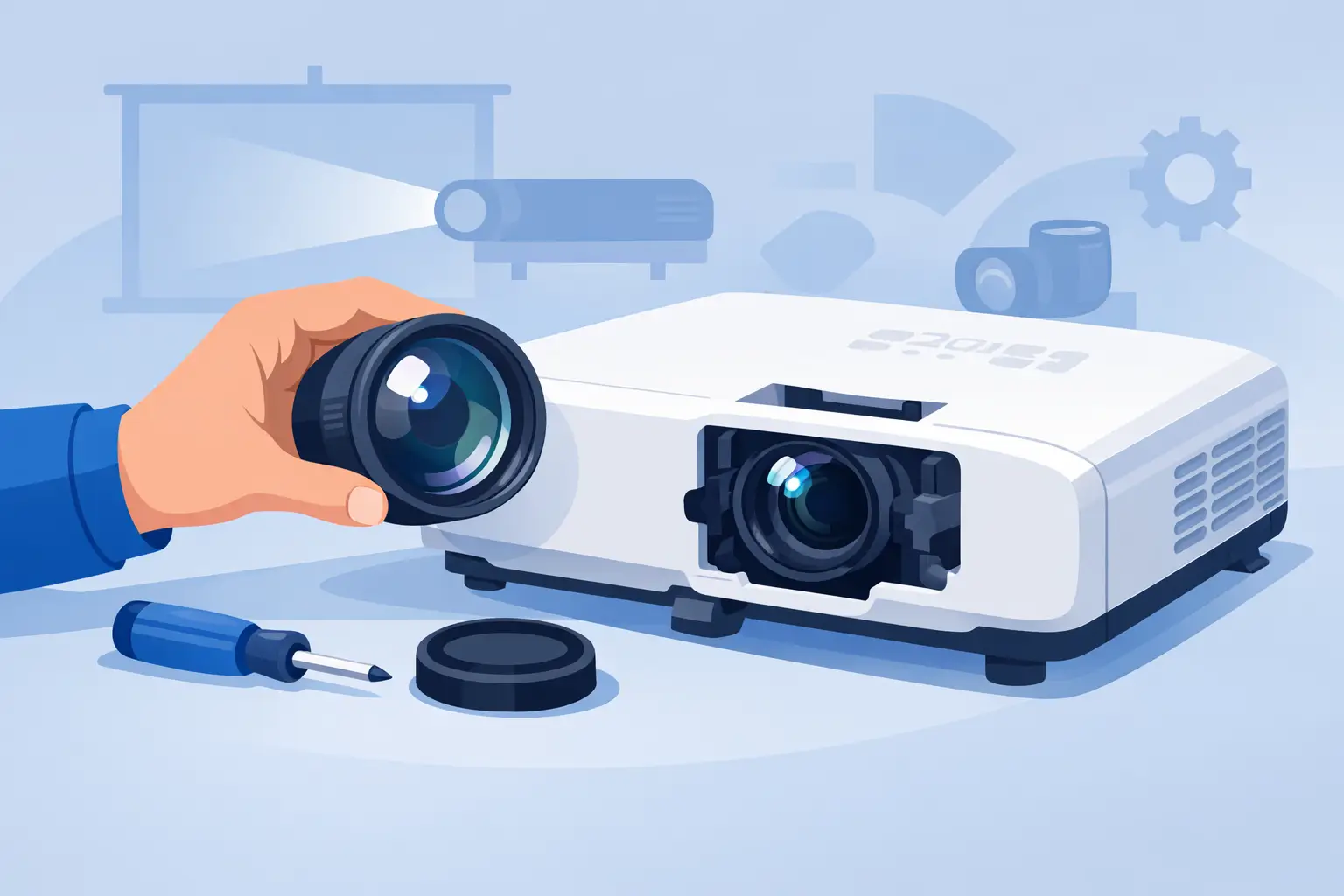
A projector lens replacement for Epson projectors is not a generic parts purchase. For commercial AV fleets, the correct lens determines whether an installed projector can maintain its planned image size, mounting position, brightness performance, and edge-to-edge clarity. A wrong match can turn a straightforward service call into a costly reinstallation.
Epson uses interchangeable lenses across selected large-venue, installation, and professional projector series. Other models use a fixed optical assembly that is not intended to be removed as a field-replaceable lens. The first task is therefore to identify the projector platform and confirm whether the required part is an interchangeable projection lens, a fixed lens assembly, or an optical-engine component requiring workshop repair.
Confirm the Epson Projector Lens Type First
The projector model number is the starting point, but it is not enough on its own. Professional Epson families may support multiple lens options, each designed for a different throw range and installation requirement. A part that physically resembles another lens can still have an incompatible mount, electronic interface, lens memory function, or optical specification.
Before sourcing a replacement, verify the full projector model, existing lens part number if available, and the reason for replacement. A cracked front element, damaged mount, fungus, haze, focus failure, or zoom mechanism failure may require a different service approach. If the image issue is reduced brightness, color shift, flickering, or intermittent shutdown, the fault may instead be related to the lamp, light source, filter condition, optical block, or internal electronics.
For fixed-lens Epson projectors, do not treat the lens as a simple interchangeable accessory. Many compact, education, and business models use an integrated lens and optical assembly. Replacing it can require controlled disassembly, optical alignment, dust management, and post-service image checks. In these cases, the practical procurement decision may be whether repair cost is justified versus unit replacement.
Match Throw Ratio to the Installed Geometry
Throw ratio is the most important performance specification when selecting an Epson replacement lens. It defines the relationship between projection distance and image width. If a replacement lens has a shorter or longer throw ratio than the original, the projector may no longer produce the required image size from its existing mount location.
This matters especially in boardrooms, classrooms, museums, houses of worship, simulation spaces, and event venues where brackets, ceiling structures, cable paths, and screens are already fixed. A lens substitution that looks acceptable in a catalog may require relocating the projector, changing the screen size, or accepting an image that cannot fill the display area.
Confirm the intended screen width and the available lens-to-screen distance. Then compare that installation geometry against the replacement lens's specified throw-ratio range. Zoom lenses provide useful adjustment, but their range is limited. Do not assume that a wide-angle lens can replace a standard lens or that a long-throw lens can compensate for a projector installed too close to the screen.
Lens shift must also be checked. Epson installation projectors often offer vertical and horizontal lens shift, allowing installers to position the image without relying heavily on digital keystone correction. The available shift range can vary by lens and projector series. Maintaining optical lens shift is preferable because excessive digital correction can reduce effective image detail and introduce geometry compromises.
Check Resolution, Brightness, and Image Quality Requirements
A replacement lens must support the performance level expected from the projector. For current professional applications, buyers should confirm compatibility with the projector's native resolution, including 4K-compatible imaging where applicable, and assess the lens's ability to maintain contrast and color reproduction across the full image area.
Optical quality becomes more visible on large screens and in multi-projector environments. Soft corners, chromatic fringing, focus inconsistency, and uneven illumination may be tolerable in a temporary presentation room but not in an exhibition, command center, or blended projection installation. The required result depends on the application, viewing distance, screen size, and content type.
Brightness also involves trade-offs. Wider-angle lenses can create more demanding light distribution conditions, while long-throw applications may require careful brightness planning. Lens condition has a direct effect as well. Dust contamination, coating damage, scratches, haze, or internal moisture can reduce apparent brightness and lower contrast even when the projector light source is operating correctly.
For service providers, it is good practice to inspect the removed lens under controlled light before declaring it failed. A contaminated exterior surface may be cleaned using approved optical methods. Internal haze, damaged mechanics, or degraded optical elements usually justify replacement rather than field cleaning.
Use Part Numbers and Mechanical Compatibility as Controls
Part-number matching remains the most reliable purchasing control for Epson lens replacement. Where the exact original lens number is known, use it as the primary reference. If the original part number is unavailable, cross-reference the projector series, lens type, throw range, and mounting interface before approving an alternative.
Mechanical compatibility includes more than the bayonet or lock position. Check the lens release system, securing screws where applicable, lens-cover clearance, connector arrangement, and whether the projector recognizes lens position or memory data. On models with motorized zoom, focus, and lens shift, correct communication between the lens and projector is essential for normal operation.
A compatible replacement should also preserve practical service functions. These may include lens memory presets, powered adjustments, repeatable image positioning, and alignment capability for stacked or blended systems. Losing these functions can increase labor time during commissioning and reduce the value of an otherwise workable replacement.
Plan Installation to Protect the Optical System
Interchangeable Epson lenses are designed for efficient installation, but the work should still be performed in a clean, controlled environment. Turn off the projector, allow it to cool fully, disconnect power, and protect the exposed optical opening from dust. Technicians should avoid touching glass surfaces or internal contacts.
After removal, inspect the lens mount and projector opening for loose debris. Do not use compressed air indiscriminately inside the projector, as it can push contamination deeper into the optical path. Install the replacement lens carefully, confirm that it locks fully into position, and fit any required covers before powering the unit.
Commissioning should include focus, zoom, lens shift, image centering, and test-pattern checks. Examine the center and corners of the image at normal operating size. For professional installations, also verify geometry, color consistency, input resolution, and operation of motorized lens controls. If the projector uses lens memory, confirm that stored presets move accurately and repeatably.
Procurement Factors That Affect Service Continuity
For distributors, repair centers, and integrators, the lowest purchase price is only one part of the lens decision. Availability, warranty support, consistent specifications, packaging quality, and supplier responsiveness directly affect project margins and customer downtime.
Maintaining a small stock of high-turn replacement lenses can be justified for customers with installed fleets, particularly where a failed projector supports a critical meeting room, training space, venue, or public display. For less common lenses, accurate model matching and dependable lead-time communication are more valuable than carrying broad but unverified inventory.
ZORSIKA supplies projector accessory solutions for professional buyers who need practical alternatives across lenses, bulbs, air filters, and related service parts. For lens sourcing, the priority should remain clear: match the correct optical specification to the exact Epson platform and the real installation conditions, not simply the closest-looking product.
A properly matched replacement lens keeps the projector where it was installed, preserves the intended image geometry, and allows the end customer to return to service without unnecessary redesign. That is the standard worth applying to every Epson lens replacement order.