Projector Lens Replacement Guide
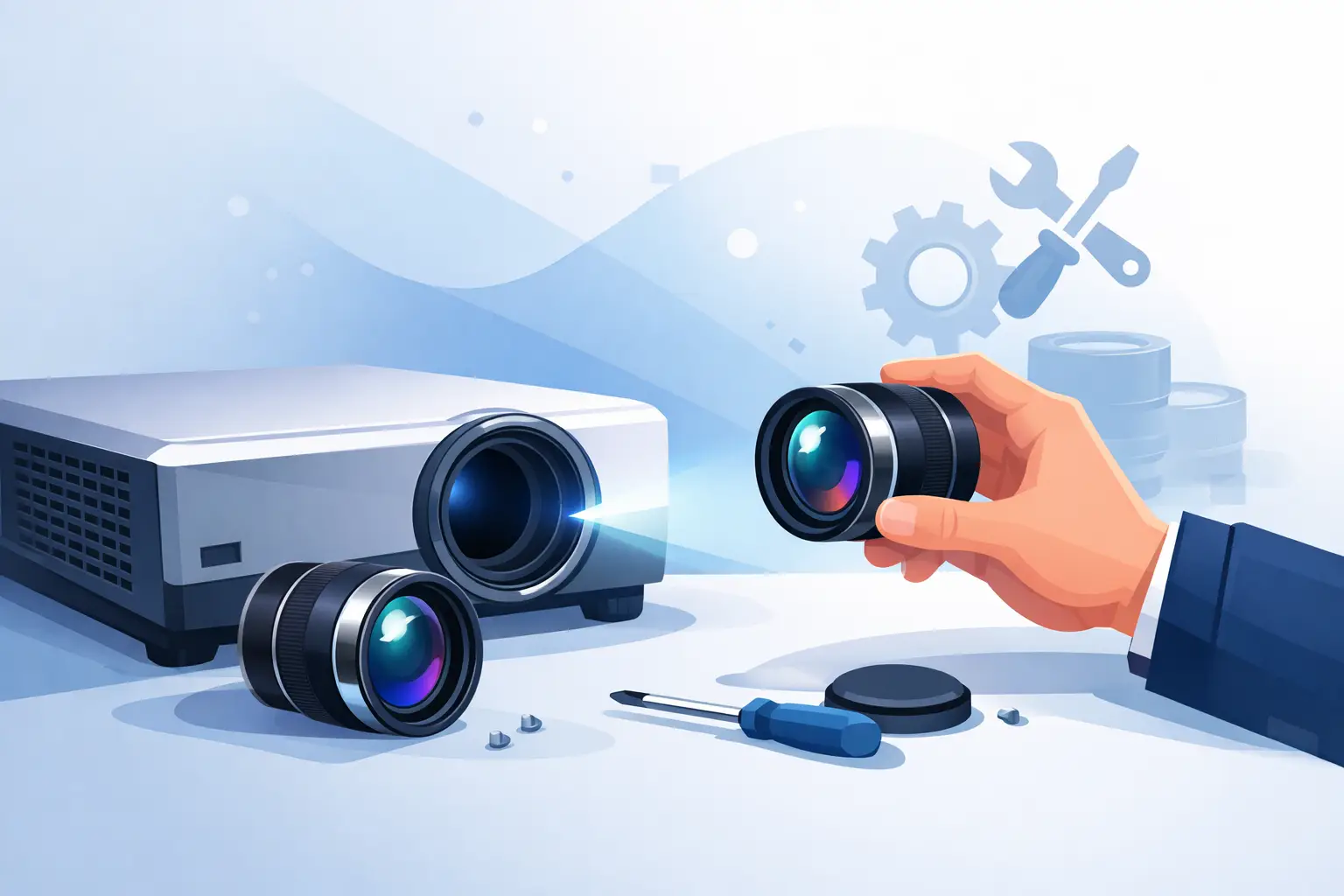
A projector lens is not a commodity part. Order the wrong throw ratio, mount type, or image circle and the result is immediate - poor focus, geometry errors, edge softness, or a unit that cannot be installed at all. This projector lens replacement guide is written for service teams, resellers, integrators, and procurement buyers who need to match lenses correctly, reduce downtime, and avoid unnecessary return cycles.
For commercial AV operations, lens replacement usually happens for one of three reasons. The original lens is damaged, the installed application has changed, or the OEM part is too costly or too slow to source. In all three cases, the decision is not only about physical replacement. It is about preserving image performance, compatibility, and installation efficiency across multiple projector brands and models.
What to confirm before replacing a projector lens
The first checkpoint is the exact projector model, including any regional or series variation. Many service errors start when buyers match a lens to a family name rather than a full model number. Two projectors in the same product line can use different lens mounts, firmware support, or optical ranges.
The second checkpoint is the lens part number already in use. If the goal is like-for-like replacement, the existing lens label is usually the fastest path to a clean match. If that label is missing or unreadable, you need the projector model plus the installation requirements, especially screen size, projection distance, and desired image position.
The third checkpoint is the application environment. A conference room retrofit, lecture hall, simulator room, house of worship, or staging application can all require different priorities. Some jobs need maximum brightness retention. Others care more about wide-angle placement, long throw coverage, or minimizing image distortion at the edge of the screen.
At this stage, buyers should also decide whether they need a direct replacement or an alternative lens option. These are not the same purchase. A direct replacement restores the original configuration. An alternative changes the installation geometry and may solve a site problem, but only if the optical specifications are validated carefully.
Projector lens replacement guide for compatibility
Compatibility should be treated as a technical match, not a visual guess. A lens can look similar and still fail in mounting, signal recognition, or image performance.
Start with the mount interface. The lens must lock correctly into the projector chassis and align with the internal optical path. Even small mechanical differences can lead to fit issues or unstable installation. In professional environments, a lens that is slightly off-spec creates service risk that shows up later as focus drift, alignment complaints, or avoidable maintenance calls.
Next is throw ratio. This determines whether the projector can fill the target screen from the available mounting distance. If the replacement lens has a narrower throw than required, the image may be too small. If it is too wide, the projector may need to be moved physically, which is often impossible in finished installations.
Lens shift range is equally important. Many buyers focus on throw ratio and ignore shift limits until the projector is back on site. If the replacement lens does not support enough vertical or horizontal shift, the image may not land correctly on the screen without keystone correction. In commercial AV, relying on digital correction instead of proper optical alignment usually means lower image quality.
Resolution support and optical quality also matter. A replacement lens for current commercial projectors should maintain high color reproduction, low light loss, and clean image detail across the frame. This becomes more critical in 4K-capable systems, high-contrast content environments, and installations where text clarity is part of the user experience. A low-grade replacement may function, but service teams will still face complaints about brightness, focus consistency, or edge definition.
Direct replacement vs alternative lens selection
If the installed lens was correct for the room and only failed due to damage or wear, direct replacement is the lowest-risk route. It preserves the original screen size, mounting position, and alignment assumptions. For fleet maintenance and repeat service workflows, this is usually the most efficient option.
Alternative lens selection makes sense when the site layout has changed or the original setup was a compromise. A room reconfiguration, screen relocation, or projector repositioning can justify a different throw range. In these cases, the replacement process becomes a system adjustment rather than a simple parts swap.
There is a trade-off. Alternative lens selection can solve real installation constraints, but it increases the need for accurate site data. Procurement teams should not approve a non-identical lens based only on a broad compatibility statement. The correct question is whether that lens works for the specific model and the specific room geometry.
Installation factors that affect replacement success
A good lens specification can still fail in the field if installation details are handled poorly. Before removing the original lens, confirm the projector is powered down correctly and cooled fully. This protects both the optical assembly and the technicians handling the unit.
When removing and installing lenses, dust control matters. Commercial projector optics are less forgiving than many buyers expect. Any contamination introduced during the replacement can show up as visible artifacts or reduce perceived image quality. Clean handling, protected surfaces, and proper packaging discipline should be standard practice.
After installation, test more than basic image output. Focus should be checked at the center and corners. Zoom range should be verified against the target screen size. Lens shift should be tested through the required adjustment range, not just the final set position. If the application uses blending, mapping, or tight edge alignment, the tolerance for optical inconsistency is even lower.
Service teams should also confirm that the projector recognizes and operates the lens correctly if the platform uses powered zoom, focus, or memory functions. A lens that installs mechanically but performs inconsistently with motorized controls can create repeat service issues.
Common buying mistakes in projector lens replacement
The most common mistake is treating projector lenses as interchangeable across a brand. In reality, compatibility is often series-specific or even model-specific. Another common issue is buying by throw description alone, such as “short throw” or “long throw,” without checking the actual ratio range.
A third mistake is ignoring application performance. Some buyers focus only on fit and price, then discover that brightness loss or image softness creates complaints in conference rooms, classrooms, or display environments. Replacement value is not just lower upfront cost. It is the ability to restore usable image quality without introducing a second service event.
There is also a procurement mistake that shows up in larger organizations: incomplete request information. A supplier cannot validate replacement accuracy if the buyer provides only a projector brand and a rough product family. Better sourcing outcomes come from sending the full model number, original lens code if available, and the installation distance and screen dimensions when an alternative lens is under consideration.
How professional buyers should evaluate suppliers
For distributors, repair centers, and integrators, sourcing reliability is as important as lens specifications. The supplier should be able to support broad model coverage, provide clear compatibility confirmation, and maintain product consistency across repeat orders. This is especially important for service businesses supporting mixed fleets across education, corporate, exhibition, and event channels.
Warranty strength matters because lens replacement is often tied directly to service-level expectations. If a replacement part fails or performs inconsistently, the buyer absorbs not just product cost but labor, shipping, scheduling disruption, and client dissatisfaction. A dependable supplier reduces that risk with stable quality control, responsive communication, and product support that fits trade workflows.
Commercial buyers should also look for optical performance standards that align with current market needs. High color reproduction, low light loss, support for 4K resolution, and structural design that supports easier installation are not marketing extras. They directly affect whether the replacement part performs like a professional solution or just a temporary substitute. This is where a specialist supplier such as ZORSIKA is typically more useful than a generic parts trader.
When replacement is better than full projector changeout
Replacing a lens is often the right choice when the projector chassis remains functional, lamp or light source life is still acceptable, and the installed system does not justify a full capital refresh. In these cases, lens replacement protects service continuity and preserves budget.
That said, replacement is not always the best answer. If the projector has multiple failing components, outdated performance, or limited future support, a new projector may be more economical over the full maintenance cycle. Buyers should weigh the lens cost against the age of the installed unit, expected operating hours, and the importance of the site.
The practical approach is straightforward: validate compatibility carefully, treat optical performance as a service issue rather than a line-item cost, and work with a supplier that understands projector fleets instead of single one-off transactions. That is how lens replacement stays profitable for the buyer and reliable for the end user.
A well-matched lens keeps an installed projector working the way the site expects, and that is usually what matters most when downtime is already costing time, money, and credibility.