Projector Lens vs Digital Zoom Differences
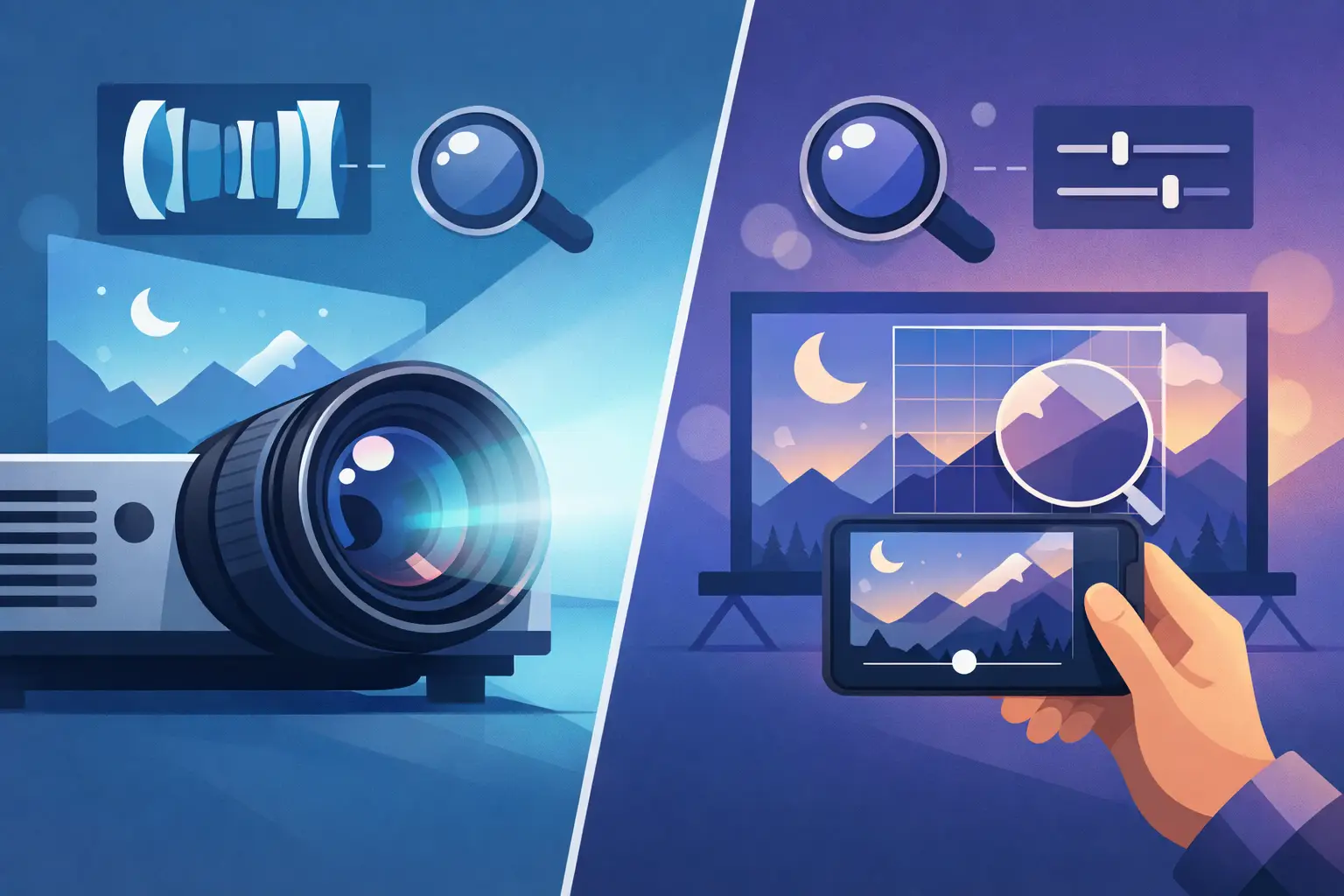
A projector that cannot produce the required image size from its installed position creates a costly service problem. The choice between projector lens vs digital zoom determines whether an integrator can preserve image quality, maintain brightness, and complete an installation without moving mounts, screens, or equipment racks. For commercial AV fleets, the distinction is operational, not cosmetic.
Optical projector lenses change the image through physical optics. Digital zoom changes the displayed image through image processing. Both can make an image appear larger or smaller, but they do not deliver the same result, and they solve different installation constraints.
Projector Lens vs Digital Zoom: The Core Difference
A projector lens with optical zoom uses moving lens elements to alter the throw ratio. This changes the projected image size while the projector remains at a fixed mounting location. A 1.5-2.0:1 zoom lens, for example, gives the installer a range of acceptable throw distances and image sizes without reducing the projector's native pixel count.
Digital zoom is a signal-processing function. The projector scales, crops, or remaps the source image to create a zoomed appearance. Depending on the model and zoom direction, it may enlarge a selected part of the image, reduce the active image area, or use electronic scaling to fit content within a selected region. It does not change the actual optical throw ratio of the projector.
This distinction matters when replacing a lens or specifying a projector for a meeting room, classroom, museum display, simulation system, or event installation. If the projected image must physically fill a screen from a known mounting point, optical performance is the requirement. Digital zoom may assist with content framing, but it cannot substitute for the correct lens selection.
What Optical Zoom Preserves
A properly matched optical zoom lens preserves the projector's intended imaging path. The projector can use its native resolution across the full projected image, subject to normal limits from focus accuracy, lens quality, screen material, and projector performance.
For a 4K-capable projector, this is especially important. A quality lens must resolve fine detail across the image, including edges and corners, while controlling chromatic aberration, distortion, and light loss. A lens with poor optical performance can reduce the practical benefit of a high-resolution projector even when the projector's imaging engine is operating correctly.
Optical zoom also supports installation flexibility. In real projects, the specified projector position is often limited by ceiling structure, truss locations, ventilation clearance, sightlines, cabling, or an existing mount. A zoom lens gives technicians latitude to achieve the target screen size without redesigning the physical installation.
This does not mean every optical zoom lens is interchangeable. Zoom range, throw ratio, lens shift capability, mounting interface, supported projector series, and aperture characteristics must match the projector model. A lens that mounts physically but is not approved for the optical engine can cause focus issues, shading, vignetting, or system errors.
Where Digital Zoom Is Useful
Digital zoom has a legitimate role in commercial AV, particularly where content adjustment is more important than maximum image fidelity. It can help operators enlarge a portion of a presentation, adjust an image within a constrained display area, or compensate for minor content-format differences without changing the projector position.
It is also useful in temporary situations. A service team may use digital controls to keep an installation operational while awaiting the correct replacement lens, provided the client understands the image-size and quality limitations. In some applications, such as basic signage, training material, or noncritical presentations, the trade-off may be acceptable.
However, digital zoom should not be treated as a correction for a major throw-distance mismatch. If a projector is mounted too close or too far from the screen, electronic scaling will not create the optical geometry needed to fill the screen properly. The result may be unused screen area, an oversized image, reduced effective resolution, or a crop that removes required content.
Resolution, Brightness, and Image Quality
The most visible difference between optical and digital zoom is often image detail. When digital zoom enlarges part of an image, the projector has fewer source pixels available for the enlarged area. Processing can smooth edges or interpolate pixels, but it cannot recreate fine detail that was not present in the displayed pixel area. Text, CAD drawings, spreadsheets, medical images, and high-detail video are more likely to show the limitation.
Optical zoom does not perform this type of pixel enlargement. It changes image size through the lens while allowing the projector to display its full native raster. That is why an optical lens is generally the correct choice for boardrooms, lecture halls, control rooms, exhibition displays, and other installations where readable text and accurate detail are required.
Brightness requires a more careful explanation. Digital zoom does not normally create additional light output. If it reduces the active image area, the image may appear brighter within that smaller area because the projected light is concentrated differently, but the projector's total light output has not increased. If it scales content to a larger area, perceived brightness can fall because the same output is spread across more screen surface.
Lens choice also affects brightness. Different lens designs have different transmission characteristics and F-numbers. A long-throw or specialty lens may deliver less screen brightness than a standard lens, even when used on the same projector. Procurement teams should therefore evaluate throw ratio and light loss together, especially for high-ambient-light venues or large-format screens.
Lens Shift Is Not Zoom
Zoom, focus, and lens shift are commonly confused during product matching. They are separate functions.
Zoom adjusts image size at a fixed projector position. Focus adjusts image sharpness. Lens shift moves the image vertically and/or horizontally without tilting the projector. Lens shift is valuable for aligning the image to the screen while avoiding keystone correction, which can reduce usable pixels and introduce geometric artifacts.
A projector with a wide optical zoom range but limited lens shift may still be difficult to install in an offset mounting position. Conversely, a projector with generous lens shift but a fixed lens may not achieve the required image size from the available throw distance. Technical teams should review all three specifications before ordering a projector or replacement lens.
Selection Priorities for Distributors and Service Teams
For fleet support and replacement-part purchasing, the correct question is not simply whether a lens “zooms.” The question is whether the optical assembly supports the required projector model and installation geometry.
Start with the projector make, exact model, and existing lens part number where available. Then confirm the screen width, aspect ratio, projector-to-screen distance, mounting orientation, and required image offset. Calculate the required throw ratio by dividing throw distance by image width. The selected lens's throw-ratio range must include that calculated value.
Next, verify whether the installation needs vertical or horizontal lens shift, and confirm that the target lens supports the required shift range on that projector chassis. For replacement work, inspect the existing image for corner softness, uneven focus, discoloration, or brightness loss. These symptoms can point to lens contamination, optical damage, an incorrect lens, or a separate projector light-engine issue.
For high-resolution installations, prioritize a lens designed for the projector's resolution class and contrast requirements. A low-cost lens that fits the bayonet mount may create callbacks if it cannot maintain sharp focus across the screen. The lower purchase price is quickly lost when a technician must return to realign, replace, or explain poor image quality to the end user.
When Digital Zoom Is the Better Commercial Choice
Digital zoom can be the practical option when the projector is already correctly positioned, the screen size is acceptable, and an operator only needs to emphasize or reframe content. It may also be sufficient for short-term use where the client accepts reduced detail and no physical changes are feasible.
It is not the better choice when a project requires full-screen coverage, native-resolution clarity, repeatable geometry, or a permanent installation standard. In those cases, specifying the correct optical lens reduces installation risk and protects the performance of the projector itself.
ZORSIKA supplies projector lenses designed for professional replacement and installation needs, with strong color reproduction, low light loss, 4K support, high-contrast performance, and installation-focused structural design. For service providers managing multiple projector brands and models, accurate lens matching remains the fastest path to dependable image quality and fewer return visits.
Before approving a replacement or a new installation, treat the lens as a primary system component rather than an accessory. Verify the model, throw range, resolution requirement, and mounting geometry first. That disciplined check helps keep a routine lens order from becoming an avoidable on-site correction.