Why Projector Lamps Explode and How to Prevent It
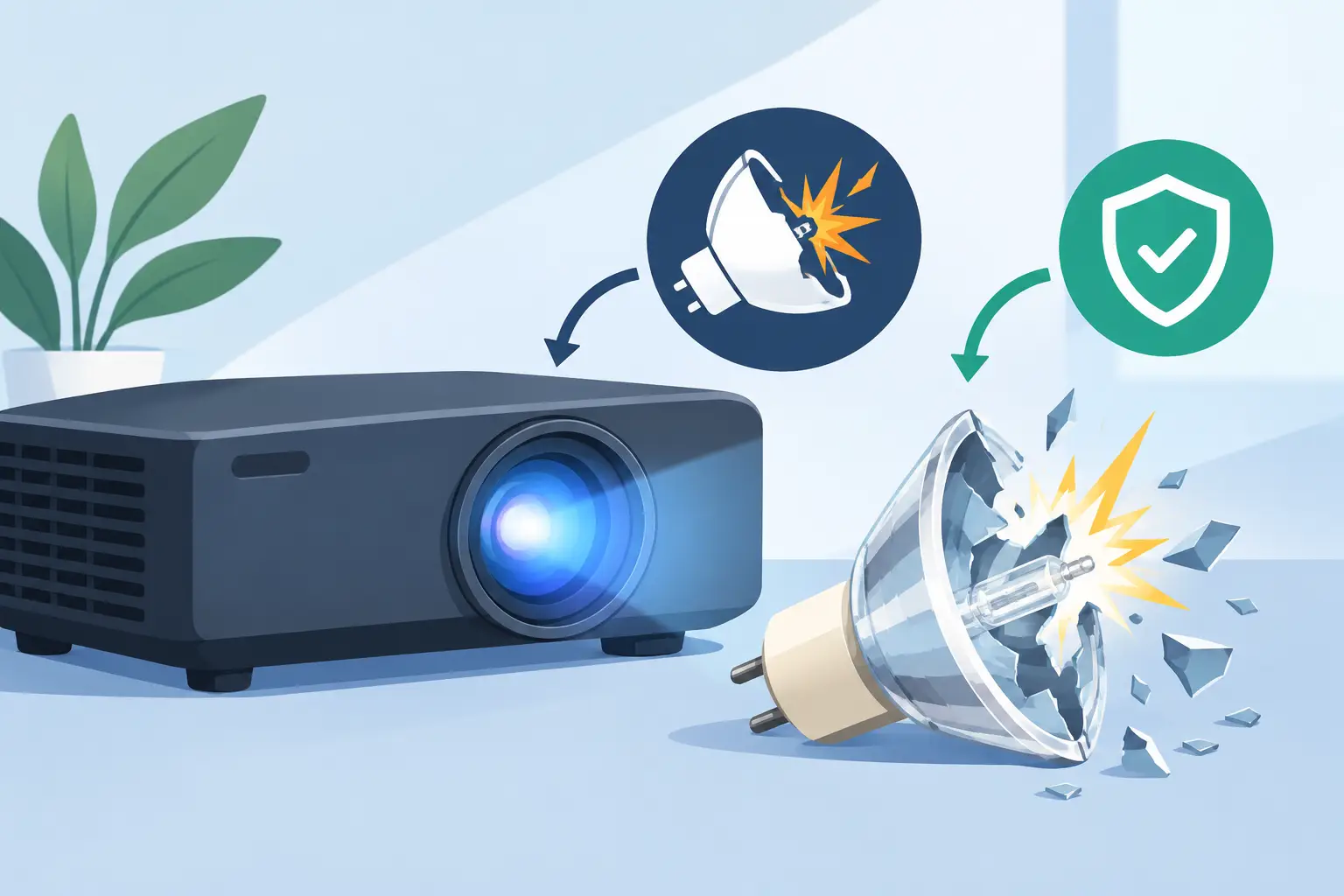
A projector lamp can operate under extreme pressure and at temperatures far above those of ordinary lighting. That is why projector lamps explode is a practical service question, not simply a product-quality concern. When a high-pressure lamp ruptures, the result can include broken quartz, debris inside the optical engine, canceled presentations, and an urgent repair request. For AV service teams and replacement-part buyers, understanding the causes helps prevent repeat failures and supports more accurate fault diagnosis.
Why Projector Lamps Explode in Service
Most projector lamps are high-intensity discharge lamps, commonly UHP, P-VIP, or equivalent designs. Inside the quartz arc tube, mercury vapor and electrical arc pressure generate the brightness needed for projection. This construction delivers high output in a compact space, but it also means the lamp is a consumable component operating close to its thermal and mechanical limits.
The word "explode" can sound more dramatic than the actual failure mode. In most cases, the arc tube ruptures after degradation from heat, pressure, age, or physical stress. It is not a combustion event. Still, the lamp housing can release hot glass fragments and metallic residue, which is why projectors use sealed lamp modules, cooling systems, and protective covers.
A lamp can rupture unexpectedly, but most failures have warning signs or identifiable operating conditions. The key is separating normal end-of-life behavior from a system-level problem that will damage the next replacement lamp as well.
Excessive Operating Hours and Arc Tube Wear
Lamp aging is the most common cause of rupture. Each operating cycle gradually changes the electrodes inside the arc tube. As electrode material erodes, the lamp requires more stress to maintain the arc, its output declines, and localized heat increases. Over time, the quartz wall becomes more vulnerable to failure.
Rated lamp life is a planning benchmark, not a guarantee that every unit will fail safely at the same hour count. Usage patterns matter. A projector used for long, stable sessions may age differently from one that is switched on and off several times each day. Frequent cycling puts added thermal stress on the lamp during ignition, warm-up, and cool-down.
For commercial fleets, replacement before the high-risk end-of-life range is usually more cost-effective than waiting for a rupture. The correct replacement point depends on the projector model, lamp mode, ventilation conditions, and consequences of downtime. A classroom projector and a critical presentation-room projector should not necessarily follow the same replacement policy.
Cooling Failure Is a Major Risk Factor
Projectors are designed around a specific airflow path. Intake air passes through filters and internal channels to remove heat from the lamp compartment, power supply, optical assembly, and electronics. If that airflow is reduced, lamp temperature rises quickly.
A clogged air filter is one of the most preventable causes of overheating. Dust, smoke residue, textile fibers, and grease can restrict intake air even when the projector appears to be running normally. Fan speed may increase, but a fan cannot compensate indefinitely for a blocked filter or obstructed vent.
Cooling problems also occur when a fan has failed, a fan bearing is noisy or slow, the projector is installed in a confined enclosure, or warm exhaust air is being recirculated into the intake. Ceiling installations are particularly vulnerable when maintenance access is limited and filter service is delayed.
After any lamp rupture, technicians should inspect the complete cooling path before fitting a new lamp. Replacing the lamp without correcting airflow can turn a preventable failure into a repeat service call.
Installation Conditions Matter
Ambient temperature and installation geometry directly affect lamp life. A projector located above a suspended ceiling, inside a display cabinet, or near HVAC exhaust may operate in a much hotter environment than its specification assumes. Even a correctly matched lamp can fail prematurely in that condition.
Verify that intake and exhaust clearances meet the projector manufacturer's requirements. Remove accumulated dust from vents, confirm that all fans start correctly, and check that projector orientation matches the approved installation position. Some models have lamp and cooling designs that are sensitive to vertical or portrait use.
Incorrect or Poorly Matched Replacement Lamps
Not every lamp assembly marketed for a projector model delivers the same electrical and thermal performance. The burner, reflector geometry, connector arrangement, housing fit, and quality of the arc tube all affect operation. A poor-quality or incorrectly specified replacement can create unstable ignition, abnormal temperature distribution, reduced brightness, and a shorter service life.
Compatibility is more than matching a projector brand or a similar-looking lamp housing. Buyers should confirm the exact projector model, original lamp part number, lamp module configuration, and any regional or revision differences. This is especially relevant for repair businesses supporting mixed fleets from multiple manufacturers.
There is also a distinction between a complete lamp module and a bare bulb replacement. A bare bulb can be a cost-effective repair option when installed by an experienced technician using the correct housing and handling procedures. However, improper seating, reflector contamination, loose electrical connections, or housing damage can introduce risks that are less common with a correctly assembled full module.
ZORSIKA supports professional buyers with projector bulbs and compatible lamp solutions designed for broad model coverage, helping service teams balance availability, replacement cost, and dependable operating performance.
Physical Damage and Contamination
Quartz lamp components must be handled carefully. Fingerprints, oil, dust, and residue on the bulb can create hot spots when the lamp reaches operating temperature. The same applies to contamination introduced during bare-bulb installation or from debris left inside the lamp housing.
Physical damage may be less obvious. A lamp can be weakened by an impact during shipping, a cracked reflector, an overtightened fastener, or a distorted lamp door. Transport vibration is also relevant for portable projectors used in events, rental applications, and mobile presentation systems.
When replacing a lamp, technicians should inspect the module rather than treating it as a simple plug-in part. Look for cracked glass, discolored reflector surfaces, burned connectors, warped plastic, loose terminals, and evidence of prior overheating. Any of these conditions can affect the next lamp's operating temperature or electrical stability.
Power Quality and Ballast Problems
The lamp ballast supplies the high-voltage ignition pulse and regulates current during operation. If the ballast is failing, the lamp may flicker, shut down, struggle to ignite, or operate with abnormal electrical stress. Replacing lamps repeatedly without examining the ballast can lead to unnecessary part consumption and unresolved customer complaints.
Power interruptions are another concern. A projector should be allowed to complete its cooling cycle after shutdown. Disconnecting mains power immediately after use can stop the fan before the lamp compartment has cooled. One occurrence may not cause immediate failure, but repeated hard shutdowns increase accumulated thermal stress.
Where utility power is unstable, commercial installations may benefit from appropriate surge protection or controlled power management. The objective is not to overengineer every installation. It is to prevent avoidable interruptions in environments where projector uptime matters.
What to Do After a Projector Lamp Ruptures
Do not immediately install a new lamp and restart the projector. First, disconnect power and allow the unit to cool fully. Lamp debris may remain hot, and a recently operated projector can retain significant heat in the lamp compartment.
Use appropriate protective equipment when opening the lamp area. Remove visible fragments carefully and inspect the lamp door, seals, reflector area, fans, and air channels. If debris has reached the color wheel, light tunnel, optical block, or fan assemblies, a more thorough cleaning may be required. A projector that is restarted with glass fragments inside can develop fan damage, optical artifacts, or further overheating.
The following checks are especially useful before approving a replacement lamp:
- Confirm the exact projector model and correct lamp module or bare-bulb specification.
- Inspect filters, vents, fan operation, and enclosure clearances for heat-related issues.
- Check connectors, lamp housing condition, and ballast symptoms such as flicker or failed ignition.
- Reset the lamp timer only after the new lamp is installed and the underlying cause has been addressed.
Document the removed lamp's operating hours and the installation environment. For distributors, integrators, and repair centers, this information is valuable when identifying whether failures are isolated, installation-specific, or connected to a recurring maintenance gap.
A Preventive Maintenance Approach That Reduces Downtime
The most effective prevention program combines scheduled lamp replacement with filter service and installation checks. Lamp-hour tracking is useful, but it should not be the only trigger. Rising fan noise, dimmer output, intermittent startup, overheating messages, and unusual lamp color can indicate that service is needed before the rated-life limit is reached.
For managed projector fleets, maintain service records by model, location, lamp part number, installation date, and operating hours. This makes it easier to standardize stocking levels and identify sites where dust, heat, or usage patterns are shortening lamp life. It also helps procurement teams avoid substitutions that create compatibility risk.
A projector lamp rupture is disruptive, but it is often preventable. The right replacement part, clean airflow, correct installation, and disciplined maintenance give service teams the best chance of keeping projection systems operating safely and on schedule.