Wired Versus Wireless Presentation Systems
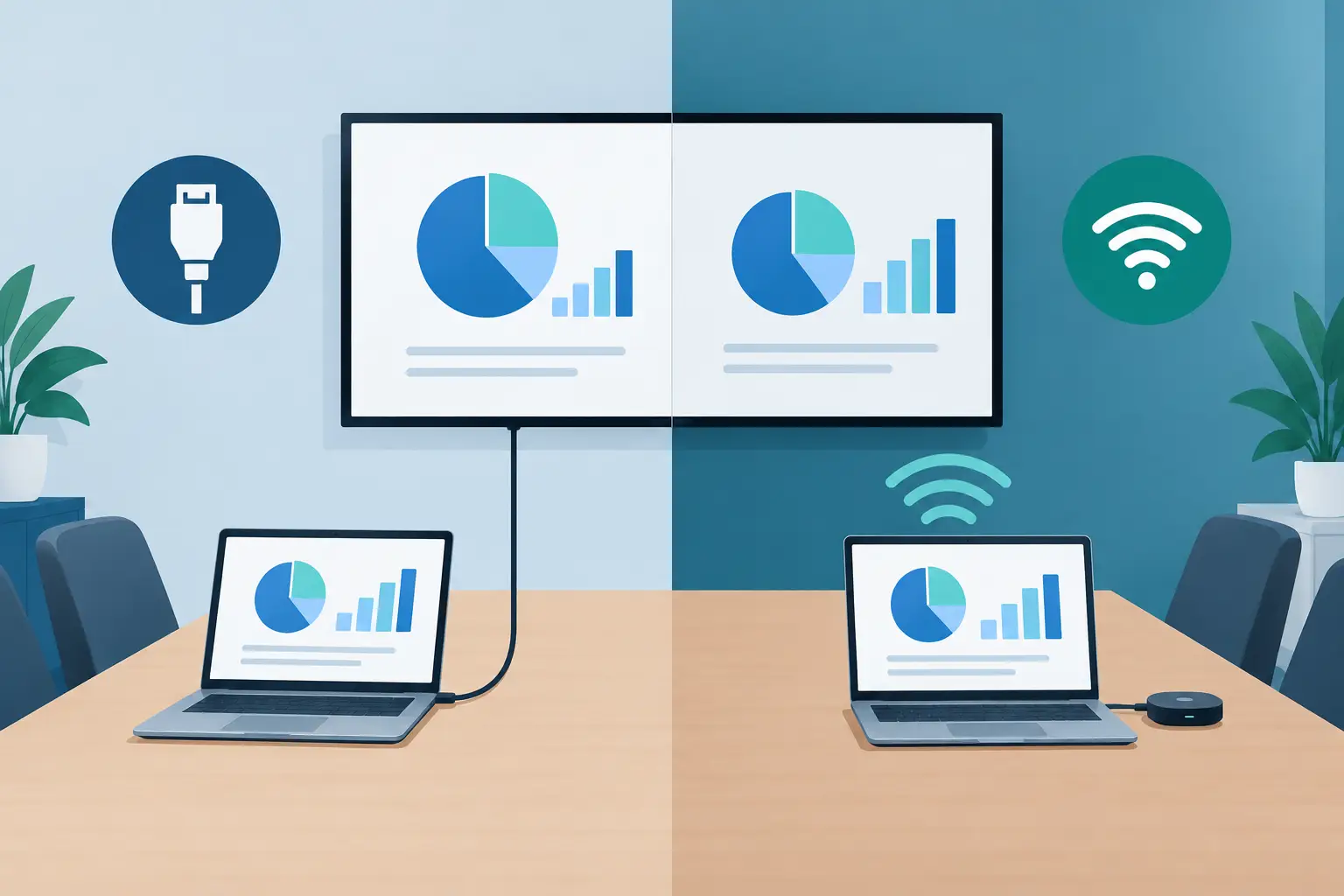
A boardroom projector that works perfectly during installation can become a support issue months later when users bring new laptops, network policies change, or an HDMI cable is repeatedly pulled from a wall plate. The wired versus wireless presentation decision affects more than user convenience. It determines signal reliability, security controls, installation scope, replacement-part needs, and the speed at which a service team can restore a room.
For AV distributors, integrators, and projector service providers, the best choice depends on the room type and the operating standard required. A wired connection remains the baseline for predictable performance. Wireless presentation adds flexibility where multiple users and personal devices are part of the workflow. Many commercial projects benefit from using both rather than treating them as competing options.
Wired versus wireless presentation: the operating difference
A wired presentation system sends video and, in some cases, audio through a physical connection. Common interfaces include HDMI, USB-C, DisplayPort, and VGA in older installations. In larger rooms, extenders, HDBaseT transmitters, switching systems, and matrix devices carry the signal over longer cable runs.
A wireless presentation system sends content from a computer, tablet, or mobile device to a receiver connected to the projector or display. Depending on the product, this may use Wi-Fi, an application, a USB transmitter, screen-mirroring protocols, or a dedicated wireless network. The receiver then outputs video through HDMI or another local connection.
The difference seems simple, but the support model is not. A wired system concentrates risk in the cable path, connectors, wall plates, adapters, and signal distribution hardware. A wireless system adds network conditions, device permissions, software versions, receiver firmware, and user authentication to the troubleshooting process.
Where wired presentation remains the stronger choice
Wired presentation is the practical standard when image quality, low latency, and predictable startup are non-negotiable. Training rooms, lecture halls, control rooms, large conference spaces, houses of worship, exhibition environments, and event spaces often require a direct signal path.
The main advantage is consistency. Once the source device recognizes the display chain, a properly specified HDMI or USB-C connection can deliver stable resolution, high refresh performance, and synchronized audio with minimal delay. This matters for video playback, interactive demonstrations, live camera feeds, and presentations that use animation or detailed spreadsheet content.
Wired systems also avoid many network-related problems. A laptop does not need to join a guest network, install a presentation application, or receive access approval before it can display content. For organizations with strict IT policies, this can reduce friction for visitors and keep presentation access separate from the corporate wireless environment.
However, wired does not mean maintenance-free. HDMI ports wear, cables are bent or removed, USB-C compatibility varies by laptop, and long cable runs can create handshake failures. EDID and HDCP issues may appear when a source connects through extenders, splitters, switchers, or older projectors. Service teams should specify high-quality cabling, strain relief, accessible connection points, and a clear replacement plan for frequently handled adapters.
For projector fleets, the projector input board and the physical condition of each port should be part of routine inspection. A weak lamp, contaminated optical path, or restricted air filter can also be mistaken for a signal problem when the real complaint is a dim or unstable image.
Where wireless presentation delivers value
Wireless presentation is most useful when the room serves many users with different devices. Small and medium meeting rooms, shared collaboration spaces, executive briefing rooms, and flexible classrooms are common applications. A participant can present without passing a cable around the table or searching for the correct adapter.
That convenience improves room turnover and supports bring-your-own-device workflows. It can also simplify room design. Fewer exposed table connections may reduce cable damage and create a cleaner installation, particularly in renovated spaces where new conduit runs are expensive or impractical.
Wireless systems are not all alike. Some rely on a dedicated button transmitter, while others use native screen mirroring or software installed on the user device. Dedicated transmitters usually provide a more controlled user experience, but they must be inventoried, charged or replaced when applicable, and matched with their receivers. Software-based systems can support more device types, but their performance may vary with operating-system updates and endpoint security restrictions.
Latency is the key trade-off. For standard slides, documents, and business discussion, a small delay is rarely a problem. For motion video, gaming-style interaction, live annotation, or camera content, delay can become visible and distracting. Image quality can also change with wireless bandwidth, receiver capability, and the number of active users on the network.
Wireless deployment requires a clear conversation with the customer’s IT team. The receiver may need a dedicated VLAN, approved multicast settings, firewall rules, enterprise authentication, firmware management, and a defined guest-access policy. Without these details, a system may work during commissioning but fail after a network change.
Reliability and security should drive the specification
Neither approach is automatically right for every project. The more useful question is what failure is least acceptable in that room.
If a training session cannot tolerate a dropped connection, provide a permanent wired input even when wireless sharing is installed. If visitors must be able to present quickly without access to the company network, use a controlled wireless receiver or a readily available wired connection with common adapters. If confidential content is regularly displayed, prioritize encrypted wireless protocols, managed access, and physical control of unused ports.
Security is especially relevant in corporate, government, healthcare, and education environments. A wireless presentation receiver should not be treated as a simple accessory. It is a network-connected endpoint that needs firmware updates and ownership by either the AV or IT team. Integrators should confirm how the customer will manage credentials, guest access, device discovery, and update schedules before selecting a platform.
A wired connection has a smaller digital attack surface, but physical security still matters. Open wall plates and table inputs can allow unauthorized devices to connect. In high-control spaces, switchable inputs, secure equipment racks, and documented room-use procedures may be more appropriate than unrestricted access.
Plan for projector compatibility and long-term service
Presentation hardware is only one part of the signal chain. The projector must support the required input resolution, frame rate, content protection standard, and control method. An older projector may have HDMI but still perform poorly with a modern 4K source if its input board, scaler, or cable path has a lower capability.
For replacement and repair businesses, documenting the installed configuration is essential. Record the projector model, lens configuration, lamp or light-source status, input type, extender model, receiver model, cable length, and firmware version. This shortens diagnosis when a site reports intermittent signal loss or poor image quality.
Physical maintenance remains relevant in both designs. A wireless receiver cannot correct reduced brightness caused by an aging projector bulb, and a new HDMI cable will not solve overheating caused by a clogged air filter. Regular replacement of compatible lamps, filters, and damaged input accessories supports the presentation system as a whole. Suppliers such as ZORSIKA support this service model by providing projector accessories across a broad range of commercial projector applications.
Evaluate total cost beyond the initial hardware
A basic wired room may cost less at the equipment level, but labor can increase when long cable routes, floor boxes, wall plates, and signal extension are required. Wireless hardware may reduce cabling labor, yet it can require more time for network coordination, user training, firmware support, and future compatibility testing.
The lowest purchase price is not always the lowest operating cost. A meeting room that generates repeated help-desk calls because users cannot connect has a higher real cost than a room with a slightly more expensive but well-defined connection workflow. Likewise, an event space with a wireless-only design may lose more in downtime than it saves in installation materials.
When comparing options, evaluate the application in four practical areas:
- Required image quality, resolution, and latency
- Number and type of user devices expected in the room
- Network security, guest access, and IT support capacity
- Service access for cables, ports, receivers, projectors, and replacement parts
Specify a practical hybrid system when needed
For many commercial installations, the strongest design is a hybrid arrangement: a primary wired connection for guaranteed performance and a wireless presentation option for convenience. This gives users a simple path for everyday sharing while protecting the room from avoidable disruption when wireless conditions are unfavorable.
The wired connection should be easy to find and clearly labeled, not hidden as a backup that users discover only after a failed meeting. The wireless receiver should have a defined management process, including firmware ownership and network documentation. Both paths should be tested with the laptop types, resolutions, and adapters the customer actually uses.
A presentation system earns its value when users can start on time and service teams can diagnose problems quickly. Specify the connection method around that operating requirement, then maintain the projector, signal path, and accessories with the same discipline.