
At a glance
- Why Projector Filters Need Regular Replacement
- Zorsika Equivalent Model vs. Original Specifications
- EPSON ELPAF35 Compatible Models List
- 3 Key Points to Avoid When Purchasing Filters
- FAQ — EPSON ELPAF35 Frequently Asked Questions
- Q: How often should the EPSON ELPAF35 filter be replaced?
- Q: What is the difference between the Zorsika Z-AF35 and the EPSON ELPAF35?
- Q: Can the filter be cleaned and reused?
- Q: What should I do if the projector temperature abnormally rises after installing the EPSON ELPAF35?
- Q: Are there discounts for bulk purchases of the EPSON ELPAF35 filter?
- Purchase Inquiry
- Data Source Statement
EPSON ELPAF35 projector filter, Zorsika equivalent model Z-AF35, compatible with 12 EPSON projector models. 180-day warranty, fast shipping.
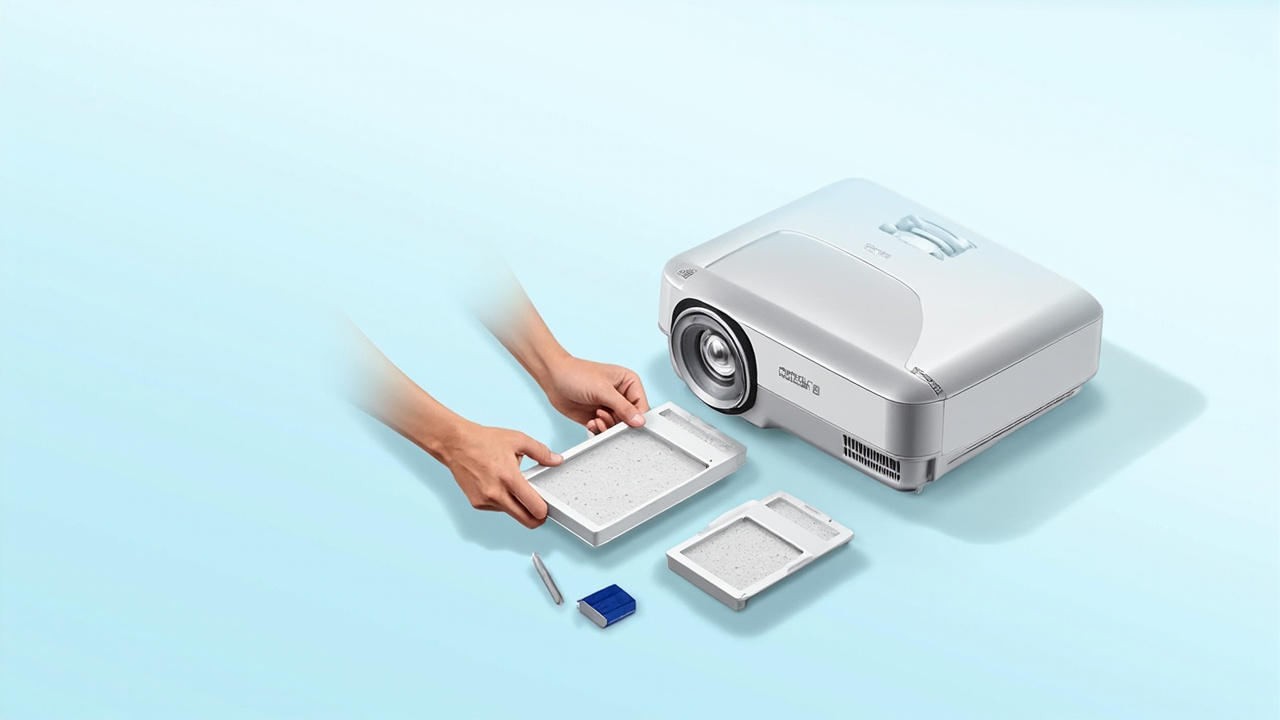
The EPSON ELPAF35 is the original filter for EPSON series projectors, compatible with multiple mainstream projector models. The filter is a core consumable in the projector's dust prevention system. Regular replacement prevents brightness degradation caused by dust entering the optical path. This article compiles the compatible models for the EPSON ELPAF35, the Zorsika equivalent model, and the 5 most frequently asked questions from buyers.
This article is a complete selection guide for the EPSON ELPAF35 projector filter, covering 12 compatible models, the Zorsika equivalent model Z-AF35, key points to avoid pitfalls during selection and purchasing, and FAQ. For other brand models, visit the Zorsika lens compatibility query at www.zorsika.com.
EPSON ELPAF35 Projector FilterWhy Projector Filters Need Regular Replacement
The projector filter is the first line of defense in the optical path dust protection system. If the filter becomes clogged or damaged, dust entering the optical engine can adhere to the LCD/DLP chip, causing black spots on the image, reduced brightness, or even optical engine failure. The EPSON ELPAF35 filter is compatible with multiple mainstream EPSON models. It is recommended to check every 2000-3000 hours and replace every 6-12 months depending on the usage environment.
Zorsika Equivalent Model vs. Original Specifications
The Zorsika equivalent filter model is Z-AF35, custom-made to original specifications, with consistent material, dimensions, and airflow as the original. The filter is a one-time consumable and must be replaced after its service life. The Zorsika filter comes with a 180-day warranty.
EPSON ELPAF35 Compatible Models List
The following are verified compatible models for the EPSON ELPAF35 in the EPSON projector series:
VS350W, EB-D6250, EB-1870, EB-1880, EB-1840W, EB-C713X, EB-C715X, EB-C720XN, CB-935W, EB-C710X, EB-C705W, EB-C700W
For a complete list of compatible models, please contact Zorsika sales.3 Key Points to Avoid When Purchasing Filters
1. Differentiate between disposable filters and washable filters — Some low-end models use washable filters; buying the wrong type may result in compatibility issues. 2. Pay attention to the frame material — High-end engineering projectors from Christie, Barco, etc., use stainless steel frames with paper cores; replacement alternatives may only replace the core without changing the frame. 3. Verify dimensions — Filter sizes vary significantly across different series of the same brand; confirm length × width × height before ordering.
Related reading: Projector Filter Database · All EPSON Models · Filter Compatibility Lookup · Panasonic Compatible Models · Epson Compatible Models
FAQ — EPSON ELPAF35 Frequently Asked Questions
Q: How often should the EPSON ELPAF35 filter be replaced?
A: For standard office environments (cleaned nightly, air-conditioned), it is recommended to replace every 6-12 months; for medium dust environments like classrooms and meeting rooms, every 4-6 months; for high dust environments like construction sites and workshops, every 2-3 months. A simple visual cue: replace when the filter turns dark gray or black.
Q: What is the difference between the Zorsika Z-AF35 and the EPSON ELPAF35?
A: The Zorsika equivalent is custom-made to original specifications, with consistent material, dimensions, and airflow as the original. It is a direct replacement with no compatibility issues. The Zorsika filter comes with a 180-day warranty and faster after-sales response.
Q: Can the filter be cleaned and reused?
A: Some low-end projectors come with washable filters (usually made of sponge material). After cleaning and drying, they can be reused. High-end EPSON engineering projectors use disposable paper or stainless steel frame filters that cannot be cleaned and must be replaced when expired.
Q: What should I do if the projector temperature abnormally rises after installing the EPSON ELPAF35?
A: Abnormal temperature is usually caused by a clogged filter or incorrect installation. First, confirm the filter is installed in the correct direction (arrow pointing inward toward the machine). Then check if the filter is fully seated against the chassis with no air leaks. If the problem persists, contact Zorsika technical support for assistance.
Q: Are there discounts for bulk purchases of the EPSON ELPAF35 filter?
A: Zorsika uses a per-order negotiation model. For bulk purchases, please contact Zorsika sales.
Purchase Inquiry
For the latest quotes, bulk purchase options, or a complete list of compatible models, please contact Zorsika sales:
- Website: www.zorsika.com
- Phone: 020-38551187
- Email: sales@zorsika.com
- Business Hours: Monday to Saturday 9:00-18:00, reply within 24 hours
Data Source Statement
All machine models, lamp/filter model numbers, and compatible model data in this article are sourced from: Zorsika Database