
At a glance
- Specification Overview
- Where It Fits: 1 Optoma Model Compatibility List
- Three Points to Verify Before Purchase
- Why Choose the Zorsika PRO Series
- Daily Maintenance to Extend Lamp Life
- Frequently Asked Questions
- Q: My projector is not on the list of 1 model. Can I use the BL-FP280i?
- Q: How to choose between OEM packaged, OEM bare, and compatible?
- Q: Why choose Zorsika PRO over OEM?
- Q: What to do if the projector shows "lamp not recognized" after replacement?
- Q: Are there installation tutorials for the BL-FP280i?
- Q: What is the lamp warranty period?
- Related Resources
- Purchase Inquiry
Optoma BL-FP280i projector lamp with 00X51D reflector and E20.8 base, compatible with W307UST and other Optoma projectors. Zorsika equivalent model: BL-FP280i.
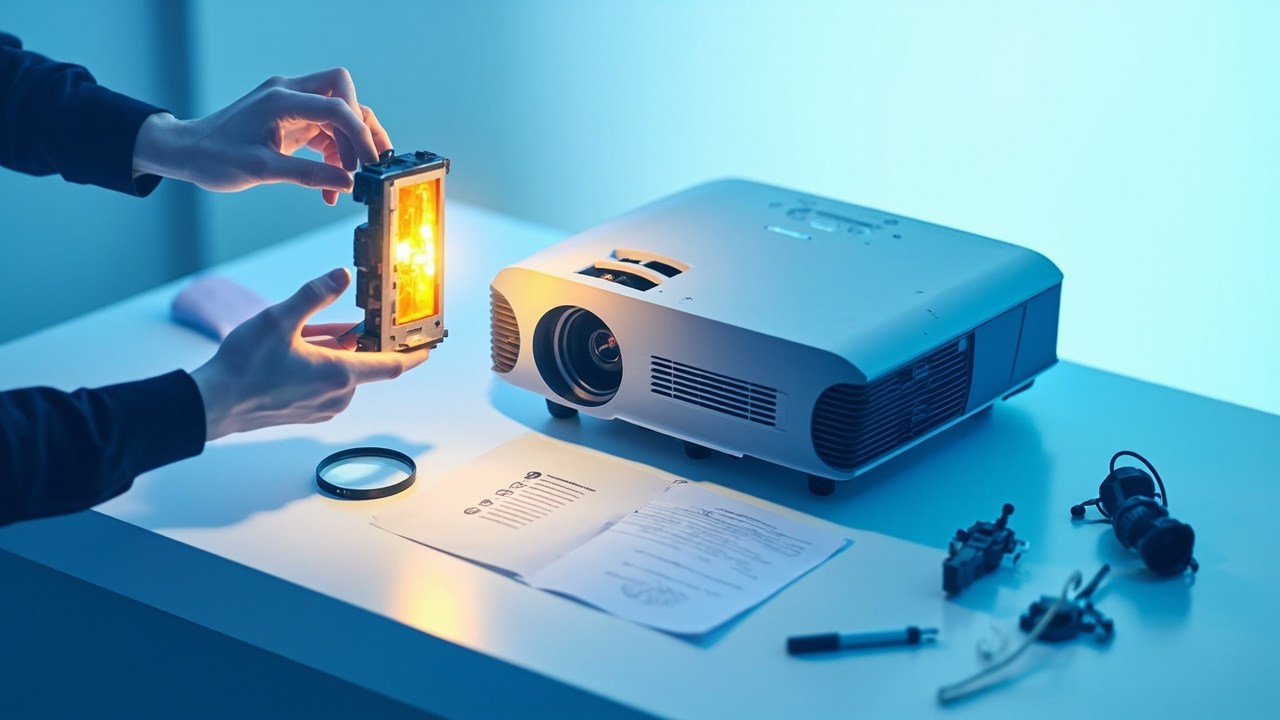
When replacing an Optoma projector lamp, the most time-consuming part is often not the installation, but confirming the correct model. The BL-FP280i covers 1 Optoma model. This article clearly lists the specifications, compatible projector models, and key verification points.
Optoma BL-FP280i Projector LampSpecification Overview
| OEM Lamp Module Model | BL-FP280i |
| Zorsika Corresponding Model | BL-FP280i |
| Compatible Brand | Optoma (Optoma) |
| Lamp Module Specification | P-VIP280/0.9 E20.8 |
| Arc Gap | 0.9mm |
| Socket Specification | E20.8 |
| Reflector Size | 00X51D |
| Projection Technology | DLP |
| Number of Compatible Models | 1 model |
The above parameters are from the Zorsika product database. For a complete technical specification sheet, please contact sales.
Where It Fits: 1 Optoma Model Compatibility List
The following are verified compatible Optoma projector models for the BL-FP280i, separated by commas:
W307UST
Note: Projectors from the same generation often share the same lamp module. For models not on the list, please contact Zorsika technical support for confirmation.
Three Points to Verify Before Purchase
- Verify the Nameplate Model: Open the projector's lamp door. The model on the lamp module label should exactly match BL-FP280i. Some Optoma models may have suffixes like -V or +, but the lamp module is usually universal. If unsure, take a photo of the nameplate and send it to Zorsika technical support for confirmation.
- Confirm Lamp Type: For the same model, there are four types: OEM packaged, OEM bare, compatible, and used. The differences are significant. OEM bare typically offers the best value, using an OEM lamp core with a third-party housing. Be sure to specify the type clearly on the order to avoid disputes after delivery.
- Verify Physical Specifications: The reflector size (00X51D), socket (E20.8), and arc gap must match the original lamp. Any mismatch may prevent installation or cause the lamp to fail to ignite.
Why Choose the Zorsika PRO Series
The BL-FP280i is a high-volume model. The Zorsika PRO series controls lamp core consistency according to OEM parameters and includes an additional factory ignition test, ensuring better brightness and stability.
- Specification Matching: Power, arc gap, and reflector size are matched item-by-item to OEM specifications.
- Individual Testing: Each lamp is individually ignition-tested before shipment, ensuring brightness and stability.
- Warranty Commitment: 180-day lamp warranty. Non-human-caused damage under normal use is covered by after-sales service.
- Stable Supply: Supports bulk purchasing and project supply.
In a nutshell: If you want OEM quality with a more hassle-free overall experience, the Zorsika PRO series projector lamp is designed for this scenario.
Note: Performance factors like brightness and lifespan are significantly affected by the projector's condition, operating environment, and cooling conditions. Zorsika does not make uniform numerical guarantees. It is recommended to test 1-2 samples before bulk purchasing.
Daily Maintenance to Extend Lamp Life
- Clean Dust Promptly: Dust accumulation on the air inlet and air filter directly increases the lamp's operating temperature. In dusty environments, cleaning every 1-2 months is recommended; in normal office environments, every 3-6 months.
- Utilize Eco Mode: Prioritize using eco mode in situations where brightness is sufficient to reduce the lamp's thermal load.
- Avoid Frequent On/Off Cycles: Thermal cycling is a major source of lamp wear. For short periods of non-use, use the blanking feature instead of repeatedly cutting power.
- Proper Shutdown: After turning off, wait for the fan to stop completely before disconnecting power. Cutting power while hot causes rapid cooling, a common cause of lamp explosion.
- Reset After Replacement: After installing a new lamp, be sure to reset the lamp hours in the menu. Otherwise, the projector will continue to alert based on the old timer.
Frequently Asked Questions
Q: My projector is not on the list of 1 model. Can I use the BL-FP280i?
A: The list contains verified models and is not exhaustive. Optoma projectors from the same generation often share lamp modules. Take a photo of the projector's nameplate and the original lamp label and send it to Zorsika technical support to confirm compatibility.
Q: How to choose between OEM packaged, OEM bare, and compatible?
A: For stable brightness and long-term reliability, the Zorsika PRO series lamp is the top choice—matched item-by-item to OEM parameters, individually ignition-tested before shipment, with performance comparable to OEM, a more hassle-free overall experience, and a 180-day warranty. For regular commercial, educational, or conference room use, the PRO series also offers a more hassle-free experience. Other replacement lamps may have lower costs, but with greater variation in lamp core sources and quality control, the risks of brightness degradation and shorter lifespan are higher. They are only recommended for temporary backup projectors.
Q: Why choose Zorsika PRO over OEM?
A: The core logic of the Zorsika PRO series lamp is "OEM parameters, independent quality control": power, arc gap, and reflector size are matched item-by-item to OEM, but with an additional individual ignition test before shipment and a 180-day warranty. Compared to OEM, it offers a more hassle-free overall experience; compared to other alternatives, its quality control is more stable.
Q: What to do if the projector shows "lamp not recognized" after replacement?
A: First, confirm if the lamp hours have been reset. Most such alerts are caused by the timer not being reset. If the error persists after resetting, contact Zorsika technical support. We provide reset methods and troubleshooting guides for specific models.
Q: Are there installation tutorials for the BL-FP280i?
A: Yes. The lamp door location and disassembly steps are generally consistent for these Optoma models. Contact Zorsika sales to obtain photo/video tutorials for specific models.
Q: What is the lamp warranty period?
A: The Zorsika PRO series projector lamp comes with a 180-day warranty. Non-human-caused damage under normal use (e.g., lamp explosion, abnormal early light degradation) is covered by after-sales service. Brightness degradation within standard limits is considered normal wear and tear and is not covered by the warranty.
Related Resources
- Zorsika Technical Support Center
- Projector Brand & Compatible Model Lookup
- Projector Lamp / Lens / Air Filter Product Library
Purchase Inquiry
For solution consultation, bulk solutions, or a complete list of compatible models for the Optoma BL-FP280i, please contact us via:
- Official Website: www.zorsika.com
- Phone: 0086-20-38551187
- Email: sales@zorsika.com
- Business Hours: Monday to Friday, 9:00-18:00
The lamp module model, specifications, and compatible model data in this article are from the Zorsika product database. Data is continuously updated; please confirm with actual inquiry.