
At a glance
- Lamp Specifications
- Infocus SP-LAMP-082 Compatible Projector Models (3 Models)
- Why Choose Zorsika PRO Series
- Frequently Asked Questions
- Q: Why choose Zorsika PRO over OEM?
- Q: How to choose between OEM packaged, bare OEM, and compatible?
- Q: What to do if the machine displays "lamp not recognized" after replacement?
- Q: My machine isn't on the 3-model list above. Can I use SP-LAMP-082?
- Q: Is there an installation guide for SP-LAMP-082?
- Q: What is the lamp warranty period?
- Three Checks Before Purchasing
- Important Points After Lamp Replacement
- Related Links
- Purchase Inquiry
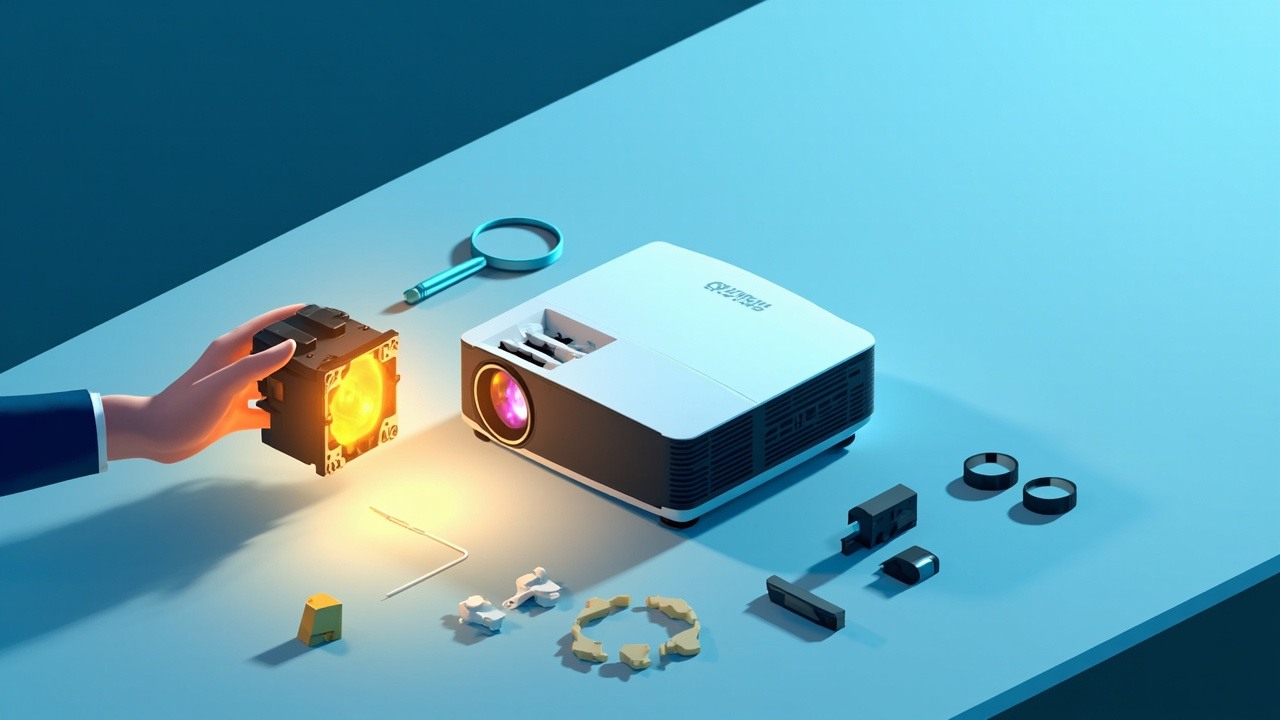
Infocus SP-LAMP-082 projector lamp, UHP 400W/320W dual mode, reflector 58X58D, socket E21.9, compatible with IN5552L, IN5554L, IN5555L and 3 other Infocus projectors. Zorsika corresponding model SP-LAMP-082.
Lamp Specifications
| Original lamp module model | SP-LAMP-082 |
| Zorsika corresponding model | SP-LAMP-082 |
| Compatible brand | Infocus(Infocus) |
| Lamp module specifications | UHP400/320W 1.3 E21.9 *2 |
| Lamp type | UHP |
| Rated power | 400W (standard mode) / 320W (eco mode) |
| Arc gap | 1.3mm |
| Socket/base specifications | E21.9 |
| Reflector size | 58X58D |
| Projection technology | DLP |
| Number of compatible models | 3 models |
The above parameters are sourced from Zorsika's product database. Contact your sales representative for complete technical specifications if needed.
Infocus SP-LAMP-082 Compatible Projector Models (3 Models)
The following are verified compatible models for SP-LAMP-082 in Infocus projectors, with model numbers separated by commas:
IN5552L,IN5554L,IN5555L
Note: Projectors from the same generation often share the same lamp module. Contact Zorsika technical support for models outside this list.
Why Choose Zorsika PRO Series
Zorsika PRO series provides OEM-equivalent replacement lamp modules for SP-LAMP-082, with key specifications matched item by item to the original manufacturer. Supports project supply and bulk orders with more reliable delivery lead times.
- Specification matching: Power, arc gap, and reflector size matched item by item to OEM specifications
- Individual testing: Each unit undergoes lighting test before shipment, ensuring brightness and stability
- Warranty commitment: 180-day warranty on lamps; normal use non-human damage covered by after-sales service
- Stable supply: Supports bulk orders and project procurement
In a nutshell: Zorsika PRO series projector lamps are designed for those who want OEM-quality performance with greater peace of mind.
Note: Brightness, lifespan, and other performance characteristics are heavily influenced by machine condition, usage environment, and thermal management. Zorsika does not make unified numerical commitments. We recommend ordering 1-2 sample units for lighting tests prior to bulk procurement.
Frequently Asked Questions
Q: Why choose Zorsika PRO over OEM?
A: The core logic of Zorsika PRO series lamps is "OEM specs, self quality control": power, arc gap, and reflector size are matched item by item against OEM, but one additional step is added before shipping—each unit undergoes individual ignition testing, backed by a 180-day warranty. Compared to OEM, it's more hassle-free overall; compared to other alternatives, quality control is more stable.
Q: How to choose between OEM packaged, bare OEM, and compatible?
A: If you prioritize brightness stability and long-term reliability, the Zorsika PRO series lamp is the top choice—matched item by item to OEM specs, with individual ignition testing before shipping, OEM-level performance, overall more hassle-free, and 180-day warranty; for regular business education and meeting room use, the PRO series is also more convenient overall. Other compatible lamps, though cheaper, have greater variation in lamp core sourcing and quality control, with higher risk of brightness degradation and shortened lifespan, and are only recommended for temporary backup units.
Q: What to do if the machine displays "lamp not recognized" after replacement?
A: First verify if the lamp timer was reset—most lamp recognition issues stem from uncleared lamp hours. If the error persists after resetting, contact Zorsika Technical Support for model-specific reset procedures and troubleshooting guidance.
Q: My machine isn't on the 3-model list above. Can I use SP-LAMP-082?
A: The list represents validated models, not the complete range. Infocus products from the same generation frequently share lamp modules. Photograph the machine's nameplate and original lamp label and send them to Zorsika Technical Support to confirm compatibility.
Q: Is there an installation guide for SP-LAMP-082?
A: Yes. The lamp door position and disassembly procedure remain consistent across these Infocus models. Contact Zorsika Sales to obtain illustrated or video tutorials specific to your model.
Q: What is the lamp warranty period?
A: Zorsika PRO series projector lamps include a 180-day warranty covering normal use and non-human damage (such as lamp explosion or abnormal early dimming). Brightness decline within standard parameters is considered normal wear and falls outside warranty coverage.
Three Checks Before Purchasing
- Verify nameplate model: Open the projector lamp door and confirm the model on the lamp module label matches SP-LAMP-082 exactly. Some Infocus models may have suffix variations like -V or +, but the lamp module is typically interchangeable. When uncertain, photograph the nameplate and send it to Zorsika Technical Support for confirmation.
- Confirm lamp type: The same model is available in four configurations—OEM packaged, bare OEM, compatible, and used—with significant differences between them. Bare OEM (OEM lamp core with third-party housing) typically offers the best overall value. When ordering, clearly specify which type you need to prevent disputes upon delivery.
- Verify physical specifications: Reflector size 58X58D, socket E21.9, and arc gap must all match the original lamp. Any discrepancy may result in the lamp failing to fit or ignite.
Important Points After Lamp Replacement
- Timely dust removal: Dust buildup on the air intake and filter directly increases lamp operating temperature. In dusty environments, clean every 1-2 months; in standard office settings, clean every 3-6 months.
- Use eco mode wisely: This lamp supports dual power modes (400W / 320W). Switching to eco mode during regular presentations significantly reduces lamp thermal load.
- Avoid frequent switching: Thermal cycling is a primary cause of lamp degradation. If the projector won't be used for a short period, use the blanking function rather than repeatedly turning the power on and off.
- Proper shutdown: Always wait for the fan to stop before disconnecting power. Powering off while the lamp is hot causes sudden cooling—a common cause of lamp explosion.
- Reset after replacement: After installing the new lamp, be sure to reset the lamp timer in the menu; otherwise, the machine will continue alerting based on the old timer.
Related Links
- Zorsika Technical Support Center
- Projector Brand and Compatible Model Search
- Projector Lamp / Lens / Air Filter Product Library
Purchase Inquiry
For Infocus SP-LAMP-082 solution consultation, bulk pricing, or a complete compatible model list, contact us through:
- Website: www.zorsika.com
- Phone: 0086-20-38551187
- Email: sales@zorsika.com
- Business Hours: Monday to Friday, 9:00-18:00
Lamp module models, specifications, and compatible model data in this article are sourced from the Zorsika product database. Data is continuously updated; please confirm with actual inquiry for accuracy.