
At a glance
- Application Scenarios for Rental Wireless Screen Casting
- Industry Case Study Deep Dive: Rental Users
- Business Challenges
- Bijie Solution
- How It Works
- Results
- Why Choose Zorsika
- About Zorsika
- Four Product Lines
- FAQ
- Q: Does the TV need an app installed?
- Q: Can I cast if my phone and TV are on different networks?
- Q: What is the warranty period for the wireless presentation dongle?
- Related Resources
- Consultation
Rental Wireless Casting: Smart TVs come with limited built-in systems and installing apps is a hassle. Want to watch videos from your phone on the big screen? Y
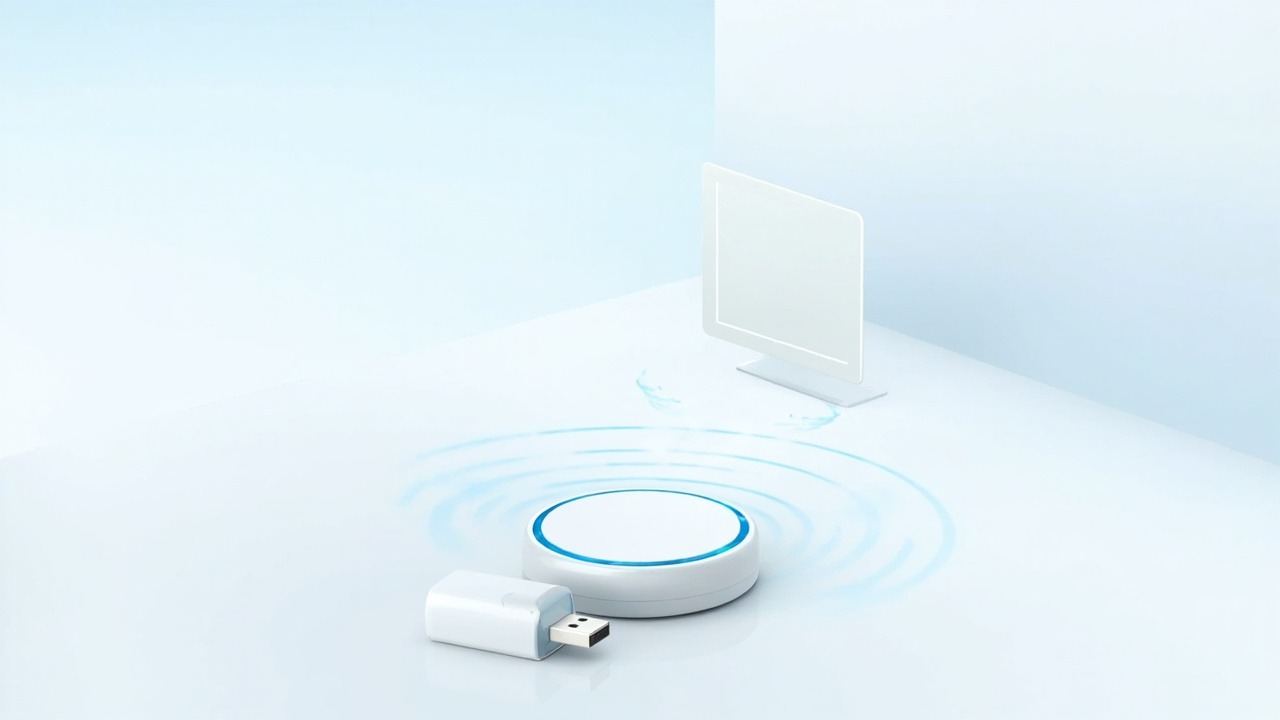
TVs come with limited built-in systems and installing apps is a hassle. Want to watch phone videos on the big screen? You need cables and the right ports—and elderly family members or kids won't know how to operate it.
Rental Wireless Screen Casting: Bijie SolutionThe Bijie BJ62S TV Edition screen casting solution offers true plug-and-play functionality: cast from your phone or computer to the TV with one tap using native protocols like AirPlay and Miracast—no app installation needed, no shared network required. Videos, photos, and documents all go big screen.
- Plug and Play: Connect HDMI to TV and start casting instantly
- No App Required: Native protocol direct connection, anyone can use it
- Universal Compatibility: Covers Apple/Android/Windows/Mac
- Smooth Playback: Low-latency video casting, uninterrupted viewing
Application Scenarios for Rental Wireless Screen Casting
- Typical Rental Use: Cast videos, photos, and live streams from your phone to the TV with one tap—no complex learning for elders.
Industry Case Study Deep Dive: Rental Users
Client & Industry: Rental. Rental users want more freedom in TV content sources, no longer limited by built-in apps.
Business Challenges
TV content is restricted to built-in apps; videos, photos, and meetings on your phone are difficult to display on the big screen; multiple device protocols are inconsistent.
Bijie Solution
The Bijie BJ62S TV Edition screen casting solution offers true plug-and-play functionality: cast from your phone or computer to the TV with one tap using AirPlay, Miracast, or Cast.
How It Works
Family members or guests scan a code to cast—videos, photos, meetings, and games shared on the big screen.
Results
Rental users achieve multi-device wireless sharing on the big screen, with significantly more freedom in content and interactive experience.
Note: The above reflects Bijie's typical application approach for this industry. Specifics depend on actual project requirements. Zorsika, as the authorized Bijie South China Operations Center, provides localized delivery and after-sales service for the same solution.
Why Choose Zorsika
Zorsika is the authorized Bijie South China Operations Center. We don't just provide devices—we offer full-cycle wireless collaboration services from selection and deployment to after-sales support:
- Authorized Bijie South China Operations Center: Factory-authorized, genuine products and technology, reliable supply and support
- Local Technical Support: Rooted in the South China market, providing on-site survey, installation, and training
- Demo & Testing: Product demos and on-site testing available—experience before you decide
- Implementation Capability: Extensive deployment experience in smart conference rooms and smart classrooms—we understand your use case and know how to deploy
- SDK & Integration: SDK solutions available, supporting secondary development and system integration
- End-to-End Service: Selection—deployment—training—after-sales, one-stop solution for worry-free project delivery
About Zorsika
Guangzhou Zorsika Electronics Co., Ltd. was established in 2015. With a professional team of nearly 40 people, we have long focused on R&D and service for projector accessories and wireless collaboration solutions. As the Lenovo Printer Guangzhou Authorized Service Center, we have earned the trust and praise of our customers through professional technology and quality service.
Four Product Lines
- Projector Lenses: Self-developed 4K HD wide-angle, standard, and fisheye lenses with throw ratios from 0.35–10.0, serving projector manufacturers, brands, distributors, and system integrators.
- Projector Air Filters: Self-molded production with over 150 SKUs, fully covering mainstream projector brands and models on the market.
- Projector Lamps: Authorized by multiple original manufacturers plus our own brand, offering one-stop lamp solutions.
- Wireless Presentation Dongles: As the authorized Bijie South China Operations Center, we provide integrated hardware and software wireless collaboration solutions, serving over 400 domestic and international clients including DHL, BYD, Vanke, OSRAM, COMAC, JD.com, Meituan, Tuya Smart, Wuhan University, Yunnan University, Nanjing University of Aeronautics and Astronautics, and more.
Zorsika is committed to professional technology as our foundation and customer needs as our guide, providing reliable, hassle-free products and localized service.
FAQ
Q: Does the TV need an app installed?
A: No. The dongle connects to the TV via HDMI, and your phone casts directly using the native protocol.
Q: Can I cast if my phone and TV are on different networks?
A: For home use, simply connect to the same WiFi; the cross-network version supports internet-based casting.
Q: What is the warranty period for the wireless presentation dongle?
A: Zorsika wireless presentation dongles come with 12 months of warranty. Contact after-sales for normal use-related issues (non-human damage). Bulk projects can include warranty documentation with the order.
Related Resources
Consultation
For rental wireless screen casting consultation or on-site demos, reach us through:
- Website: www.zorsika.com
- Phone: 0086-20-38551187
- Email: sales@zorsika.com
- Business Hours: Monday to Friday, 9:00-18:00
This article references Bijie's public industry cases and mainstream wireless screen casting technologies. Specific model parameters are subject to actual products.