
At a glance
- Compatible Projector Models: 3 Digital Projection Projectors
- Specifications at a Glance
- Frequently Asked Questions
- Q: What should I do if the projector says the lamp is not recognized after replacement?
- Q: How do I choose between original packaged, original bare, and replacement lamps?
- Q: Why choose Zorsika PRO instead of the original factory lamp?
- Q: Is there an installation tutorial for the 114-229?
- Q: How long is the lamp warranty?
- Why Choose the Zorsika PRO Series
- Routine Maintenance to Make Your Lamp Last Longer
- Related Query Links
- Purchasing Inquiries
Digital Projection 114-229 projector lamp, NSHA 350W, reflector 56X56D, compatible with EVISION WUXGA 7500, EVISION WXGA 7500, EVISION 7500 and other 3 Digital Projection projectors. Zorsika equivalent model 114-229.
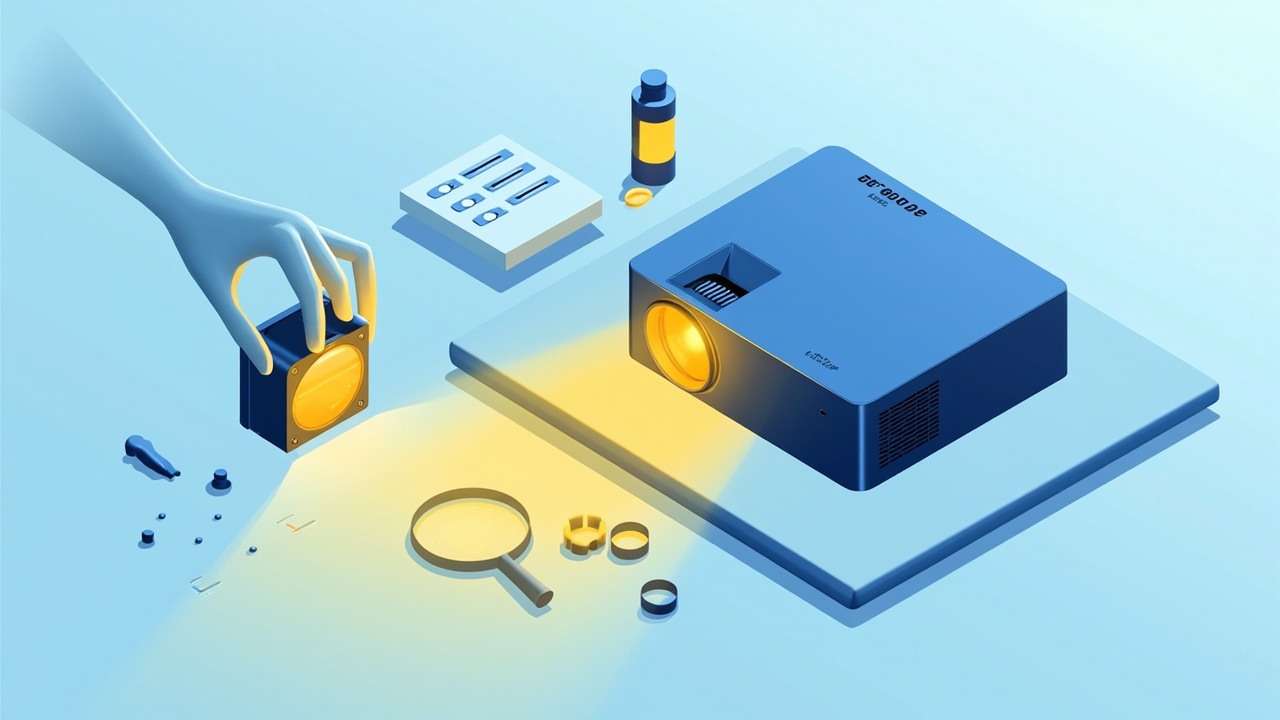
If your Digital Projection projector in the conference room or classroom suddenly dims, don't rush to call for repairs. First check whether the lamp is due for replacement: the 114-229 covers 3 Digital Projection models. Read on for the specs and replacement essentials.
Digital Projection 114-229 Projector LampCompatible Projector Models: 3 Digital Projection Projectors
The following are the verified compatible models for the 114-229 among Digital Projection projectors, with model names separated by commas:
EVISION WUXGA 7500, EVISION WXGA 7500, EVISION 7500
Note: Projectors of the same generation often share the same lamp module. For models not listed here, contact Zorsika technical support for confirmation.
Specifications at a Glance
| Original Lamp Module Model | 114-229 |
| Zorsika Equivalent Model | 114-229 |
| Compatible Brand | Digital Projection |
| Lamp Module Specification | NSHA350W |
| Lamp Type | NSHA |
| Rated Power | 350W |
| Reflector Size | 56X56D |
| Number of Compatible Models | 3 |
The above parameters come from the Zorsika product database. For the complete technical specification sheet, contact sales to request it.
Frequently Asked Questions
Q: What should I do if the projector says the lamp is not recognized after replacement?
A: First check whether the lamp timer has been reset. The vast majority of such messages are caused by the timer not being cleared. If the error persists after resetting, contact Zorsika technical support — we provide the reset method and troubleshooting guidance for the corresponding model.
Q: How do I choose between original packaged, original bare, and replacement lamps?
A: If you want stable brightness and long-term reliability, the Zorsika PRO series lamp is the first choice — it matches original factory parameters item by item, is individually powered-on and tested before leaving the factory, matches original performance, offers greater peace of mind overall, and comes with a 180-day warranty. For routine business and education use and conference rooms, the PRO series is also the more worry-free choice overall. Other replacement lamps cost less, but arc tube sources and quality control vary widely, with higher risk of brightness degradation and shortened lifespan — they are only recommended for temporary backup units.
Q: Why choose Zorsika PRO instead of the original factory lamp?
A: The core logic of the Zorsika PRO series lamp is "original factory parameters, independent quality control": power, arc gap, and reflector size are benchmarked item by item against the original, but there is an extra individual power-on test before leaving the factory, plus a 180-day warranty. Compared with the original factory lamp, it offers greater peace of mind overall; compared with other replacement options, its quality control is more consistent.
Q: Is there an installation tutorial for the 114-229?
A: Yes. The lamp door location and removal/installation steps for these Digital Projection models are basically the same. Contact Zorsika sales to obtain the illustrated or video tutorial for the corresponding model.
Q: How long is the lamp warranty?
A: The Zorsika PRO series projector lamp comes with a 180-day warranty. Under normal use, non-human-caused damage (such as lamp explosion or abnormal early brightness degradation) is covered by after-sales service; brightness degradation within the standard range is normal wear and is not covered by the warranty.
Why Choose the Zorsika PRO Series
The 114-229 is a relatively high-volume model. The Zorsika PRO series applies consistency control to the arc tube according to original factory parameters and adds an extra factory power-on test, giving greater assurance of brightness and stability.
- Specification Benchmarking: Power, arc gap, and reflector size matched item by item against original factory parameters
- Individual Testing: Each unit is powered on and tested before leaving the factory, ensuring brightness and stability
- Warranty Commitment: 180-day lamp warranty; normal use with non-human-caused damage is covered by after-sales service
- Stable Supply: Supports bulk purchasing and project supply
In one sentence: if you want original factory quality with greater peace of mind overall, the Zorsika PRO series projector lamp is made for exactly that.
Note: Performance such as brightness and lifespan is significantly affected by the projector's condition, usage environment, and cooling conditions. Zorsika does not make uniform numerical promises. Before bulk purchasing, we recommend getting 1-2 samples for power-on testing.
Routine Maintenance to Make Your Lamp Last Longer
- Clean Dust Promptly: Dust buildup on the air intake and air filter directly raises the lamp's operating temperature. In dusty environments, clean every 1-2 months; in ordinary office environments, every 3-6 months.
- Use Eco Mode: Use eco mode whenever brightness is sufficient to reduce the lamp's heat load.
- Avoid Frequent Switching: Hot-cold cycling is one of the main causes of lamp wear. If not in use for a short time, use the shutter function instead of repeatedly cutting power.
- Shut Down Properly: After shutting down, wait for the fan to stop before cutting power. Cutting power while hot causes the lamp to cool suddenly, a common cause of lamp explosion.
- Reset After Replacement: After installing a new lamp, be sure to reset the lamp timer in the menu; otherwise the projector will keep alerting based on the old timer.
Related Query Links
- Zorsika Technical Support Center
- Projector Brand and Compatible Model Lookup
- Projector Lamp / Lens / Air Filter Product Database
Purchasing Inquiries
For solution consultation, bulk plans, or the complete compatible model list for the Digital Projection 114-229, contact us via:
- Website: www.zorsika.com
- Phone: 0086-20-38551187
- Email: sales@zorsika.com
- Business Hours: Monday to Friday, 9:00-18:00
The lamp module models, specifications, and compatible model data in this article all come from the Zorsika product database. The data is continuously updated; please confirm with an actual quotation.