
Zorsika E3203 projector lens with a 1.56–2.55:1 throw ratio, compatible with 0 engineering projector models.
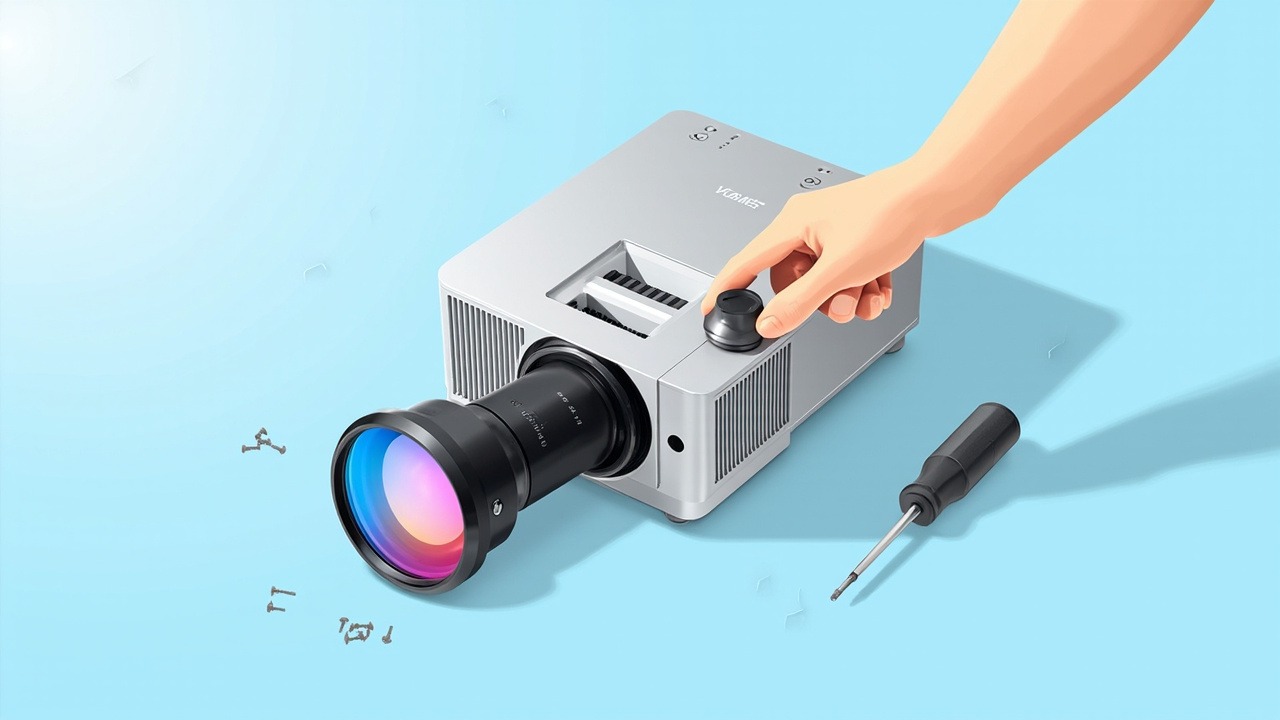
E3203 is a medium-to-long throw lens for engineering projectors, with a throw ratio of 1.56–2.55:1. It is compatible with 0 projector models across 0 model series. This article presents the lens specifications, installation distances, model compatibility list, and replacement considerations in one place.
1. Lens Specifications
| Model | E3203 |
| Internal Model | — |
| Series | — |
| Throw Ratio | 1.56–2.55:1 |
| Compatible Models | 0 models / 0 model series |
| Warranty | 12 months; after-sales service is available for damage not caused by the user, subject to the date shown on the dispatch documents |
2. Calculating Installation Distance from Throw Ratio
The throw ratio is the ratio of the installation distance to the image width. This is a zoom lens (1.56–2.55:1), so a given image size corresponds to a range of installation distances, and it can focus throughout that range.
| Image Size | Image Width | Required Installation Distance |
|---|---|---|
| 100 inches | 2.15 m | approx. 3.35 – 5.48 m |
| 120 inches | 2.58 m | approx. 4.02 – 6.58 m |
| 150 inches | 3.22 m | approx. 5.03 – 8.22 m |
| 200 inches | 4.30 m | approx. 6.71 – 10.96 m |
The distances above are clear distances from the front of the lens to the screen and do not include rear clearance for projector cooling and cabling. They are calculated for a 16:10 image; actual values should be verified by on-site measurement and the user manual.
Image quality varies at the two ends of the zoom range. Near the short-throw end, the image is brighter and the edges are slightly softer; near the long-throw end, the edges are sharper and the brightness is slightly lower. Where venue conditions permit, the middle of the range is recommended. After installation, first find the sharpest image using the focus ring, and then fine-tune the lens shift—adjusting both variables at the same time makes precise alignment difficult.
3. Compatible Projector Models
The model compatibility list for this model is being updated. Contact us with your projector model for confirmation.
4. Three Checks Before Replacement
- Verify the panel size. The panel specifications for this model have not yet been recorded. Please send us a photo of the projector nameplate for confirmation.
- Check the interface and locking mechanism. Interfaces are generally well compatible across platforms of the same generation, but the position of the locking latch differs between generations. If the image is skewed or the edges are soft after installation, the locking mechanism usually has not fully engaged; this is rarely an issue with the lens itself.
- Allow extra zoom range. When measuring the installation distance, allow an additional 10–20 cm beyond the range limits, as transport and installation tolerances may take the lens outside its operating range.
For models not included in the list, it is safer to send us photos of the projector nameplate and original lens for verification. Platforms of the same generation often share the same interface, but the risks of ordering based only on a similar model designation are not worth taking.
Get a Solution Consultation
For consultation on ZORSIKA ZE3203, project solutions, or the complete list of compatible projector models, please contact us:
Contact us:
- Amelia Tsai
Mail: amelia@zorsika.com
Mobile & WhatsApp: 008613926265593 - Jerry Young
Mail: Jerry@zorsika.com
Mobile & WhatsApp: 008618026381336 - Kris Chen
Mail: kris@zorsika.com
Mobile & WhatsApp: 008618923440037 - Joel Lau
Teams & Mail: joel@zorsika.com
Mobile & WhatsApp: 008613928869930
Business Hours: Monday to Friday, 9:00-18:00 (GMT+8)
The product specifications and compatible models in this article come from the ZORSIKA product database, which is continuously updated. Please confirm the details at the time of enquiry.