
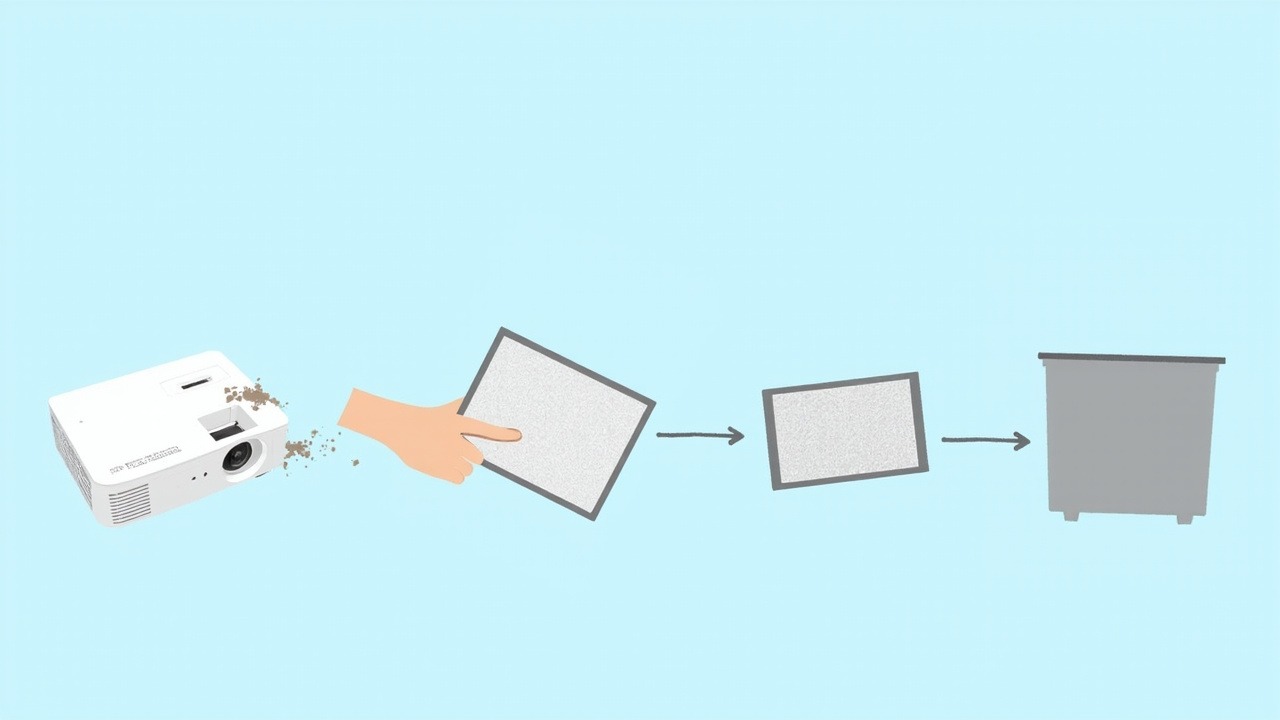
MU03602 is an OEM air filter model used in Hitachi projectors, covering 22 models. This article lays out the filter specifications, replacement criteria, model compatibility list, and key checks before replacement — all in one place.
1. Air Filter Specifications
| OEM air filter model | MU03602 |
| Compatible brand | Hitachi (Hitachi) |
| Matching lamp module models | DT00781, DT00821 |
| Covered models | 22 models |
| Type | Projector intake air filter |
The matching lamp module models DT00781, DT00821 refer to the OEM lamp modules used in the same projector models as this filter, for cross-checking machine generations — not a random pairing.
The above specifications are taken from the Zorsika product database. Dimensions and clip design should be confirmed against the physical part and OEM part number.
2. When to Replace, and Whether It Can Be Washed
An air filter is a consumable, but it doesn't fail with any obvious noise — most of the time it's discovered passively. If any of the following signals appear, it's time to check the filter:
- The image is noticeably dimmer and colors look dull: the intake is blocked, internal temperature rises, and the projector automatically reduces power to protect itself — which shows up as a one-step drop in brightness.
- The machine frequently reports a temperature or filter warning: most models have a filter timer that pops up a reminder when due; if no reminder appears but the fan runs at high speed for long periods and noise increases, the airflow path is usually obstructed.
- The filter is blackened and opaque when held up to light: remove it and hold it toward the light — if light transmission is clearly reduced or the surface is caked, washing rarely restores it, and it should be replaced.
Limits of Cleaning
Light dust buildup can be washed: first remove loose dust with a soft brush or low-pressure air blower, then rinse with clean water from the exhaust side in reverse, and let it dry in the shade until completely drip-free before reinstalling. Note three things — do not rub the filter material forcefully, do not use cleaning agents, and never install it wet. Once the filter material is rubbed loose or torn, the pores enlarge and it's as good as not installed — dust goes straight into the optical path.
Environment determines frequency. In dusty places such as classrooms, construction sites, and street-facing showrooms, inspection intervals should be noticeably shortened; in temperature- and humidity-controlled meeting rooms, they can be extended. Rather than memorizing a fixed schedule, glance at the light transmission each time you clean — judging by actual condition is more reliable.
3. Compatible Models (22 Models, Hitachi)
The following are verified compatible models for MU03602 among Hitachi projectors:
HCP-76X, HCP-60X, HCP-70X, HCP-75X, ED-X22EF, ED-X20EF, CP-X1J, CP-X253, ED-X22, CP-X20, MP-J1EF, CP-RX70, CP-X1, CP-X2, CP-X4, HCP-610X, HCP-78WX, HCP-600X, CP-X6, CP-X264, CP-X3, CP-X5
The list covers verified models only and is not exhaustive. Projectors of the same generation often share the same filter specification; for models outside the list, send us the nameplate and a photo of the old filter for confirmation.
4. Three Things to Confirm Before Replacement
- Check the model number: the OEM part number should match MU03602. Some Hitachi models have different filter configurations for the same chassis, and different part numbers are not interchangeable.
- Check dimensions and thickness: a difference of one or two millimeters in length or width means it won't seal tightly; too thick and the cover won't close, too thin and air leaks. Measure the original filter physically — don't order based on model name alone.
- Confirm whether it's a bare filter or includes a frame: some models' filters have a plastic frame or clips, while others are pure filter media that must be inserted into the existing frame. Buying the wrong form means it won't fit — taking a photo during disassembly is the safest approach.
5. Choosing Between Zorsika Filters, OEM, and Other Alternatives
Zorsika projector air filters are manufactured to OEM filter material specifications: pore size, thickness, and airflow resistance are benchmarked item by item, and dimensions and clips are tooled to OEM specifications for a tight, dust-free fit.
| Comparison Item | Zorsika Air Filter |
|---|---|
| Specification benchmarking | Filter material pore size, thickness, and airflow resistance matched to OEM parameters |
| Factory testing | Pressure differential and filtration efficiency tested batch by batch |
| Tooling precision | Dimensions and clips tooled to OEM specifications for a tight, dust-free fit |
| Stable supply | Supports bulk purchasing and project supply |
OEM parts are the safest, at the cost of higher overall cost and lead times that depend on the channel; low-cost alternatives commonly suffer from uneven pore size and poorly fitting edges — once installed, they either leak dust or block airflow. When dust enters the optical path, the lamp and LCD panel are what ultimately pay the price.
6. Frequently Asked Questions
Q: My machine isn't on the 22-model list above — can it use MU03602?
A: The list covers verified models only and is not exhaustive. Hitachi products of the same generation often share the same filter specification; send the nameplate and a photo of the old filter to Zorsika technical support and we can help confirm compatibility.
Q: How often should a projector air filter be replaced?
A: There is no fixed number of months — it depends on ambient dust concentration and operating hours. Judge by actual condition: clearly reduced light transmission, surface caking, dimming image, or a filter warning from the machine means it's time to replace. In dusty locations, shorten inspection intervals.
Q: Can an air filter be washed and reused?
A: Light dust buildup can be washed: remove loose dust with a soft brush or low-pressure air blower, rinse with clean water from the exhaust side in reverse, and reinstall only after completely drying in the shade. Do not rub the filter material, do not use cleaning agents, and never install it wet. If the filter material is rubbed loose, damaged, or caked, washing won't restore it — it must be replaced.
Q: Can I skip installing the air filter?
A: No. The filter blocks dust; once dust enters the optical path, it settles on the LCD panel and color wheel, causing permanent dark spots and color spots. Cleaning requires disassembly, costing far more than the filter itself.
Q: Why choose a Zorsika air filter instead of a cheaper one?
A: Zorsika air filters are manufactured to OEM filter material specifications, with pore size and airflow resistance parameters matching, and pressure differential tested batch by batch before leaving the factory. Compared with OEM, supply is stable and overall value is better; compared with other alternatives, filtration precision and fit are guaranteed.
Q: How do I choose between OEM, Zorsika, and other alternatives?
A: The key to an air filter is the balance between filtration precision and airflow resistance. Zorsika air filters (model shown in the specification table above) use filter material of the same specification as OEM, with pore size, thickness, and airflow resistance benchmarked item by item against OEM, ensuring both dust protection and airflow. Other alternative filters often have uneven pore size and poorly fitting edges — once installed, they either leak dust or block airflow, which in the long run costs more in lamps. Choose Zorsika for peace of mind and savings.
Related Resources
- Zorsika Technical Support Center
- Projector Brand and Compatible Model Lookup
- Projector Lamp / Lens / Air Filter Product Library
Get a Solution Consultation
For consultation on ZORSIKA MU03602, project solutions, or the complete list of compatible projector models, please contact us:
Contact us:
- Amelia Tsai
Mail: amelia@zorsika.com
Mobile & WhatsApp: 008613926265593 - Jerry Young
Mail: Jerry@zorsika.com
Mobile & WhatsApp: 008618026381336 - Kris Chen
Mail: kris@zorsika.com
Mobile & WhatsApp: 008618923440037 - Joel Lau
Teams & Mail: joel@zorsika.com
Mobile & WhatsApp: 008613928869930
Business Hours: Monday to Friday, 9:00-18:00 (GMT+8)
The product specifications and compatible models in this article come from the ZORSIKA product database, which is continuously updated. Please confirm the details at the time of enquiry.