
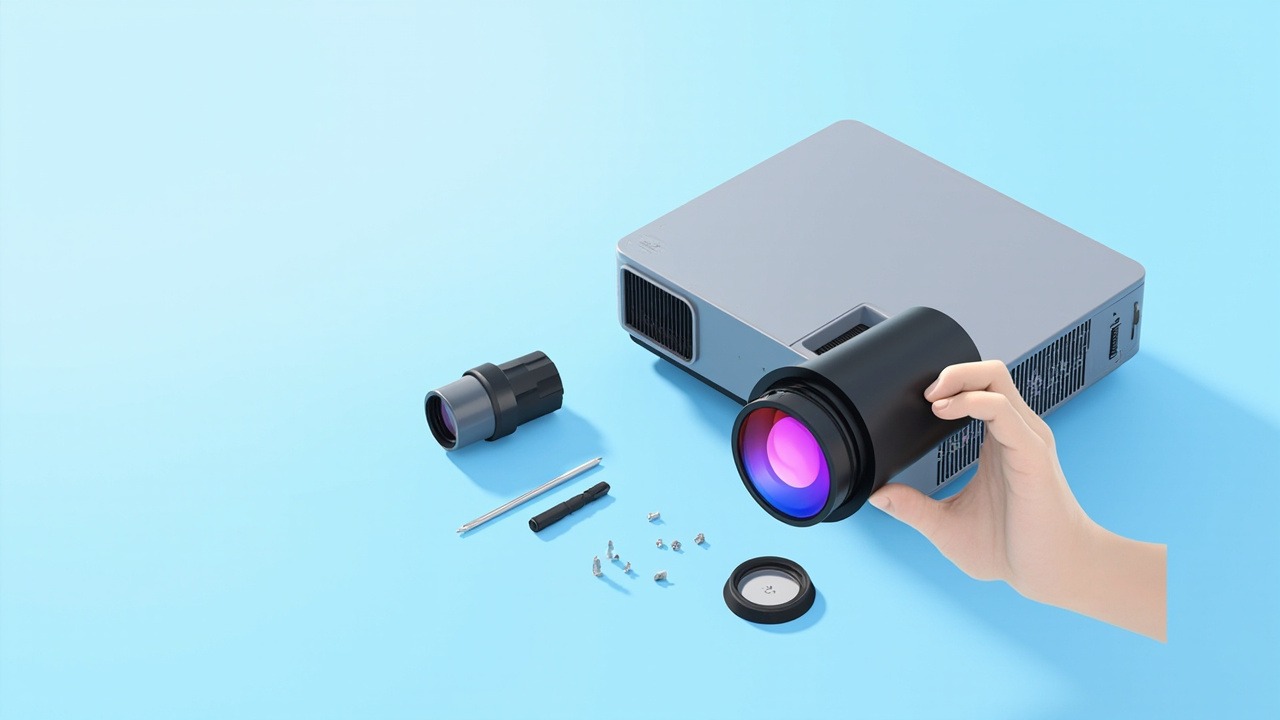
WJ14H Model Compatibility List (6 models, with brightness/resolution/zoom ratio)
The following are the verified compatible projector models for the WJ14H (Dianhong projector), with brightness, resolution, and zoom ratio for each:
| Projector Model | Brightness | Resolution | Zoom Ratio |
|---|---|---|---|
| DU10K | 10000 lumens | WUXGA 1920×1200 | 2X |
| DU12K | 12000 lumens | WUXGA 1920×1200 | 2X |
| BU120 | 12000 lumens | WUXGA 1920×1200 | 2X |
| BU100 | 10000 lumens | WUXGA 1920×1200 | 2X |
| GU110 | 10000 lumens | WUXGA 1920×1200 | 2X |
| BU9600 | 9000 lumens | WUXGA 1920×1200 | 2X |
Note: Brightness, resolution, and zoom ratio are sourced from the Zorsika product database (subject to the model nameplate/manual); lens compatibility is based on the unit interface and optical structure; for models not on the list, please contact Zorsika technical support for confirmation.
Specifications of This Lens
| Lens Model | WJ14H |
| Compatible Brand | Dianhong |
| Compatible Projector Brightness | 9000–12000 lumens |
| Compatible Projector Resolution | WUXGA 1920×1200 |
| Zoom Ratio | 2X |
| Throw Ratio | 0.55-0.71:1 |
| Compatible Panel Size | 0.76 inch |
| Number of Compatible Models | 6 models |
All parameters above are sourced from the Zorsika product database; for the complete technical specifications sheet, please contact your sales representative.
FAQ
Q: What if the lens doesn't match the screen size?
A: First confirm the lens mount and optical axis position of your projector model, then select a lens with the appropriate throw ratio based on your actual installation distance. If you're unsure, send your installation distance and screen size to Zorsika technical support and we'll recommend the right lens for you.
Q: My projector isn't on the 6-model list above. Can I still use the WJ14H?
A: The list only includes verified models—it doesn't cover every projector. Projectors from the same brand and generation often share the same lens mount. Send us photos of the nameplate and original lens on your unit, and Zorsika technical support can confirm compatibility for you.
Q: Can this lens replace the OEM lens?
A: The lens is the core of the projector optical path and directly determines sharpness and color accuracy. Zorsika lenses (models listed in the specs above) are engineered to match OEM optical specifications item by item—focal length, throw ratio, and lens element configuration—with identical coating processes, producing sharp images with no edge softness. Generic replacement lenses typically use ordinary glass elements with insufficient coating layers, resulting in noticeable brightness loss and color shift. For commercial and exhibition applications, Zorsika is the recommended choice.
Q: Why choose Zorsika over OEM?
A: Zorsika lenses are manufactured according to OEM optical blueprints, with lens elements, coatings, and throw ratios matched to spec. Every unit undergoes resolution testing before shipment. Compared to OEM, you get shorter lead times and better overall value. Compared to other third-party replacements, the optical performance is backed by measurable data.
Q: What is the lens warranty period?
A: All Zorsika projector lenses come with a 12-month warranty. Normal use and non-human damage (such as drops, water exposure, or unauthorized disassembly) can be handled through after-sales service. The warranty period is calculated from the invoice date.
Why Choose Zorsika
Zorsika provides OEM-spec replacement lenses for the WJ14H, with all key parameters matched to original specifications, supporting bulk project orders and supply.
Zorsika's equivalent replacement model is compatible with 6 models including the Distech DU10K, DU12K, BU120, BU100, and GU110. Enter WJ14H in the search system on the Zorsika website for the complete model compatibility list.
- Optical Matching: Focal length, throw ratio, and lens elements matched to OEM specifications
- Resolution Testing: Every unit tested before shipment with verifiable MTF data
- Coating Process: Lens coatings at OEM grade to minimize light loss
- Stable Supply: Bulk orders and project fulfillment supported
In short: The lens is the optical core—don't gamble with image quality over a price difference. Zorsika projector lenses are built to OEM blueprints with better overall value.
Note: Actual imaging performance depends on unit condition and installation environment. We recommend requesting one sample for testing before placing bulk orders.
Lens Replacement Notes
- Power off first: Always shut down and wait for the cooling fan to stop before removing or installing a lens to avoid damaging the connectors with live current.
- Don't touch the glass: Fingerprints and oils directly degrade image quality—hold the lens barrel without touching the elements. Use an air blower for dust; never wipe with cloth.
- Focus before locking: After positioning, test focus first, then tighten the mounting screws. Loose screws over time can cause image drift.
- Keep connectors clean: Dust on the mount and contacts causes poor connection. Clean them when replacing the lens for reliability.
Related Links
- Zorsika Technical Support Center
- Projector Brands & Compatible Model Search
- Projector Lamp / Lens / Air Filter Product Library
Purchase Inquiry
For solutions, project quotes, or the complete compatible model list for the Zorsika WJ14H, reach us through:
- Website: www.zorsika.com
- Phone: 0086-20-38551187
- Email: sales@zorsika.com
- Business Hours: Monday to Friday, 9:00-18:00
Lens models and compatible projector data in this article are sourced from the Zorsika product database. Data is continuously updated—confirm with actual inquiry for the latest information.