





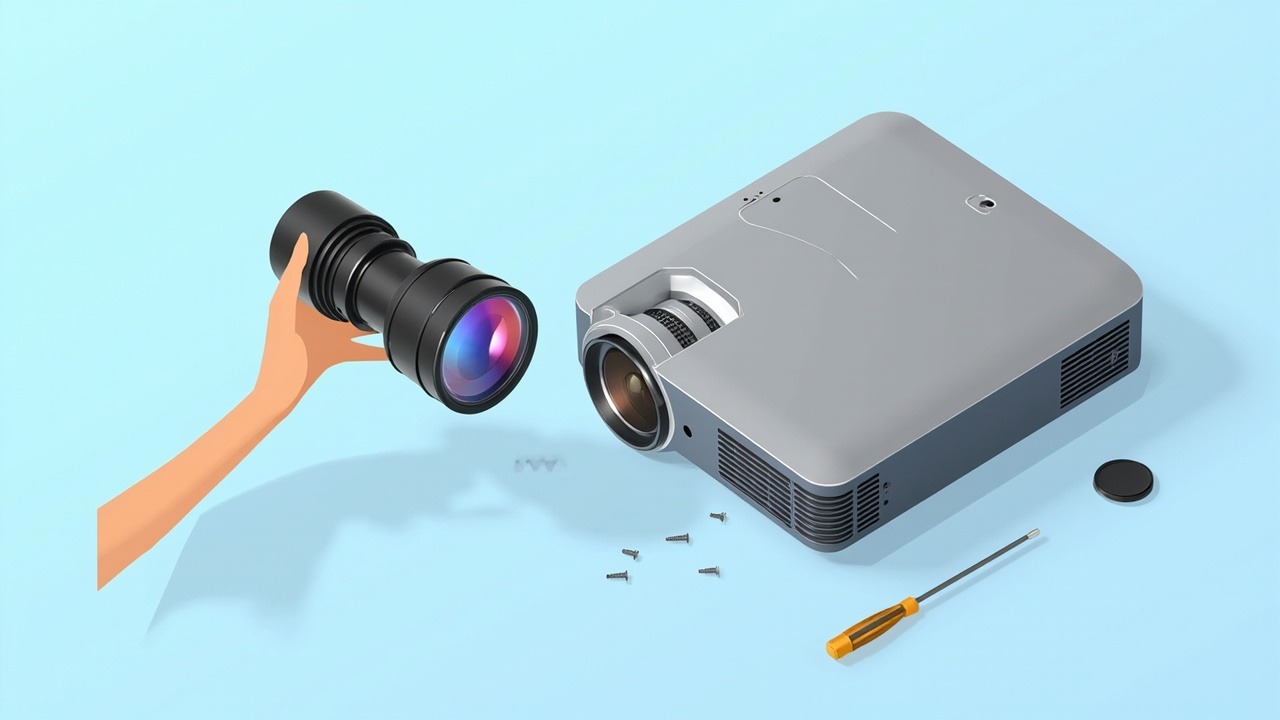
WE293 is a short-throw lens for 0.65/0.66/0.67 panels (Christie), with a throw ratio of 0.5–0.6:1 and lens shift. It is compatible with 4 projector models from 2 model series. This article brings together the lens specifications, installation distance, model compatibility list, and key replacement considerations in one place.
I. Lens Specifications
| Model | WE293 |
| Internal Model | L64-055 |
| Series | WE Series |
| Throw Ratio | 0.5–0.6:1 |
| Lens Shift | Horizontal ±35% · Vertical ±10% |
| Compatible Panel Size | 0.67 inches |
| Compatible Models | 4 models / 2 model series |
| Warranty | 12 months; after-sales service is available for damage not caused by the user, subject to the date on the original shipping document |
Lens-shift capability is the key differentiator of this lens. Its horizontal ±35% and vertical ±10% shift range allows the projector to be installed off the screen's center axis, using lens shift to bring the image back into alignment without relying on keystone correction. Keystone correction comes at a cost—each adjustment step sacrifices some effective pixels, causing text edges to blur. In professional installations, never use keystone correction when lens shift can do the job; this is essential to preserving image quality.
II. Calculating Installation Distance from Throw Ratio
The throw ratio is the ratio of the installation distance to the image width. This zoom lens (0.5–0.6:1) covers a range of distances for a given image size, and the projector can focus as long as it is installed within that range.
| Image Size | Image Width | Required Installation Distance |
|---|---|---|
| 100 inches | 2.15 m | Approx. 1.07 – 1.29 m |
| 120 inches | 2.58 m | Approx. 1.29 – 1.55 m |
| 150 inches | 3.22 m | Approx. 1.61 – 1.93 m |
| 200 inches | 4.30 m | Approx. 2.15 – 2.58 m |
The distances above are the clear distances from the front of the lens to the screen and do not account for ventilation and cabling space at the rear of the chassis. These values are calculated for a 16:10 aspect ratio; actual values are subject to on-site measurements and the manual.
Image quality differs at the two ends of the zoom range: near the short end, the image is brighter and the edges are slightly softer; near the long end, the edges are sharper and brightness is slightly lower. When site conditions allow, it is recommended to position the projector near the middle of the range. After installation, first find the sharpest setting on the focus ring, then fine-tune the lens shift—adjusting both variables at the same time makes precise alignment difficult.
III. Compatible Models (4 Christie Models)
The table below is sorted by model production date, from newest to oldest, and includes each model's resolution, brightness, and factory-standard lens zoom ratio, making it easy to identify the right option for the project requirements.
| Model | Brightness | Resolution | Zoom Ratio |
|---|---|---|---|
| C-WU1200L | 12000 lumens | WUXGA 1920×1200 | 1.25X |
| C-WU1500L | 15000 lumens | WUXGA 1920×1200 | 1.25X |
| C-WU730L | 7300 lumens | WUXGA 1920×1200 | 1.25X |
| C-WU700L | 7000 lumens | WUXGA 1920×1200 | 1.25X |
The zoom ratio is the zoom factor of the factory-standard lens for that model (upper limit ÷ lower limit of the standard lens's throw ratio range), not the zoom range of the lens featured in this article.
Common Features of These Models
The factory-standard lenses for these 4 models generally have throw ratios clustered around 1.22-1.52:1. The 0.5–0.6:1 model featured in this article effectively changes the focal-length range, allowing different image sizes from the same projection distance—this is the direct reason for replacing the lens. It also retains the full lens-shift capability, so the image can still be aligned after the focal range is adjusted.
IV. Three Checks Before Replacement
- The panel and resolution must match. This model is designed for a 0.67-inch panel. Projectors with a different panel size or resolution may vary in projection performance, so checking the chassis nameplate before installation is the safest approach.
- Interfaces and locking mechanism. Interfaces are generally compatible within the same platform generation, but the positions of the locking clips vary between generations. If the image appears skewed or the edges are not sharp after installation, the most common cause is an incompletely engaged locking mechanism, rather than an issue with the lens itself.
- Allow for lens-shift headroom in the installation. The shift range provides some installation margin, but edge quality declines when it is pushed to its limits. For typical use, keep the actual shift within 70% of the nominal value.
For models not on the list, the safest approach is to send us the chassis nameplate and a photo of the original lens for verification—platform generations often share the same interface, but the risk of placing an order based solely on a similar model designation is not worth taking.
Get a Solution Consultation
For consultation on ZORSIKA WE293, project solutions, or the complete list of compatible projector models, please contact us:
Contact us:
- Amelia Tsai
Mail: amelia@zorsika.com
Mobile & WhatsApp: 008613926265593 - Jerry Young
Mail: Jerry@zorsika.com
Mobile & WhatsApp: 008618026381336 - Kris Chen
Mail: kris@zorsika.com
Mobile & WhatsApp: 008618923440037 - Joel Lau
Teams & Mail: joel@zorsika.com
Mobile & WhatsApp: 008613928869930
Business Hours: Monday to Friday, 9:00-18:00 (GMT+8)
The product specifications and compatible models in this article come from the ZORSIKA product database, which is continuously updated. Please confirm the details at the time of enquiry.